Hello,
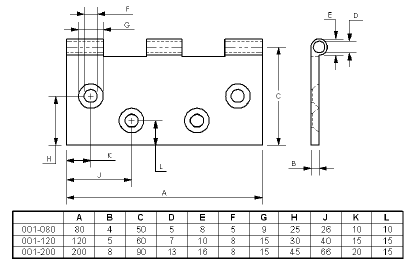
I have just created a family of parts and I have to make the plans for each configuration.
1st question:
How to switch config on all views at the same time?
Do we agree that you have to make a single DRW file and change the config to then extract a pdf?
2nd question:
How do I get the description associated with the config on the title block so that it changes when I change the config on the views?
Currently my cartridge via auto search for the property "$PRPSHEET:" Description " but nothing is displayed whatever the configuration of the views.
Thank you for your help
Cdlt