Help with 3D modeling of candy shapes on SolidWorks 2026
Hello everyone,
I'm looking for a little help and guidance on making multiple 3D candy shapes using SolidWorks 2026.
It involves creating shapes that can be reproduced by engraving on rolls of candy-forming machines.
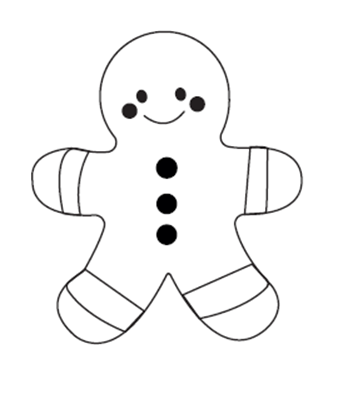
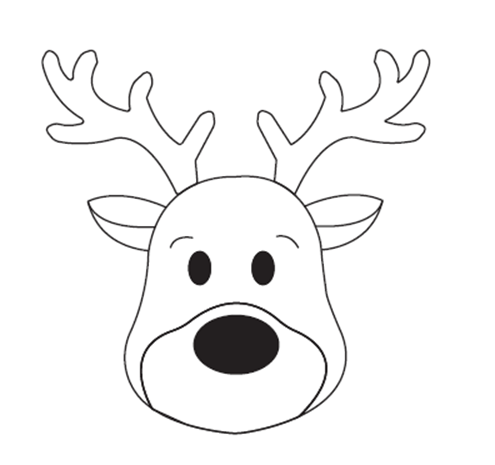
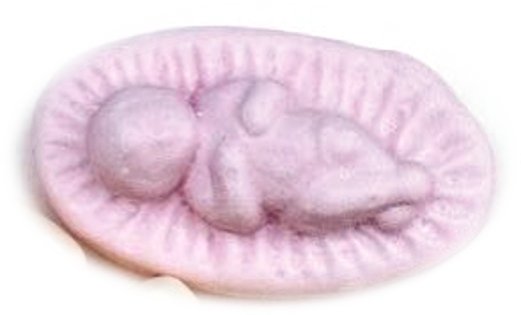
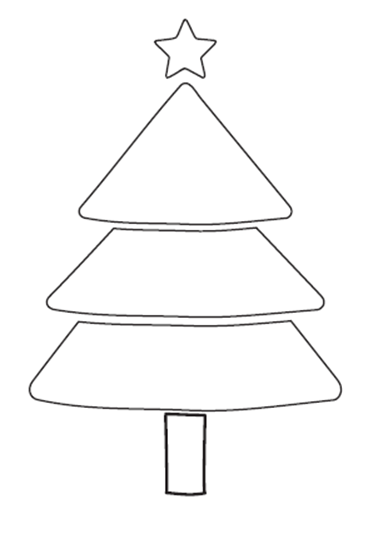
You will find attached an image presenting the different patterns I would like to make:
- Santa Claus
- Christmas Ball
- Christmas tree
- Caribou
- Gingerbread Man
- Little Jesus in his manger
1. Manufacturing Principle
The shapes will be reproduced on engraved cylinders that allow the candies to be formed by rolling.
To better understand the principle of operation, here is a link to our website presenting the machines used:
It is therefore necessary to design 3D volumes that are sufficiently rounded and harmonious to obtain a beautiful result after passing between the reels.
2. My current work on SolidWorks
I started working on Santa Claus in SolidWorks 2026.
For the moment, I have simply imported the image and made a first sketch corresponding to the outer outline of the character. This allows me to obtain a first 2D shape.
I'm thinking about a modeling method that would be to create multiple sketches on different planes, with curves representing the different sections of the volume, and then use the Smoothing function (Bossing/Smoothed Base) to generate the 3D shape.
But I'm not sure that's the best method.
I am therefore interested in advice on the method to use: smoothing, boundary surfaces, guide curves, volume deformation or any other technique to obtain a satisfactory result.
3. Aesthetic appearance and manufacturing constraints
A little artistic fiber would also be welcome!
The objective is to give relief to the characters and to create visually pleasing volumes.
However, there is an important constraint to consider: details that are too fine do not stand out properly with this rolling manufacturing process.
It is therefore preferable to favor fairly simple shapes, generous reliefs and well-marked contours, rather than trying to reproduce all the small details of the original drawing.
The shapes must remain recognizable while being adapted to their manufacture.
4. Dimensions of the characters and motifs
- Maximum width: 23 mm
- Maximum height: 23 mm
- Desired engraving depth: approx. 10 mm
5. What I'm looking for
Ideally, I'd like some help to make a first successful 3D model, starting with Santa Claus, which could then serve as a reference method for the other characters.
If some members are familiar with SolidWorks and can advise me on the construction method, or even share an example of modeling or some tips, it would be really appreciated.
Thank you in advance for your help and advice!

1 Santa Claus. SLDPRT (105.1 KB)
Roll D 150 to 120 199 . SLDPRT (139.0 KB)