Hello
On SW2026, the icon for a STEP file is replaced with a solidworks apps icon.
Do you have a solution?
Thank you all
Hello
This is due to file association in Windows.
This can be changed in the Windows settings here:
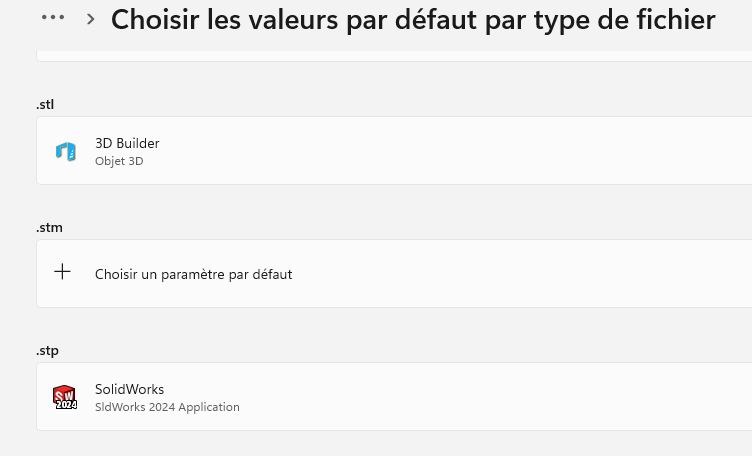
To change the icon, you need to change the application that opens this type of file.
There was a time long ago now when you could easily change icons without changing applications...
I hope I have enlightened you.
Have a good end of the day.
2 Likes
Hello and thank you,
but this removes the automatic execution of the STEP when they are downloaded.
Kind regards
From memory there are 2 possibilities of choice for solidworks modified by the other choice (Solidworks and Solidworks Apss something like that) Only one of the 2 runs automatically to test between the 2.