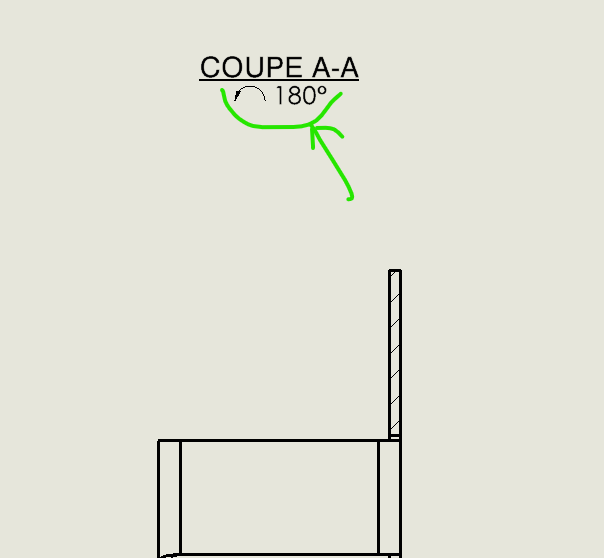
I am currently on a Drawing on inventor 2022 sp5.2 I made a cut but this one upside down, and I turned it 180° Would you be how to indicate the rotation in the title of the view automatically? On SolidWorks there is an option to put this text in auto, but on Inventor I couldn't find it.
Thank you for your answer. Indeed I went to look at the style editor and in the views menu and the text settings (Personal property), unfortunately I couldn't find anything.
The videos you offer are interesting, but don't talk about that missing option, even if it can be replaced by manual text. Around 9' of the second video, the elements set in the style editor allow you to create a style for dimensions, layers, etc., but the settings on the views are limited.