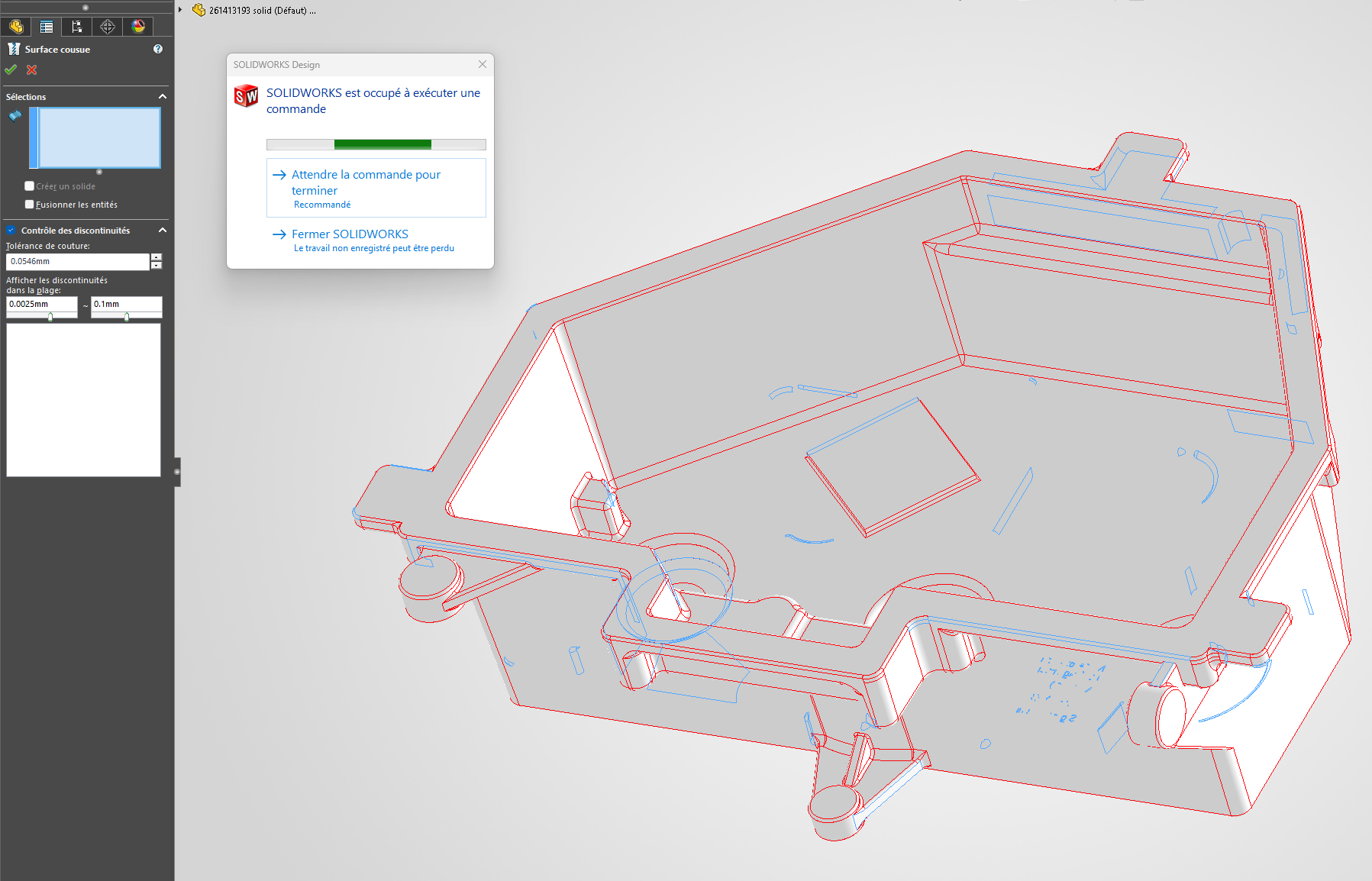
I receive client parts in STEP which, when opened, are made up of thousands of surfaces instead of being a closed volume.
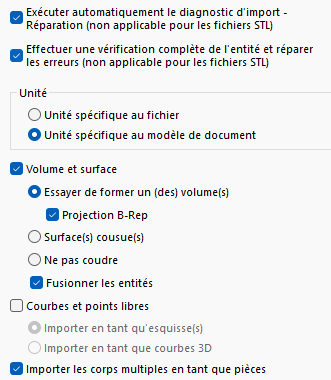
I suppose the problem is more likely to come from their export than from my opening settings. (I do have the " open as solid body" option selected in my STEP import settings)
What's really blocking is that in the " Sewn Surface" tool, selecting these thousands of surfaces, either by lasso around the piece or by selecting the whole from the tree, takes hours because they are selected one by one.
Is there a better solution to sew these faces and form a solid? Do I just have to wait hours for the selection to finish?
I imagine Solidworks failed to " repair " the imported component: What are your settings for import options (General and STP...) => import option / Try to form one or more volumes Projection B-Rep Merging entities
If you have contact with your client, ask if they can return the STEPs in " Volume" instead of the current " Surface / or outer faces." In 90% of modeling software, this export option exists. (In 99% of cases, it's a salesperson unaware of the subtleties of the design world who sends the 3D, not a technician.) PS: Ask if they don't have a Solidworks version (watch out for versions) on hand, you never know...
Try converting the component back to the " Parasolid " format (*.x_t); this sometimes allows you to obtain volume from surfaces if they are well closed, sometimes requiring a small reconstruction in 3D.
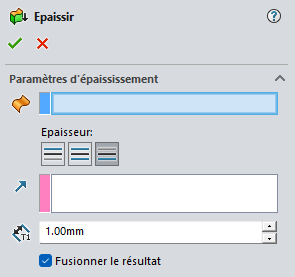
If this really is not possible, in the case of a component with constant thickness, the least complicated (not the simplest) is often to: Remove all external faces then rebuild the thickness with the " Thickness " function: This operation is sometimes complex depending on the geometry of the part.
Or ask directly for parasolid (.x_t) to supplement @Maclane . Solidworks and Topsolid engine format as well (so recommended for neutral export of either of these two programs.) Step is recommended for a part since inventor.