Text display about "a developed" that is not displayed in the "Autocad" dwg

Hello everyone,

I have a display or creation problem on dwg, created from a Solidworks MEP (2022SP4).
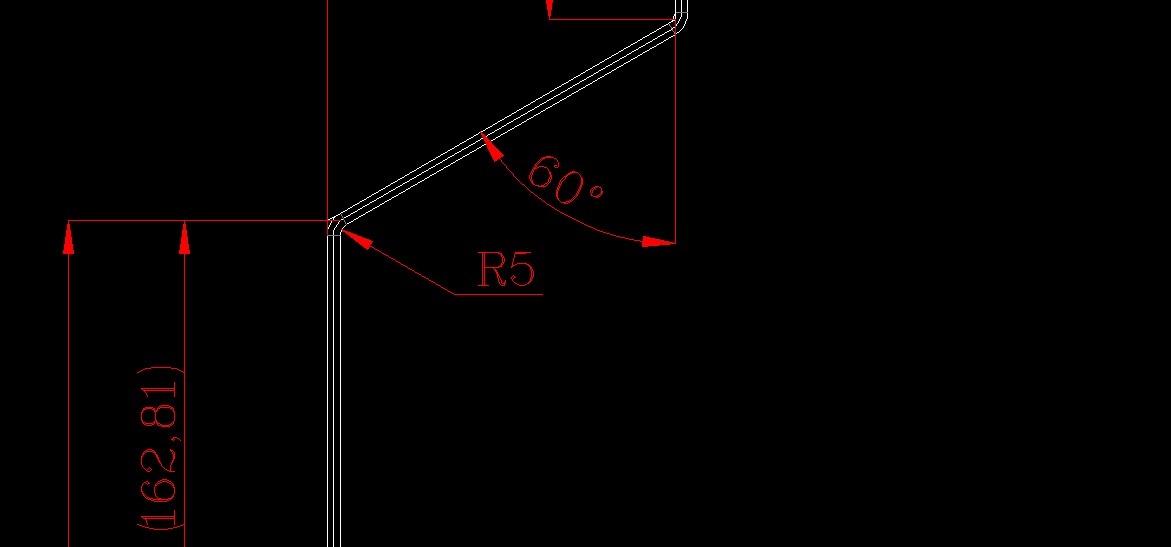
That is to say I save a Solidworks MEP in PDF and DWG, the problem is that my developed annotation disappears, no longer exists.
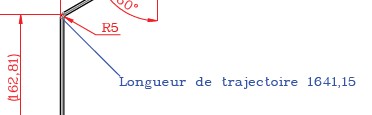
Please find attached the relevant screenshots:
1 => Solidworks file=>


2 = pdf file=>
Développée_1
3=>Autocad DWG=>

I've tried all of them on Calque; plans; hidden; not hidden; lines; printed; unprinted, ect ... than NINI,Whalou!!
Thank you for your help.
@+.
AR.

Can you send us your mep with the piece
Is it an automatic, macro or other rating?
Is it just a manual note?

Hello Le_Bidule,
It's a " path length" from Solidworks, which I insert automatically, and then I notice that it no longer appears in Autocad.
For the MEP with its room=>
18341-1B60_1001.SLDPRT (266.5 KB)
18341-1B60_1001.slddrw (725.8 KB)
Thank you again.
…@+.
AR.

Indeed at home too it disappears on the dwg.

Several tries later... No change on SW2023SP5

1 Like

Hello,

tested on SW2024, same behavior.
I think it's related to the fact that it's not a dimension but an object from a function.

1 Like

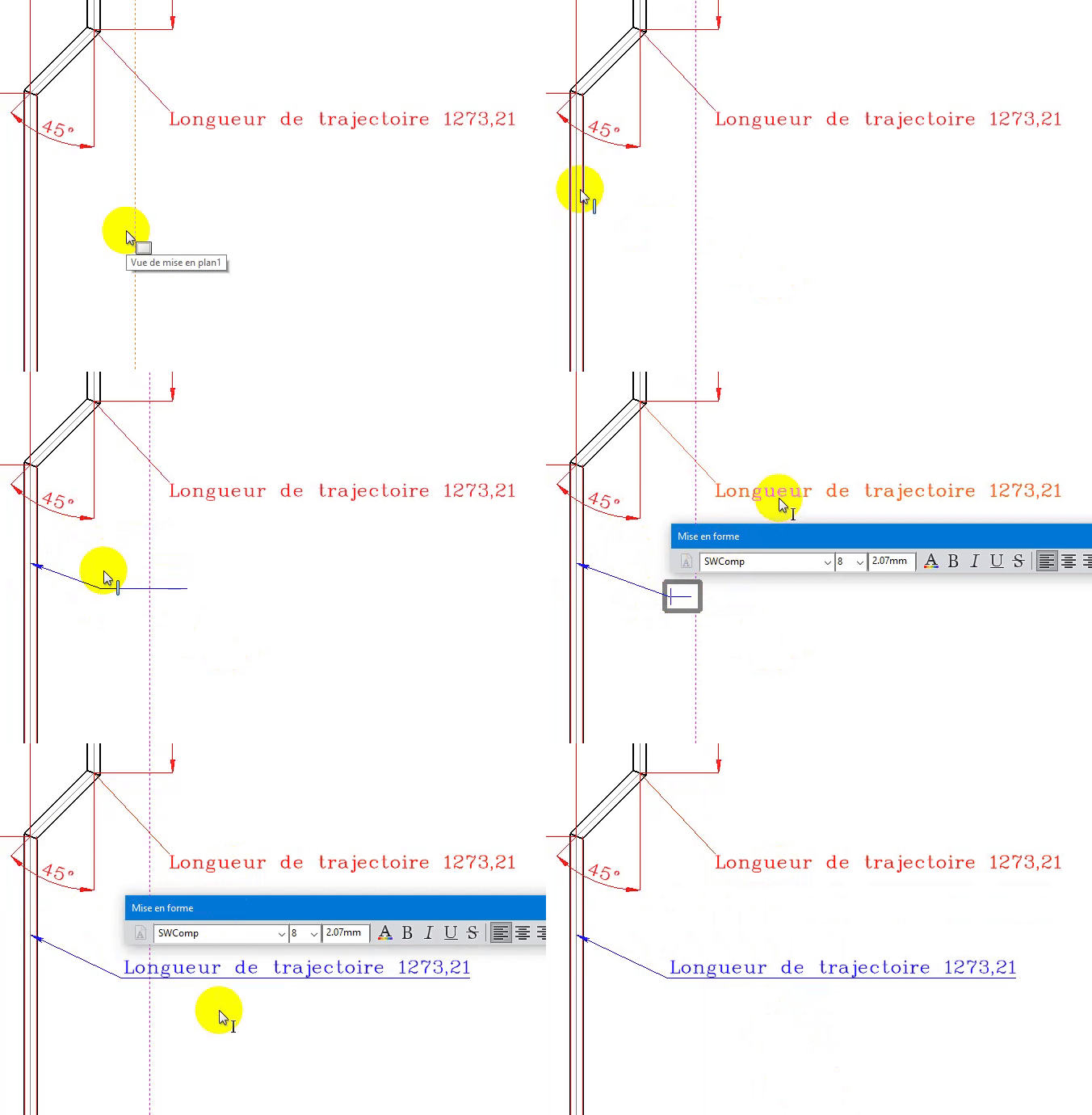
In addition, for it to pass, you have to associate the trajectory dimension with a property of the file.
Then in the drawing, associate it with a note and there it appears in the dwg
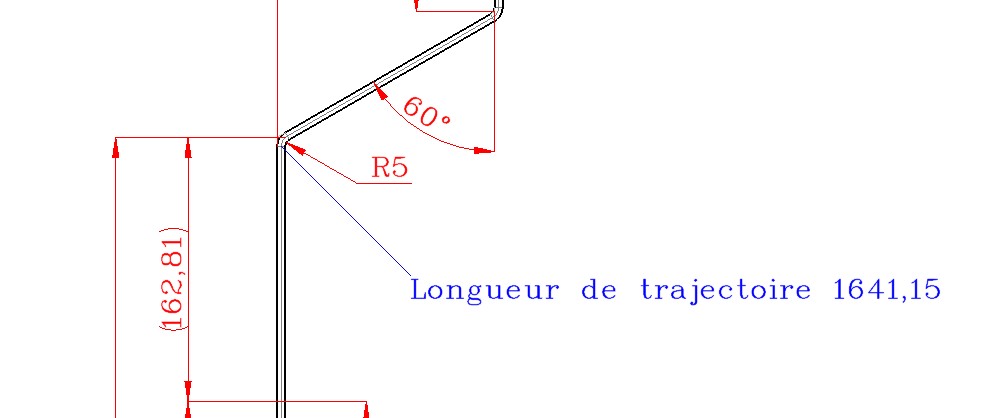
Attached are the files normally saved in the 2022 version.
18341-1B60_1001.SLDPRT (267.9 KB)
18341-1B60_1001.SLDDRW (703.9 KB)

3 Likes

Hi Cyril_f,

Thank you very much, I hadn't thought of it.
Have a good late afternoon.
@+

1 Like