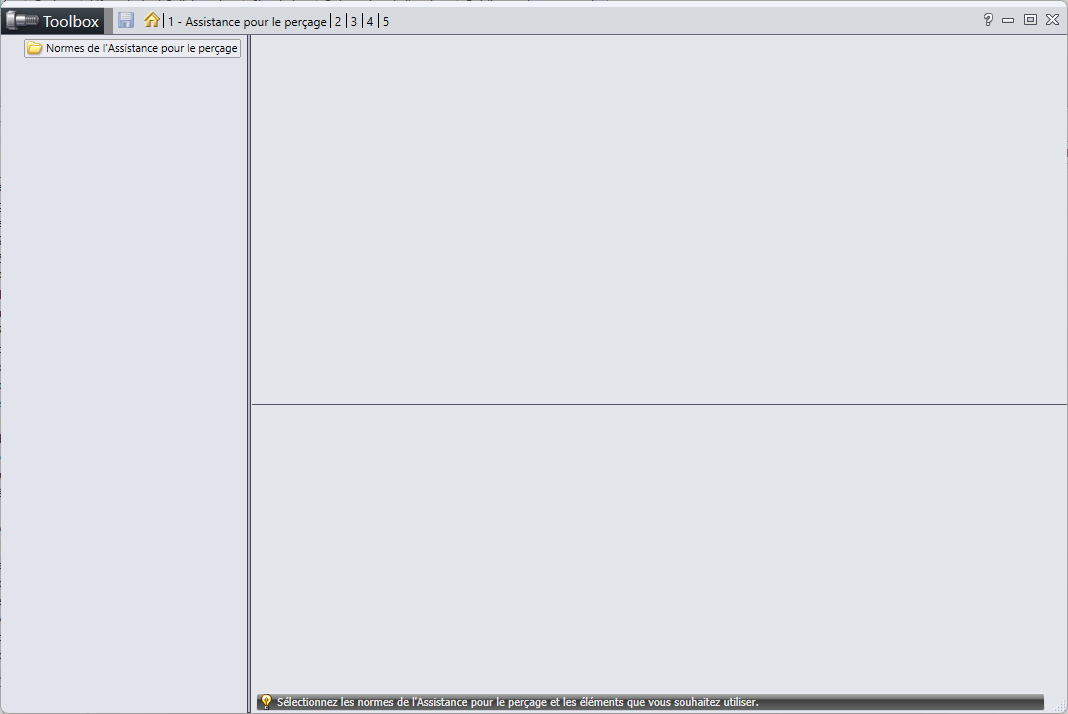
Bonjour à tous,
J’ai un problème avec mon assistant de perçage qui ne se lance plus lorsque je clique sur l’icone. J’ai parcouru les forums en remarquant qu’il y avait pas mal d’erreur au niveau des mise à jour entre version, mais je n’ai pas de boite de dialogue d’erreur , juste une fonctionnalité qui ne se lance pas.
je ne sais pas s’il est possible de relancer l’instalation uniquement de cette partie là.
J’ai remarqué d’ailleurs que l’utilitaire UpdateBrowserDatabase.exe ne se lancer pas non plus …
Je tiens à préciser que je n’ai pas de licence Toolbox, que je travaille sous Solidworks design 2026 par la 3DExperience.
j’ai également remarqué que je n’avais rien qui s’affichait lorsque je lançait le configuration pour l’assistant de perçage.
Je pense qu’il faut tenter une réparation de l’installation de Solidworks (après avoir sauvegardé vos paramètres *.sldreg).et demander une réinstallation de Toolbox en faisant attention à l’emplacement sélectionné.
mais avant cela, regardez les propositions de Goengineer:
@Maclane
Merci pour la réponse. Pour le premier lien, je n’ai pas d’installation manager j’ai l’impression que tout passe par la 3D Experience, c’est assez énervant. Pour le 2e lien je ne m’en sors pas non plus
@Le_Bidule J’avais cru comprendre que la licence + permettait d’utiliser les smart fasterners , mais que l’assistant de perçage était disponible avec la version standard (notamment pour faire des perçages fraisés, ce qui m’intéresse dans mon cas).
Par contre la version 3DExperience sans Toolbox je vous confirme que c’est possible. ca n’a pas posé de problème à la personne qui m’ vendu la licence.
Avec licence Standard @Le_Bidule, même sans la 3Dexperience c’est la même chose sur SW, licence std, accès à la toolbox pour l’assistance pour le perçage, mais pas au vis, roulements…