Hi all
I got a macro on the net that allows, from a Part, to create the automatic drawing with all the dimensioning.
I've made some changes (template paths, adaptation of some functions, ...) but I have a wolf somewhere and I can't find the flaw.
If someone can help me, that would be great :-).
PS: we only have the Standard license so we don't have access to some tools. Hence the idea of macro ;-).
Thank you in advance, have a great day.
Sébastien
Auto.swp Drawing (57 KB)
What is the wolf?
If not more explanation difficult to know where it gets stuck when you run your code.
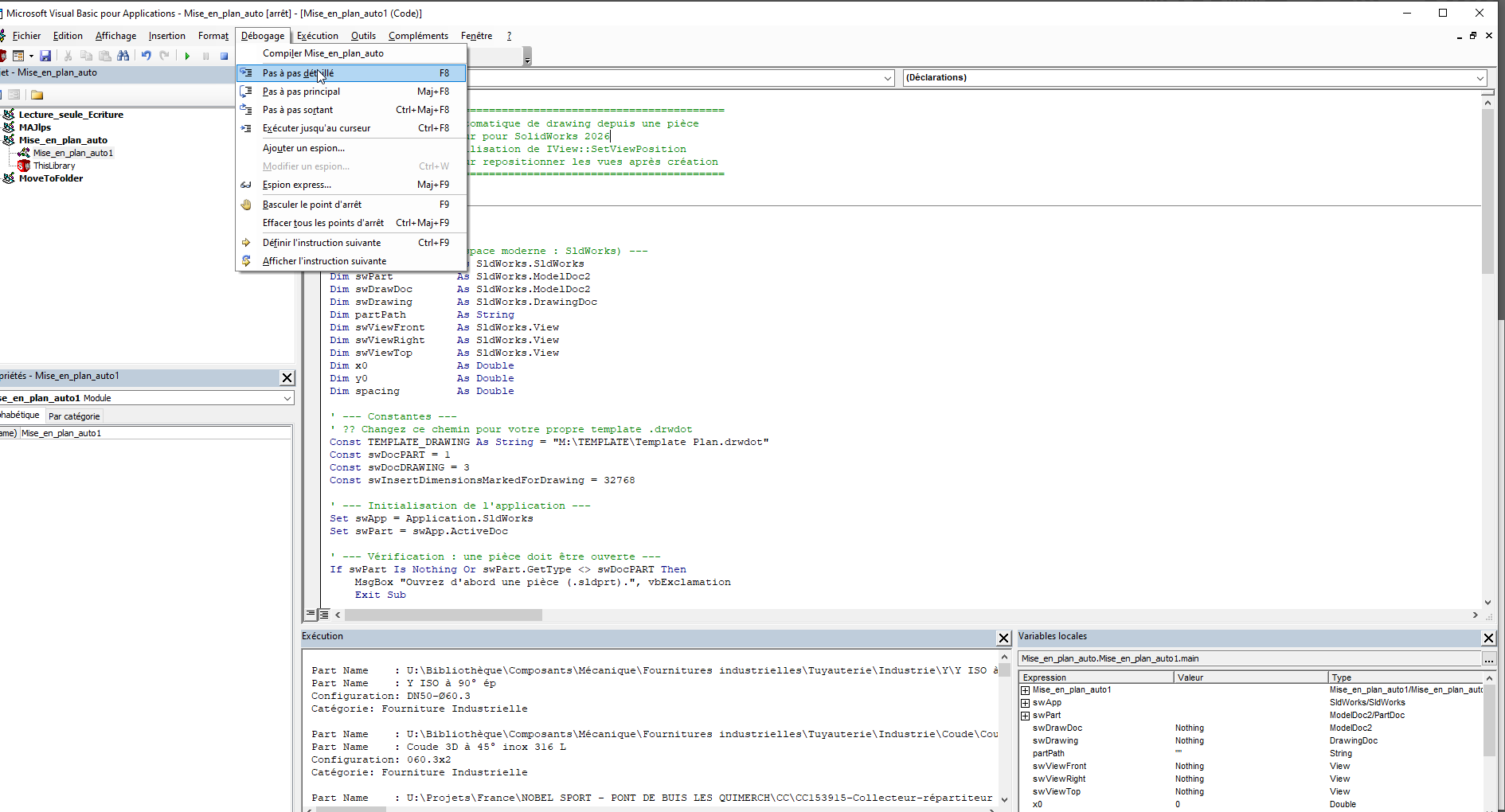
Did you launch it step by step for debugging it?
For the step by step, in the macro editor then f8 for advanced line by line until it gets stuck or bugs.
Edit: And also original code to try to understand the bug next.
4 Likes
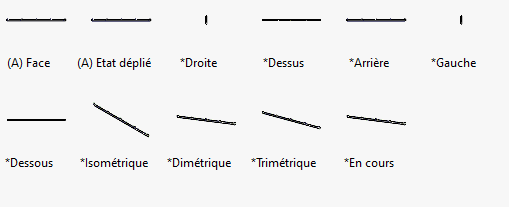
After a quick try, it works great if you name your views well.
Instead of *Front, try with *Face for example if your template has a French-named view like me
Set swViewFront = swDrawing.CreateDrawViewFromModelView3(partPath, "*Face", 0, 0, 0)
2 Likes
Well that was it :-).
On the other hand, I continued the macro and there is a bug when repositioning the views.
Ideally, you would have aligned the projected views with the basic view.
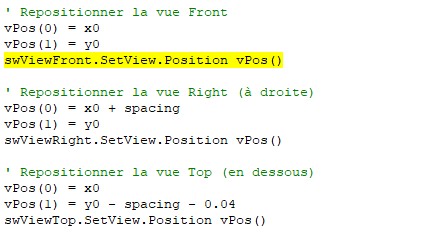
I didn't have a view that was displayed.
And yes I had tried with F8 to find my problem.
If you want to create all the views in 1 go:
Create1stAngleViews2
And at least they are already aligned.
Or according to preference
Create3rdAngleViews2
3 Likes