Hi all
I am currently designing a machine body entirely in sheet metal under SolidWorks (folded sheets, hoods, reinforcements, etc.), and I am wondering about the best way to organize the structure of the model.
Rather than making all the sheet metal parts one by one (.sldprt by .sldprt) to assemble them later, I'm thinking of a "mixed" approach:
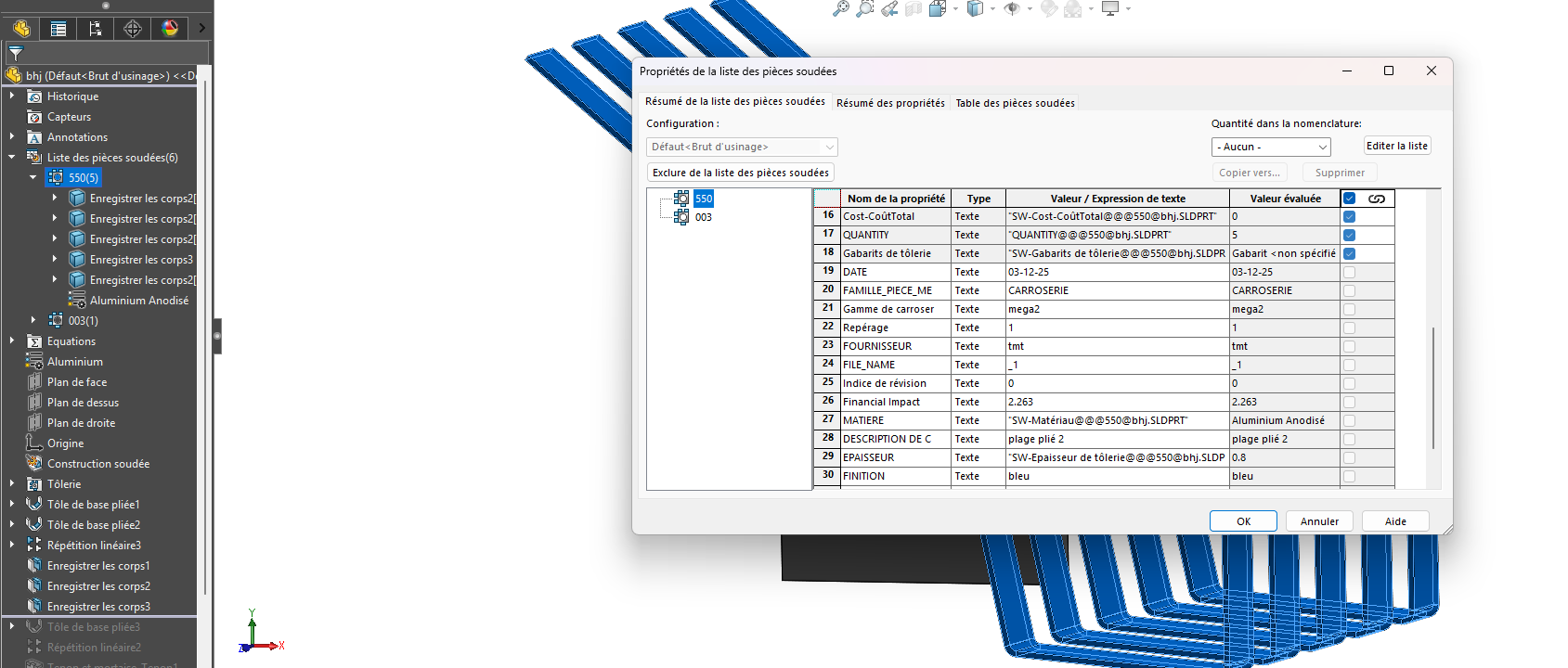
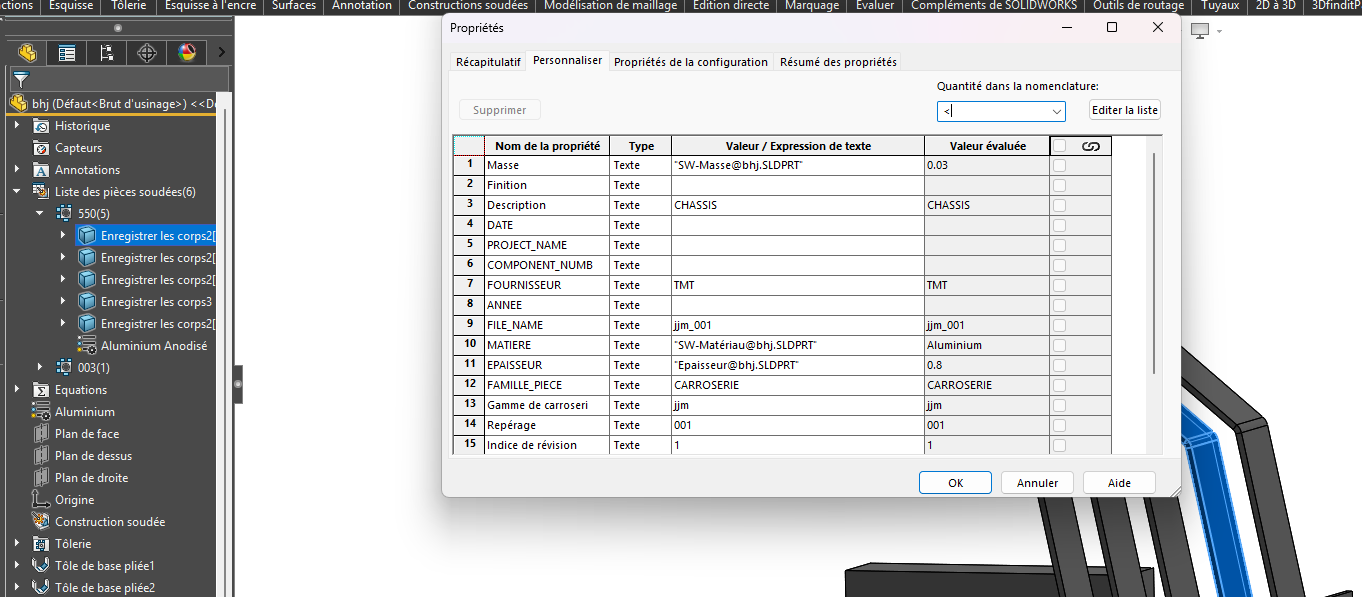
Assemblies of interwelded sheets (e.g. the frame) would be modelled as multi-body welded parts. (Each welded group = 1 multibody part file.)
Parts that are not welded, but simply attached to the mechanically welded assembly (by screws, bolts, rivets, inserts, gluing, etc.) would remain as classic separate parts, inserted into an assembly with the multibody parts.
The idea would therefore be to have:
Welded sub-assemblies managed in multibody parts (with their drawing (part by piece + tolerances and weld marks at the part level),
Then a global assembly that includes:
- mechanically welded multibody parts (sheets welded together),
- independent non-welded parts (clipped housing, screwed part, glued support, etc.),
- Screws / bolts.
My questions:
Does this mixed approach (multibody for the welded assemblies + separate parts for the rest) seem coherent and "clean" in practice?
Do you see any advantages/disadvantages to doing like this, especially for:
Drawings,
Tolerance management,
The nomenclature (BOM),
Manufacturing/assembly,
Plan and 3D exports. WWTP for my subcontractor Trôle
Do you have any feedback or best practices on how to structure this type of project (organization of files, division of welded sub-assemblies, naming, etc.)?
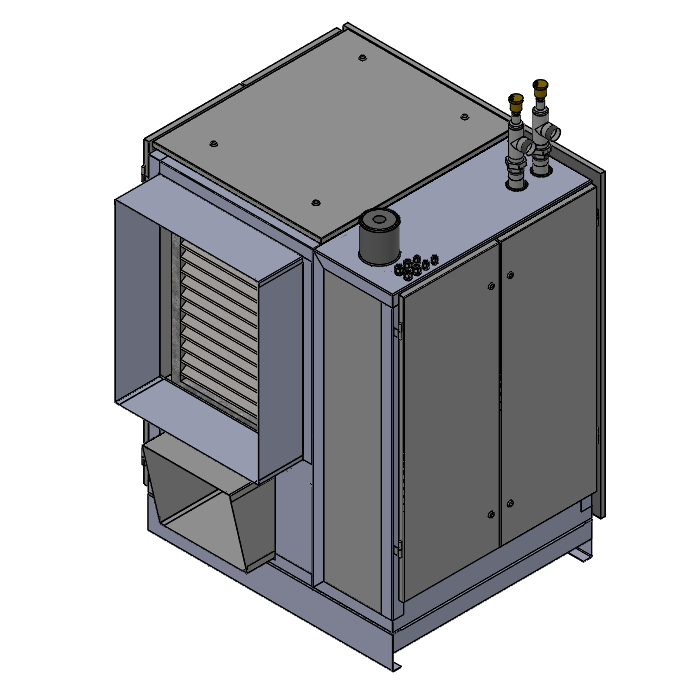
Below is a small image of the current set that I will redesign.
There are almost 100 different sheet metal parts in the set.
Thank you in advance for your feedback and ideas!

 )
) , I take note, of a file assembly as you explain to simplify the exports of multibody parts and assemblies to be as clear as possible internally and for subcontractors it's great.