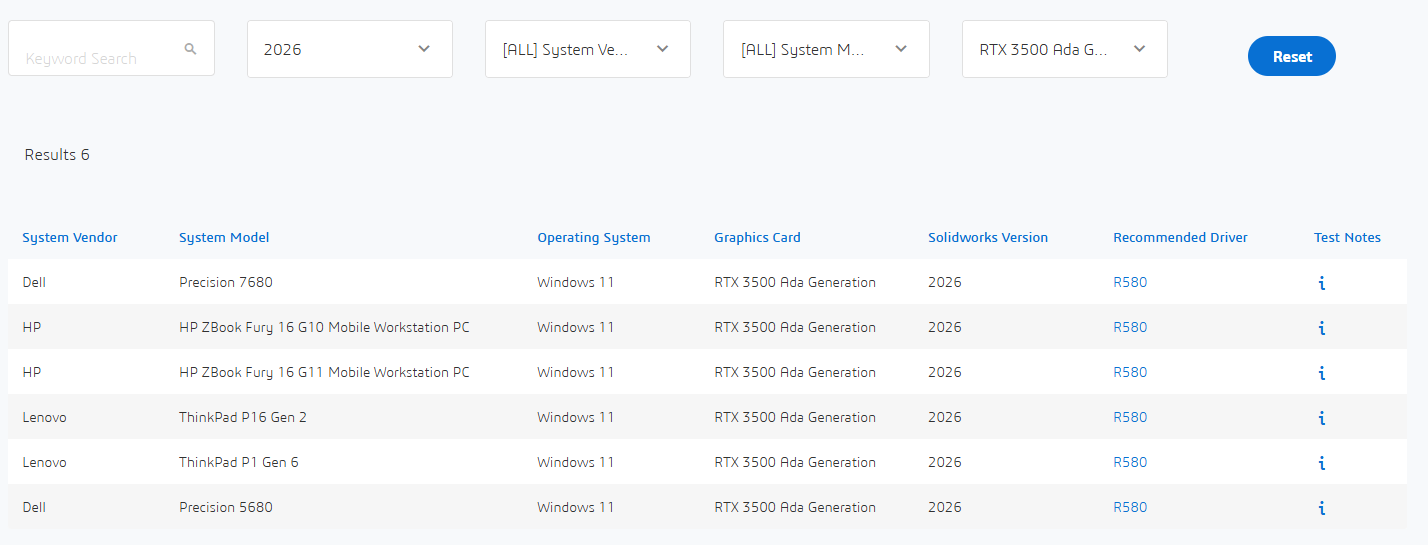
Va sur ce site et test ta configuration en fonction de ta version de SW (ou celle souhaitée): https://www.solidworks.com/support/hardware-certification/
Le problème se situe souvent au niveau de la compatibilité de la carte graphique (si il te propose un drivers= compatible)
j’ai exactement ta config depuis plus d’un an. usage quotidien, grand ensemble et simulation.
Pour une station portable ça tourne plutôt bien!
Toutes la série ADA est prise en charge correctement par SLDW depuis plus d’un an, sinon je ne me serais pas jeté dans l’inconnu!
Les inconvénients:
Sans surprise: gros lourd et peu d’autonomie. (mais on s’en fou!)
le format de l’écran est au début déroutant (16:10) mais au final mieux adapté pour la CAO que du 16:9
Une vraie soufflerie embulante quand tu lui en demande beaucoup.
pas mal de paramétrage au début pour bien débrider windows, le MSI center, et NVIDIA. (le support technique et les tutos d’accompagneron facilement)
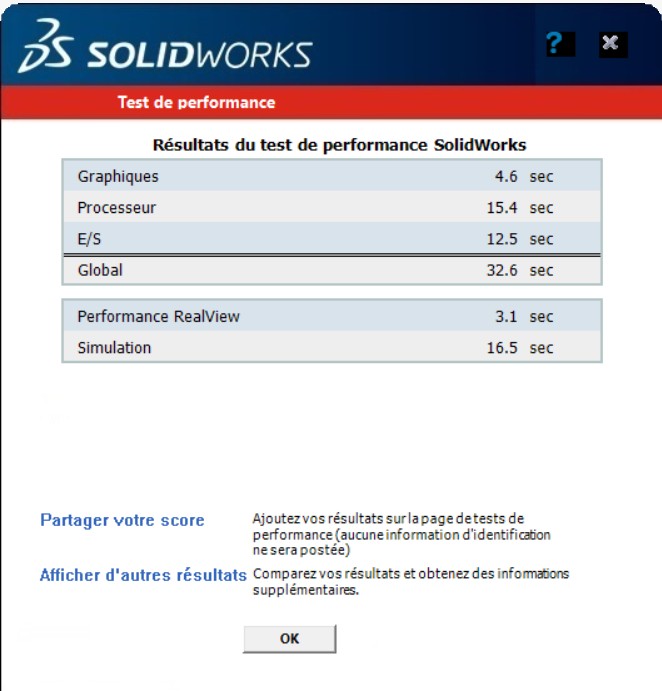
j’ai fait plusieurs test de performance en branchant mon écran secondaire en HDMI, DISPLAY PORT, USB-C… les résultats sont très nettement supérieur en HDMI car il correspond à un branchement direct sur Nvidia. Pour optimiser ton achat il faut donc envisager le branchement HDMI.