Hello
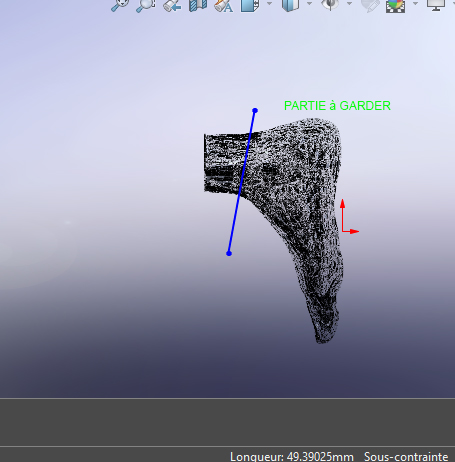
I have a statue repaired - broken foot -, to do this I downloaded a model in .stl that I would like to modify, namely to make a section/section following the sketched line - see attached image-, keep the " foot " part in order to create/re-model a connection between this foot and the -leg- part of the statue, the whole thing will be printed in plastic.
How do you make this cut/section with SW 2020? I attach a SW 2020 file
Item1G.SLDPRT (6.5 MB)
of the 3D model
thank you in advance
Unfortunately, an stl file is not editable with SW
1 Like
Thank you, would there be another solution?
Check the site to see if there is any possibility to download it in another format.
Sometimes several formats are available
in . OBJ?
Hi, I've sanded the question and unfortunately there is no viable solution today for a graphic model armored with triangles such as this one, the solutions of transformation in surface will only clone more or less failed. There may be a way to dig into it to be able to split it through Meshlab and/or Blender...
thank you
I tried without result
@Alfoncpasmamob 
On the other hand there is this option but I need the native STL
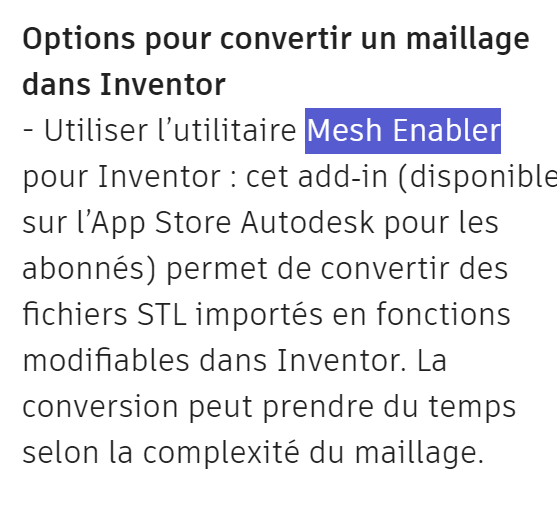
or on inventor
How to convert a mesh to a solid or polygon body in Autodesk Fusion
Hello,
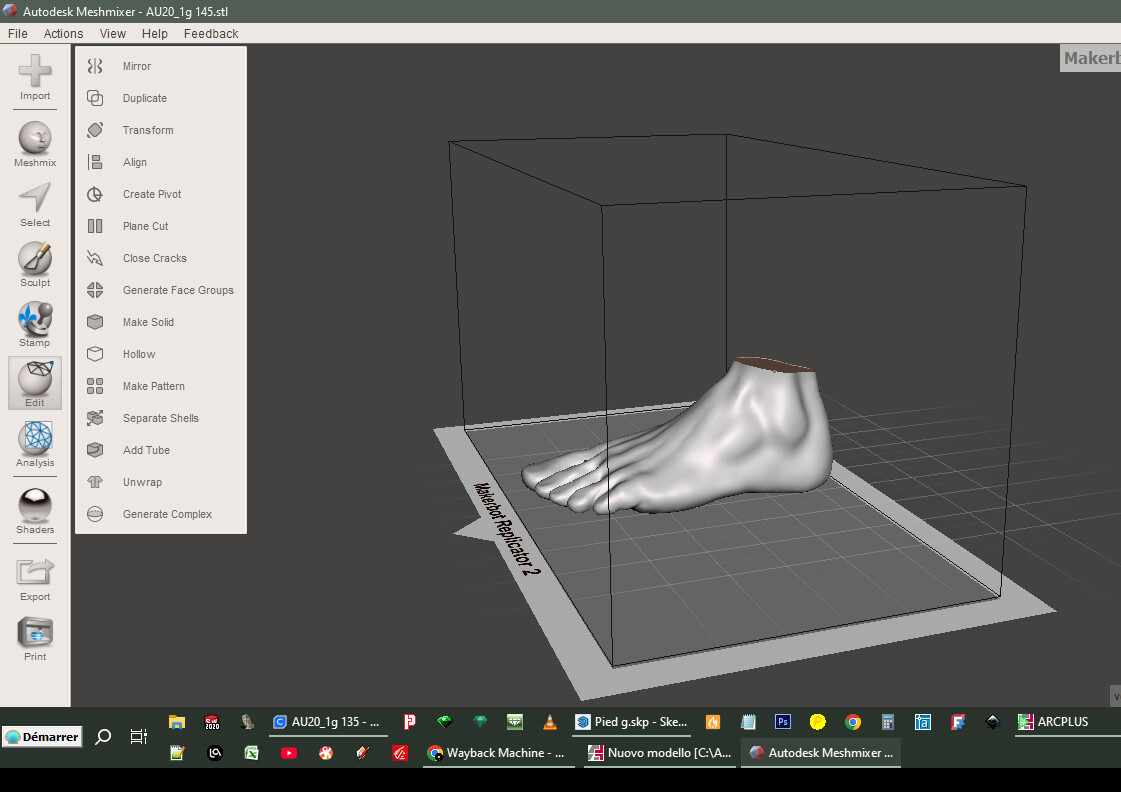
You can use MeshMixer to split your STL files.
It is quite easy to use, especially for cutting by plane
Once your STL is imported into MeshMixer > edit/ plane cut
I'm looking at all this
Bambu lab allows cutting via a plane:
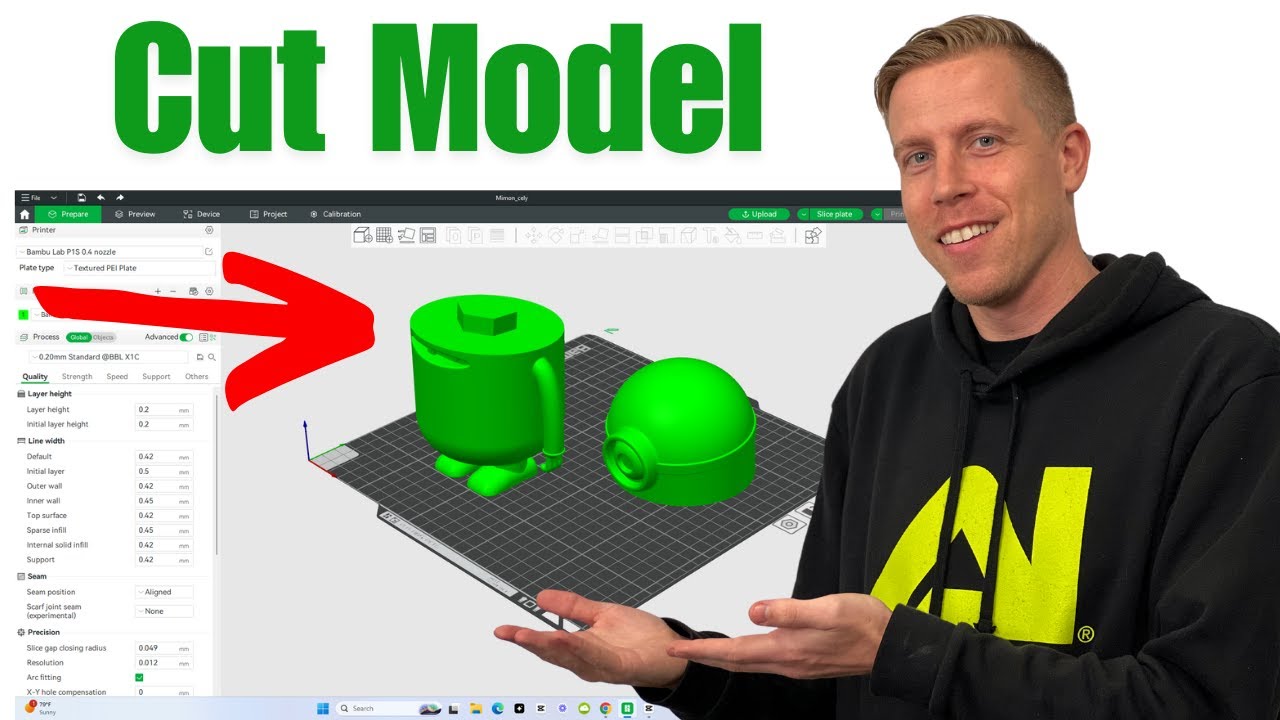
Another solution with cura (and valid for other software):
1 Like
thanks, I'll try with Cura
With Meshmixer it works well, otherwise the solution with Cura also exists but less flexible, because you have to place the model on the tray and sometimes you need supports...
thank you for your help
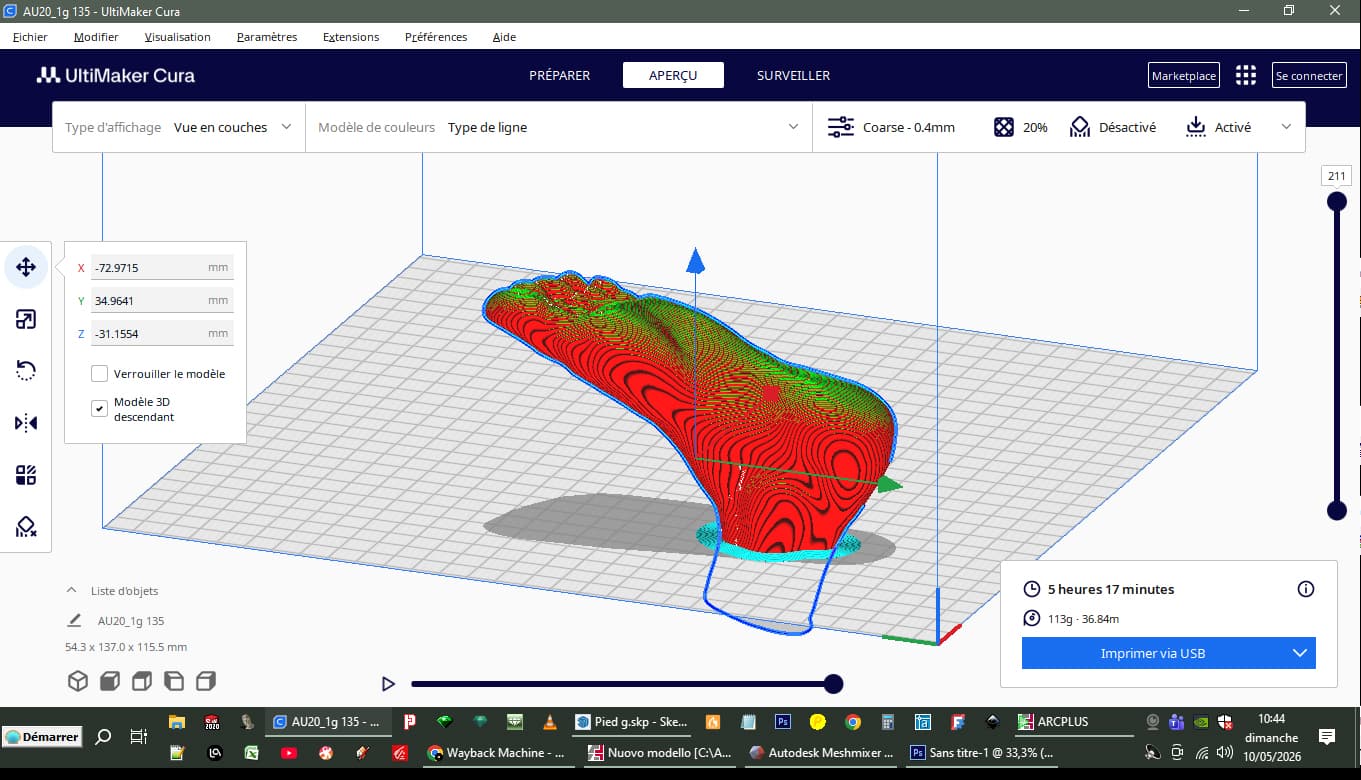
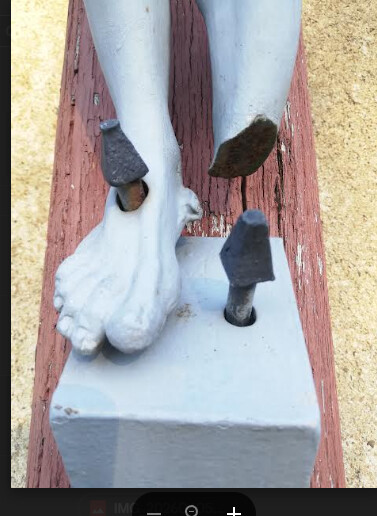
Result
PS: they could have saved 1 nail!!
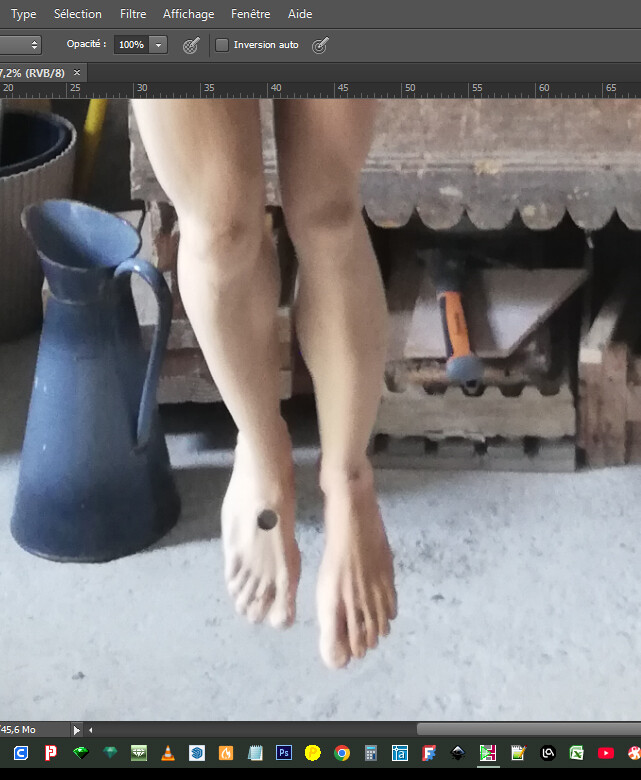
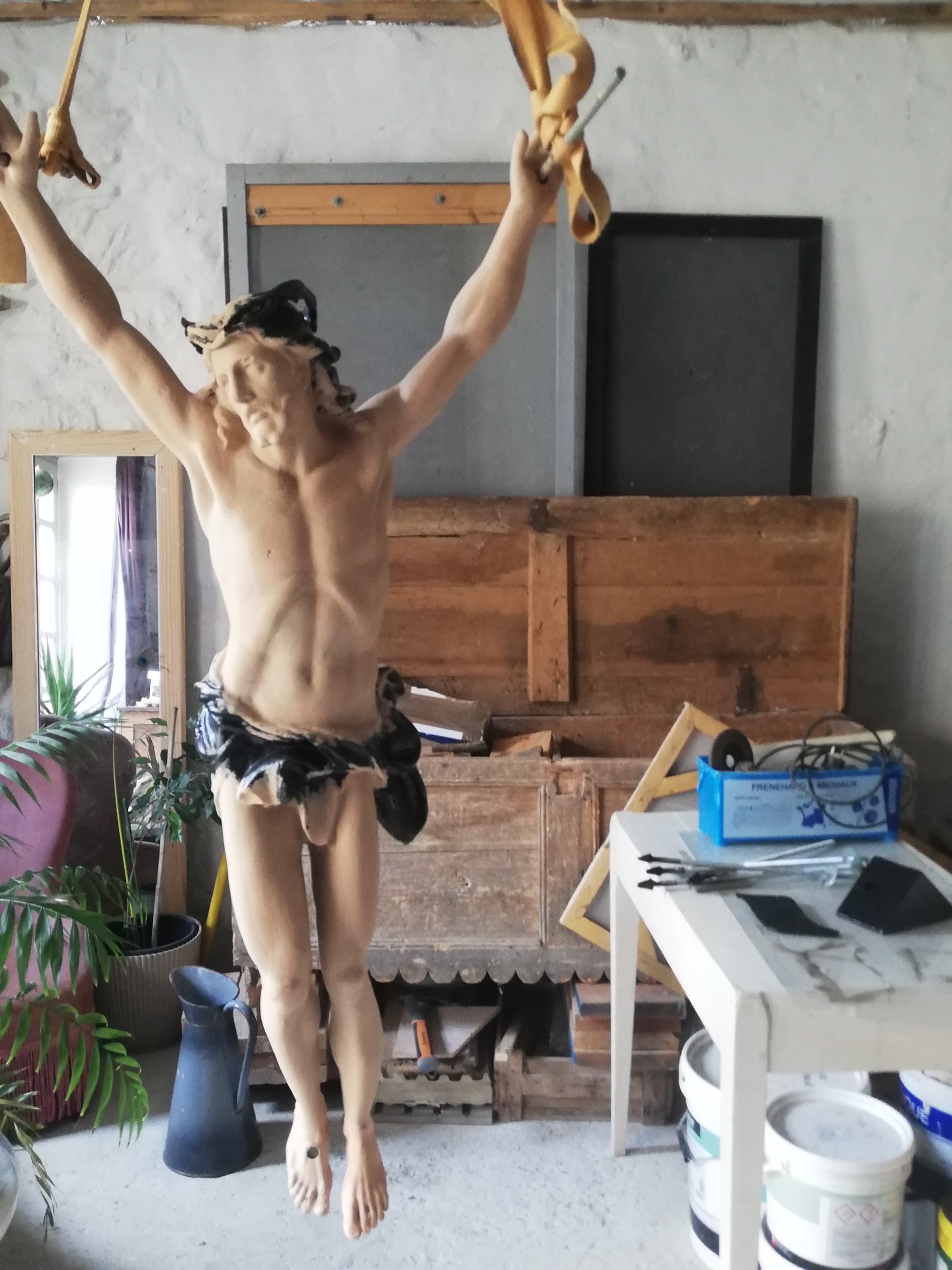
thank you for your help