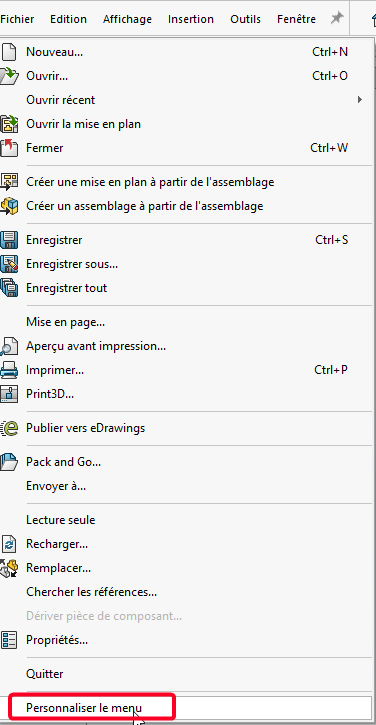
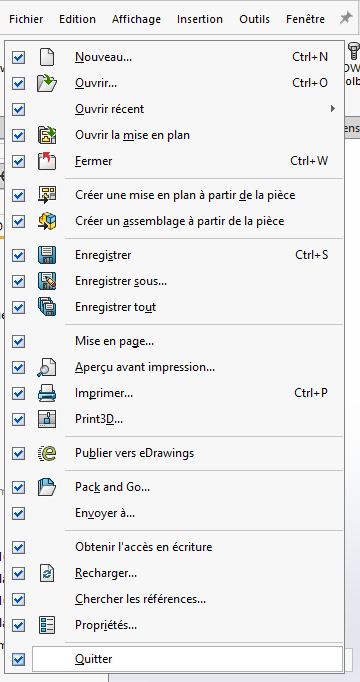
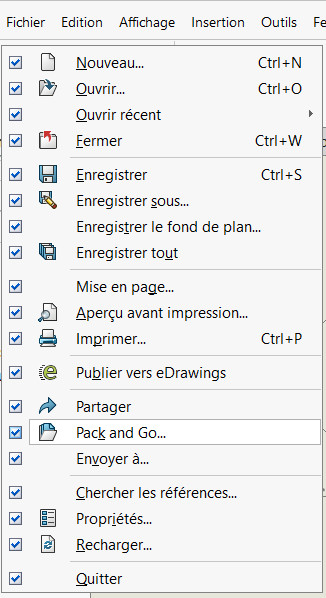
I just switched from SW2023 to 2025, without PLM. Out of work habit, I open everything in read-only mode and I read only what is necessary. To do this, I went either through " File → Get write access", or in an ASM by right-clicking on a part and ditto. However, these 2 possibilities have disappeared, impossible to find them null or answer on the internet. Does anyone have a solution?
I know I can use " Reload " and uncheck read-only.
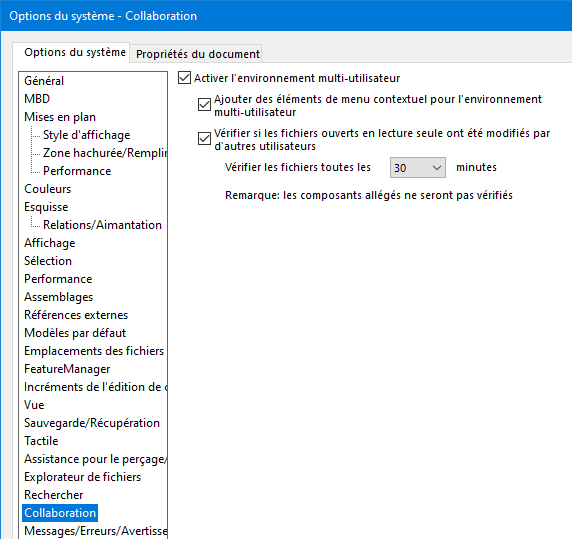
Thank you very much Maclane that's it, I didn't think at all that it could be that. The management started from an old configuration file, we spend our time correcting it!
However, SW advises to redo the settings files from the basic model of the installed version (they change so many lines in the registry that you quickly end up with unstable options otherwise). Copying an old parameter file is clearly a bad idea.