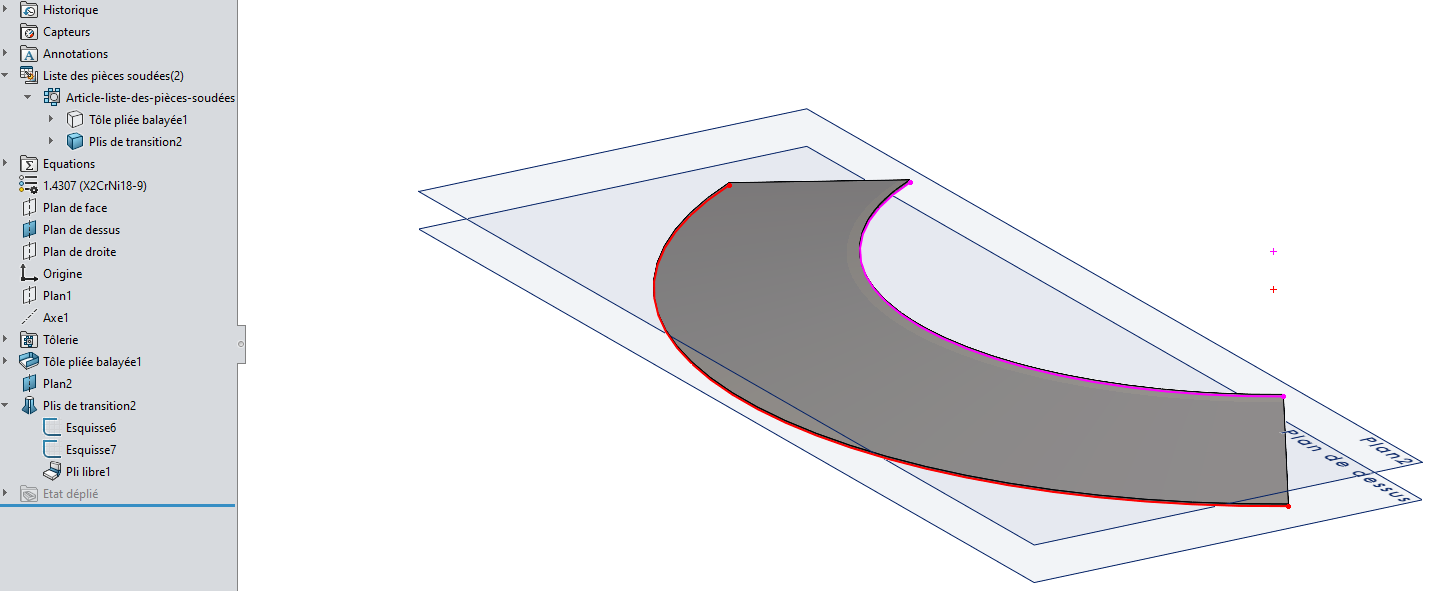
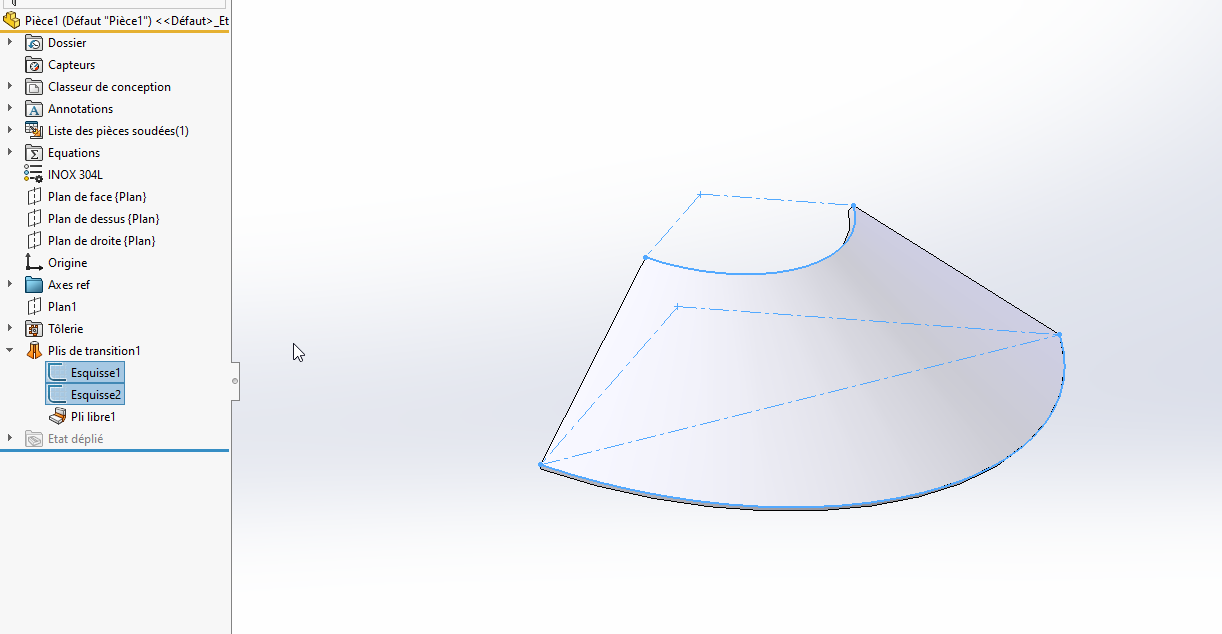
make a plan // to the top plane, offset by the height of the cone
on this plan make the sketch of the high edge of the cone
Use the " Transition Fold" function in smooth mode for rolling or broken for crunching work. Normally the unfolded works well (preferably with the K factor). Good luck...
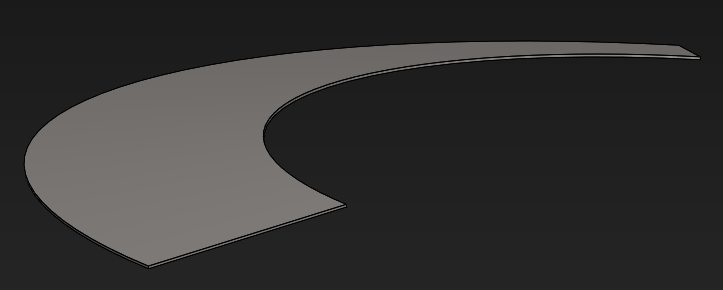
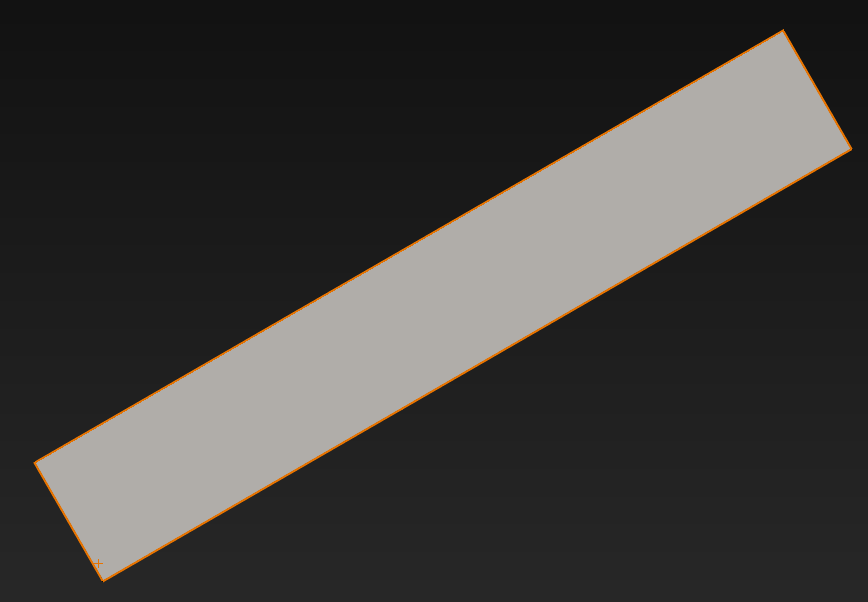
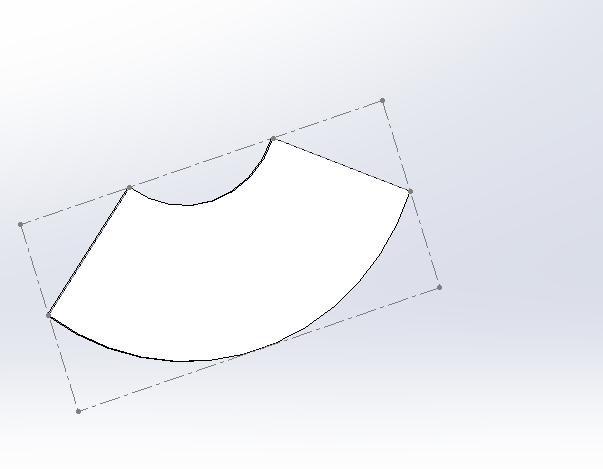
For me it comes from the function that considers that it is a rectangle that you deform to get your cone. Good luck on the other hand for doing it like this! That's how I make the cones (Transition fold function and following roll or transition fold as you choose, the 2 work): And the unfolded is good:
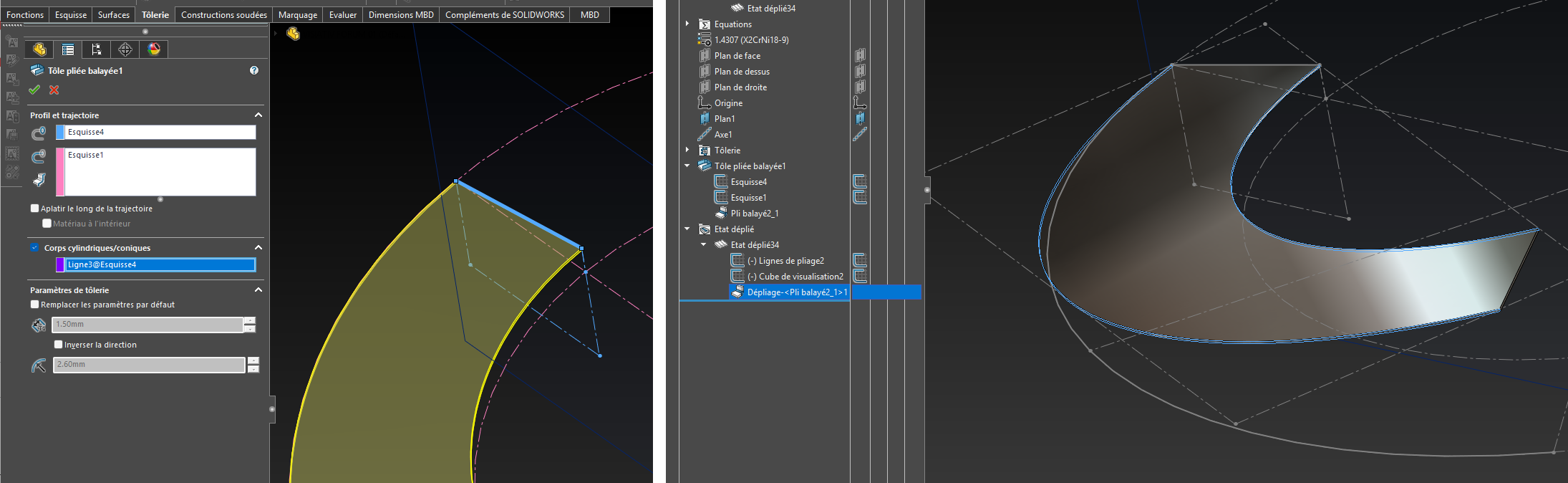
Generation by the " Swept Folded Sheet" function offers an option called " Cylindrical/Conical Bodies", which seems to be essential to obtain a correct unfolded. And it's true that it works...
Indeed, in addition to being hidden, I had noticed that the settings were on hidden sketch and as your dark background doesn't help anything, I thought I had selected this sketch and in fact I clicked on the edge of the 3d model...