It's noted, but you know how to get me down 
Although I have resources given my professional environment 
To get back to the subject, isn't it rather Inventor Nastran for finite element analysis under inventor?
Otherwise I found this:
https://www.autodesk.com/fr/products/robot-structural-analysis/overview
But as with all software, the Pro version costs a lot of hands...
1 Like
Thank you for your link @Maclane and here is what I extracted via the AI (him  again)
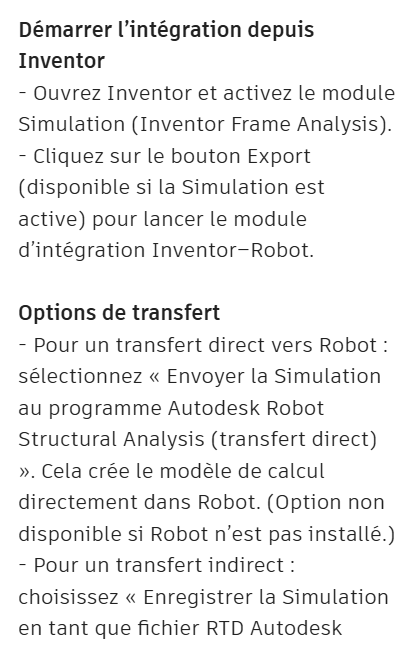
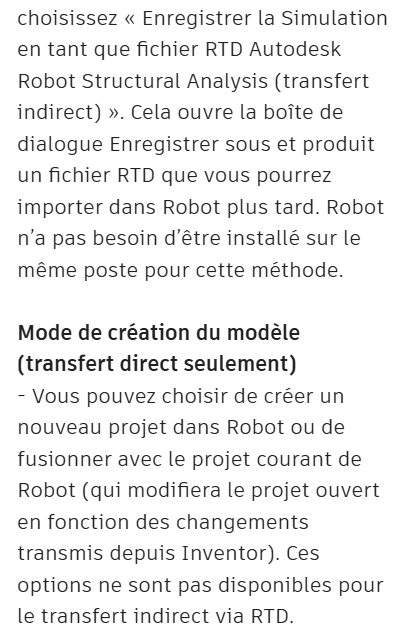
Detailed explanation (still source AI)
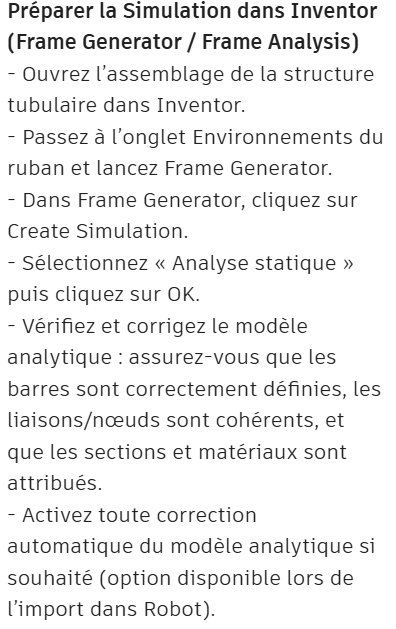
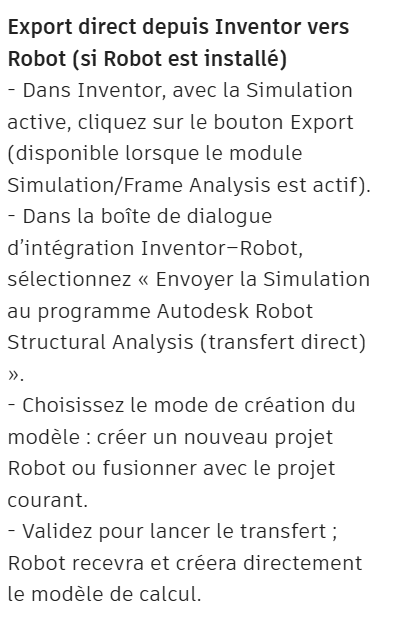
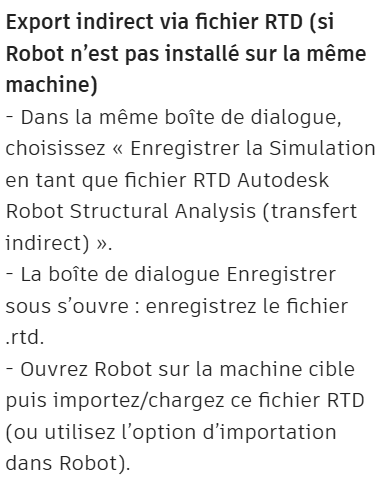

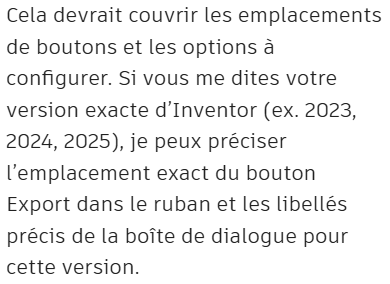
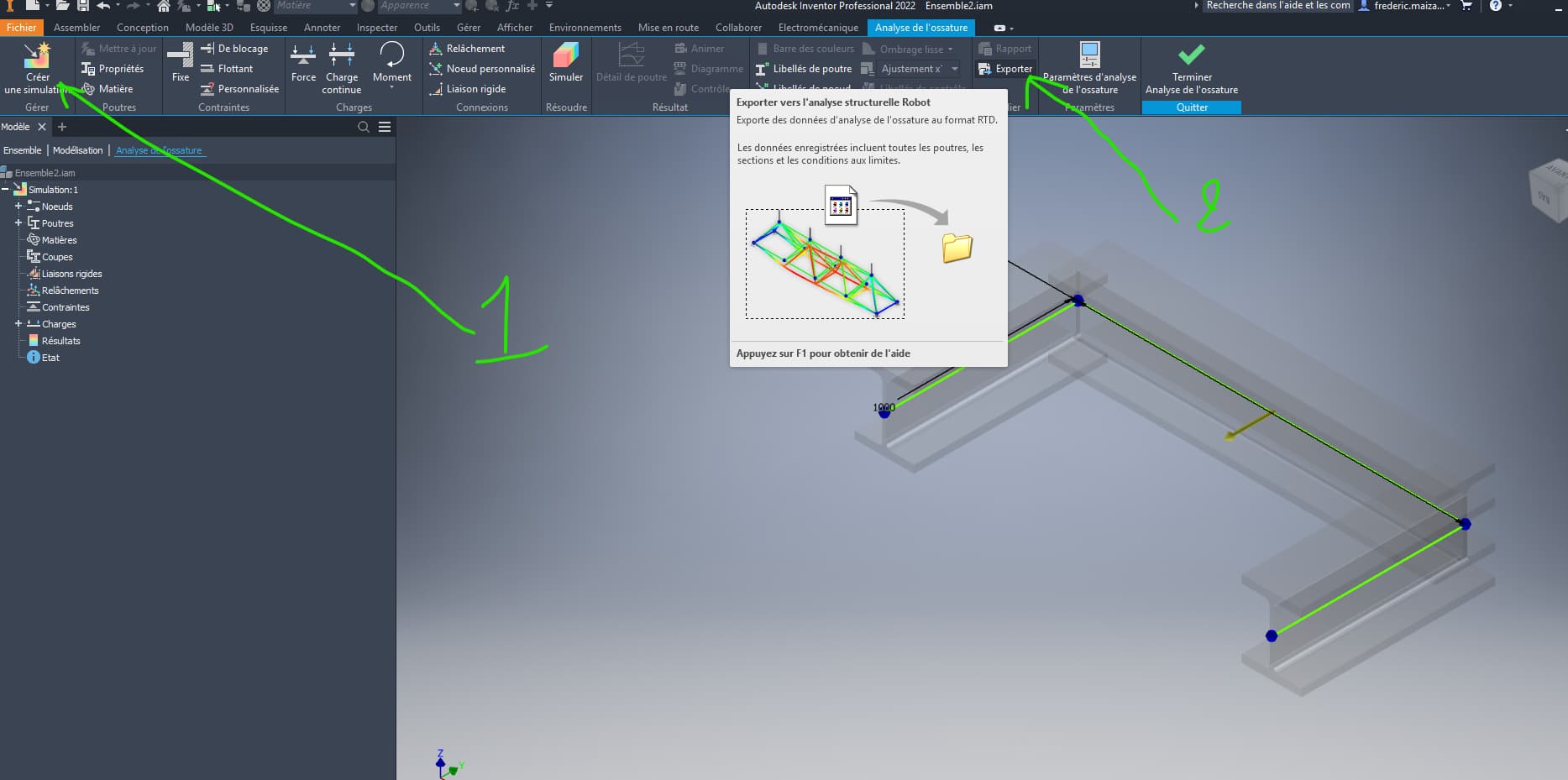
In this last screen print he nailed me to the pillory (at the same time I'm used to it) I'm on inventor and ROBOT 2022 
1 Like
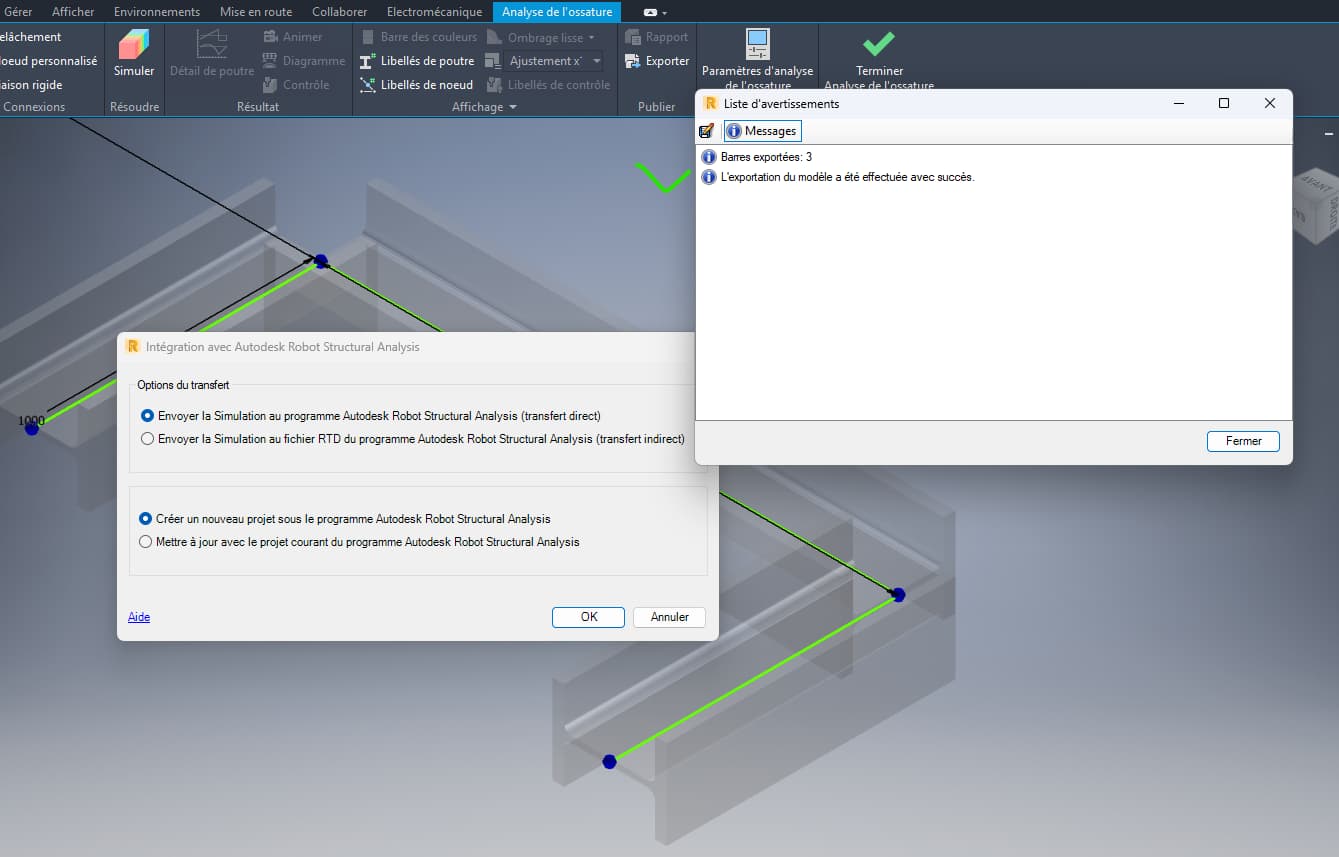
- Start the simulation
- Export Simulation
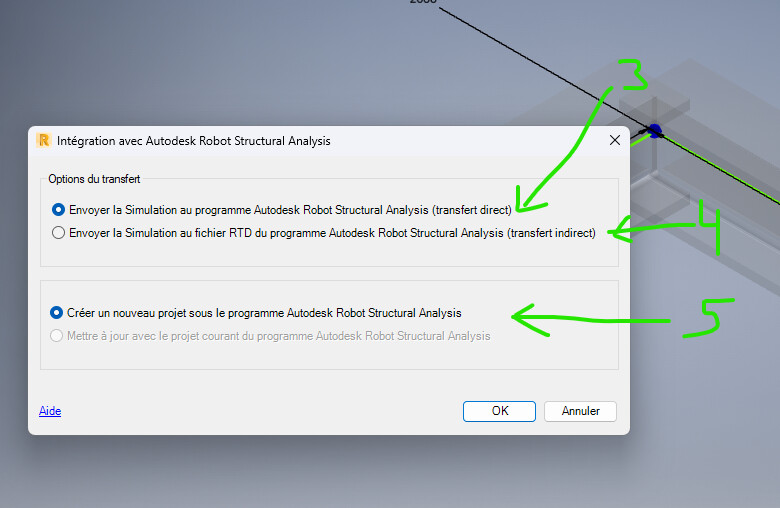
- Transfer directly to Robot in an existing project
- Create an export file
- If you haven't created a project in Robot
I'll watch tomorrow the rest, I don't have a license at the moment
1 Like
After this step, Robot opens automatically
Option 3
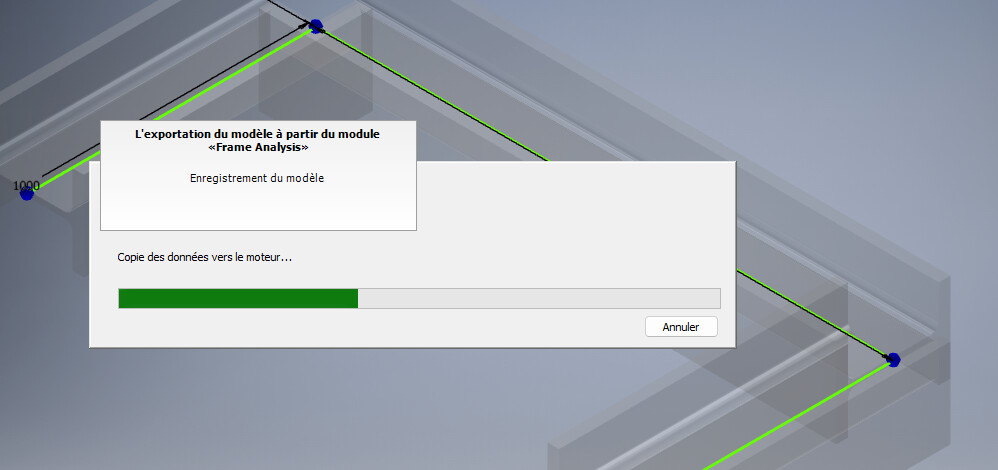
If all goes well
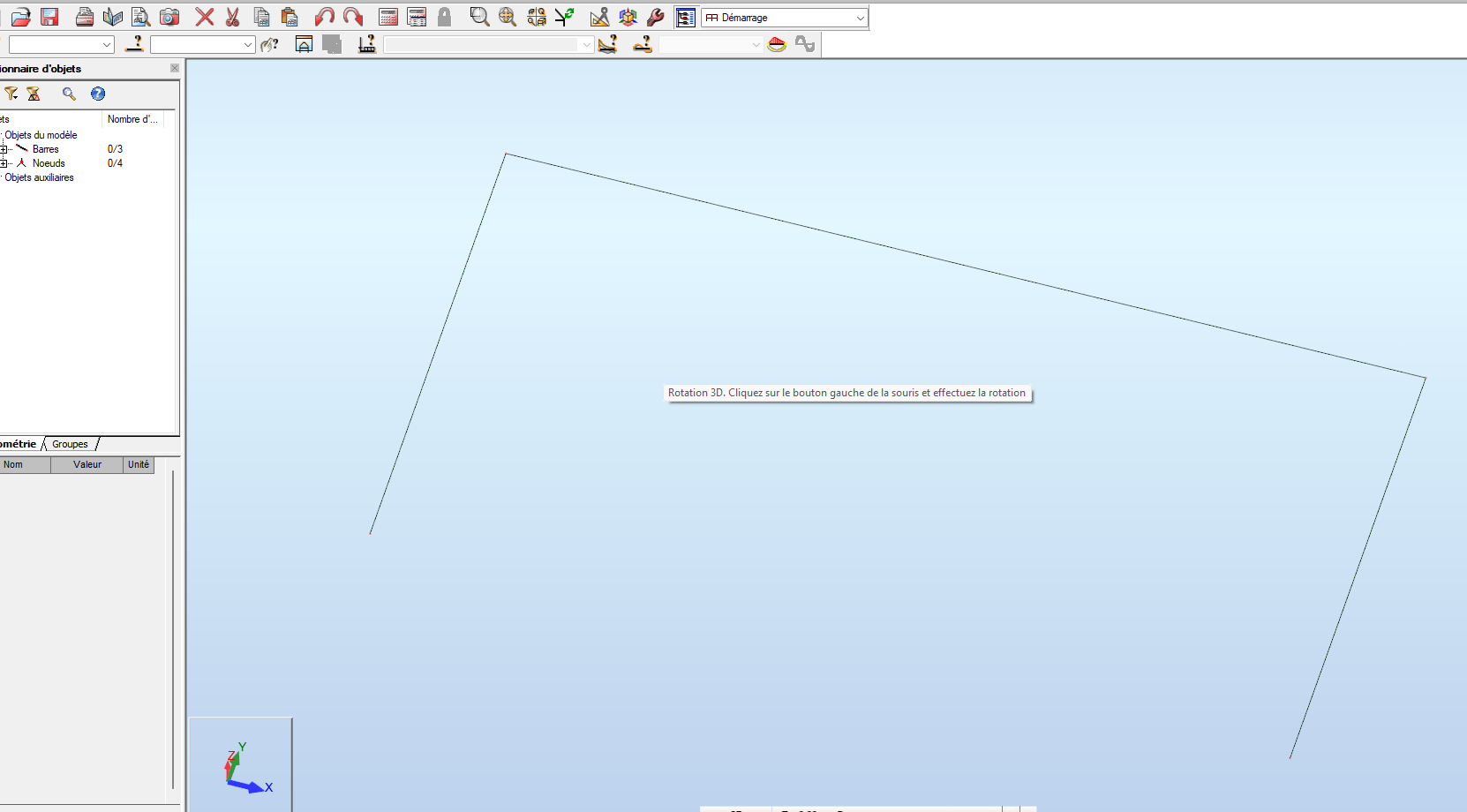
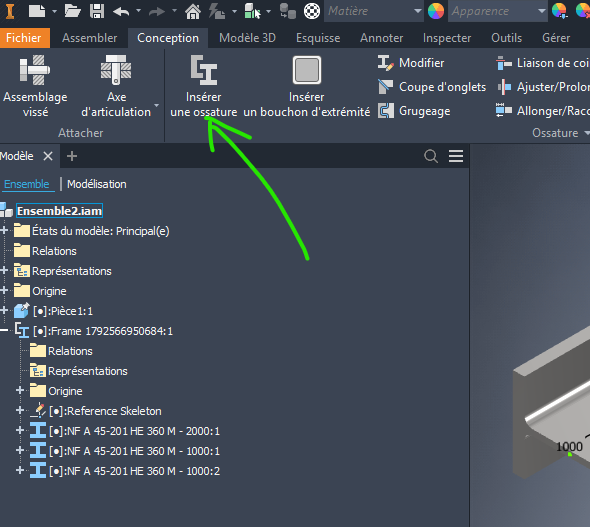
The classic skeleton design and in this case the use of the mechanical frame inventor tool
I tried to apply the method to a model that one of my colleagues calculated.
We do not model with frame, to allow the model to continue to live over time if future versions of inventor do not accept profiles (SW experience).
I reviewed the skeletons and used the mechanic module and extended or shortened the shoes.
When modeling the skeleton (2D sketch) I extend the irons (sketch line) to form the nodes (theoretical intersection of the irons).
of the notching of the irons, the model does not keep the knots and defines the end of the iron as realized in 3D.
Below is the Inventor skeleton
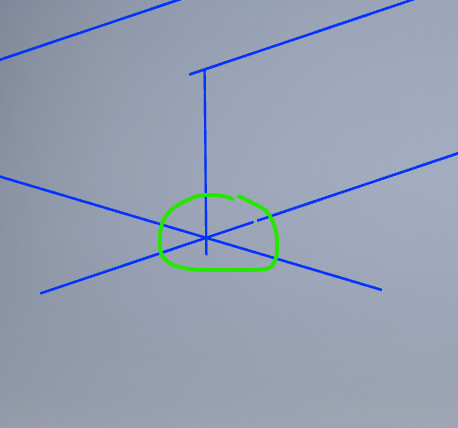
Inventor simulation model before extraction
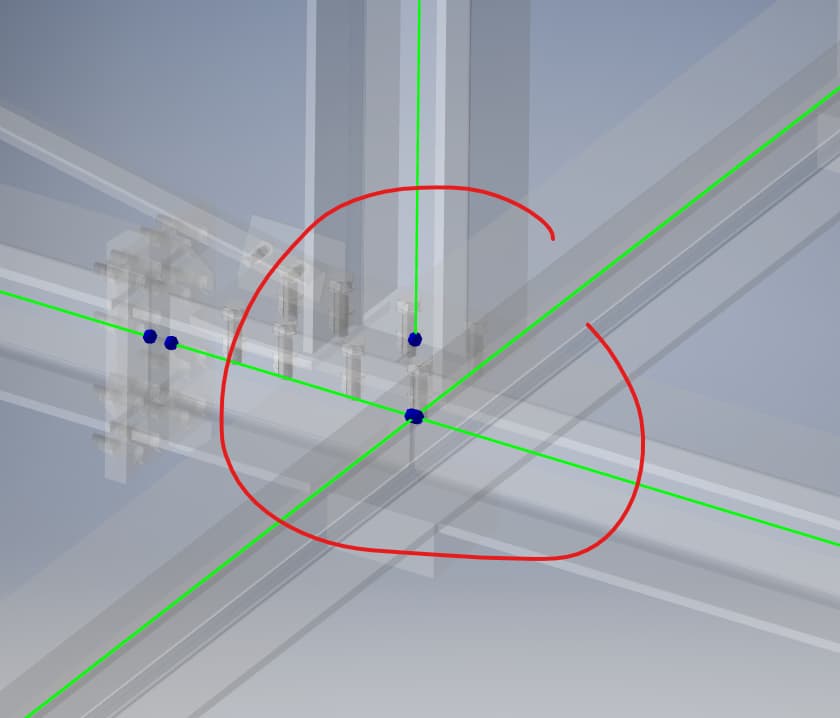
Extraction
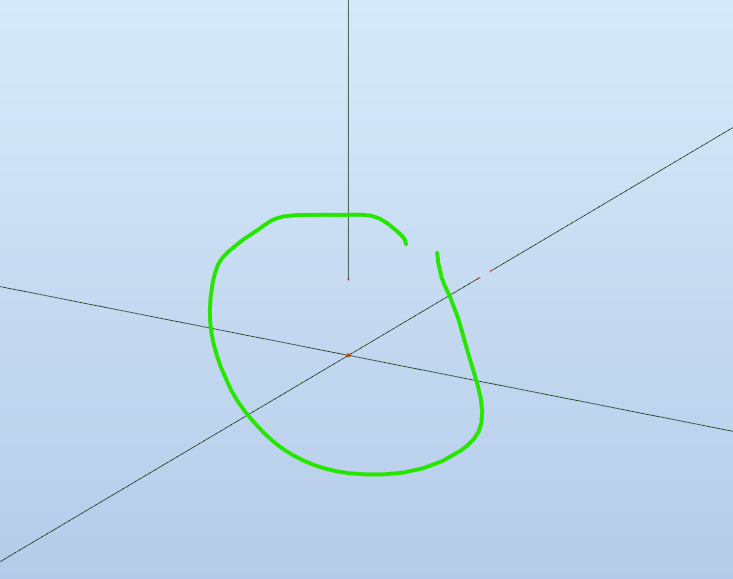
Edit 2:
I don't know how to do it well but the inventor and Robot simulation, it's a shame that during the simulation it defines node at the end of the gnawed irons instead of the sketches of the initial frame.
In Robot we are in the same definition as the Inventor simulation, that said it is surely modifiable in Robot.
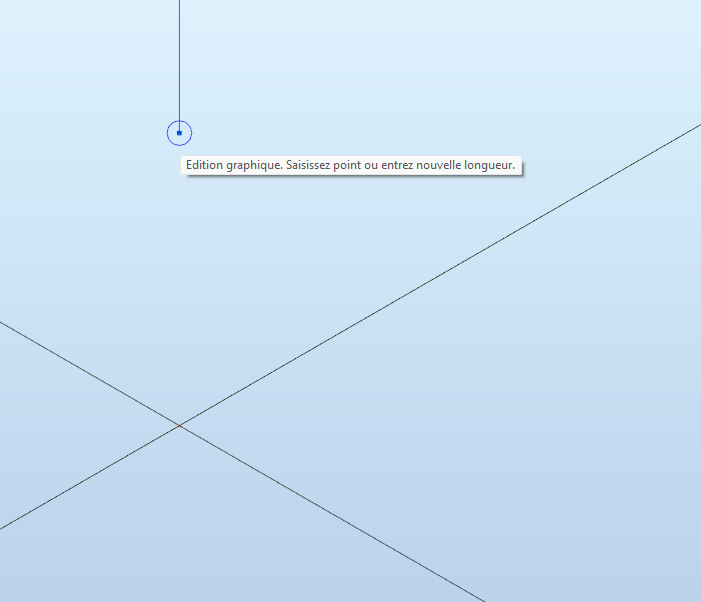
Edit 3: Node connection problem
- I removed the unnecessary nodes beforehand)
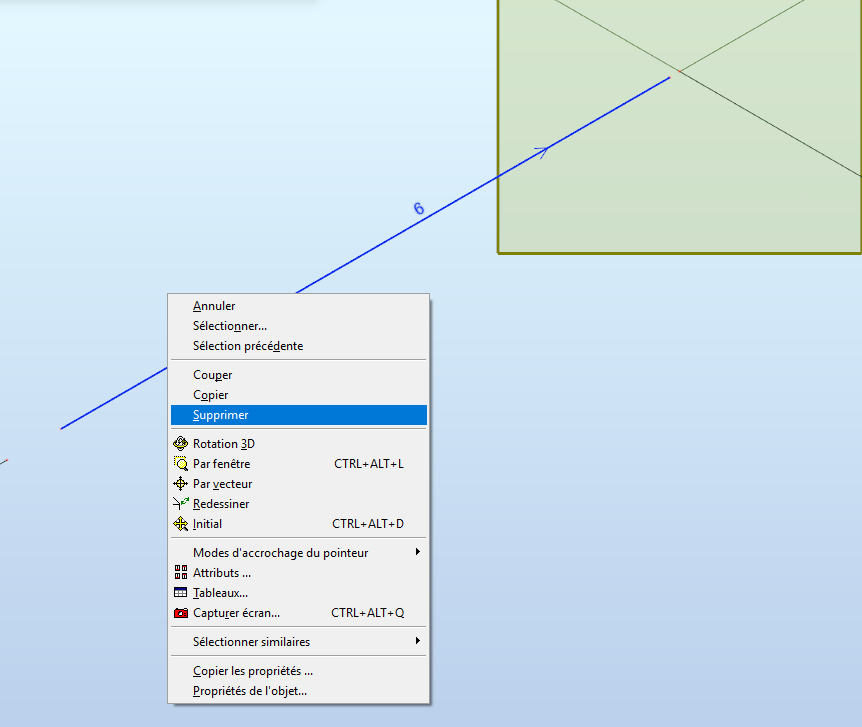
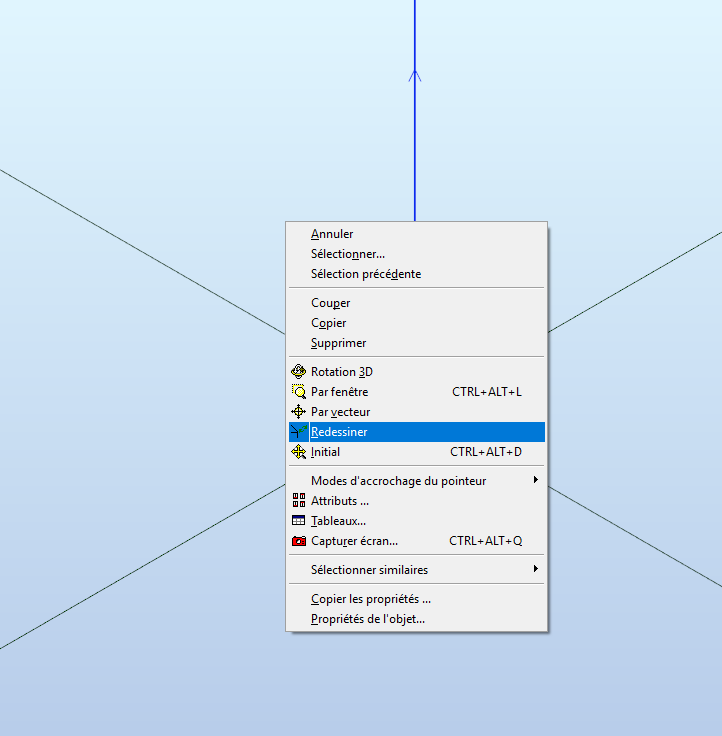
- select Redraw

I'm also going to test with the IGS format from SolidWorks out of curiosity.
Good job digging but I learned something
2 Likes