Bonjour
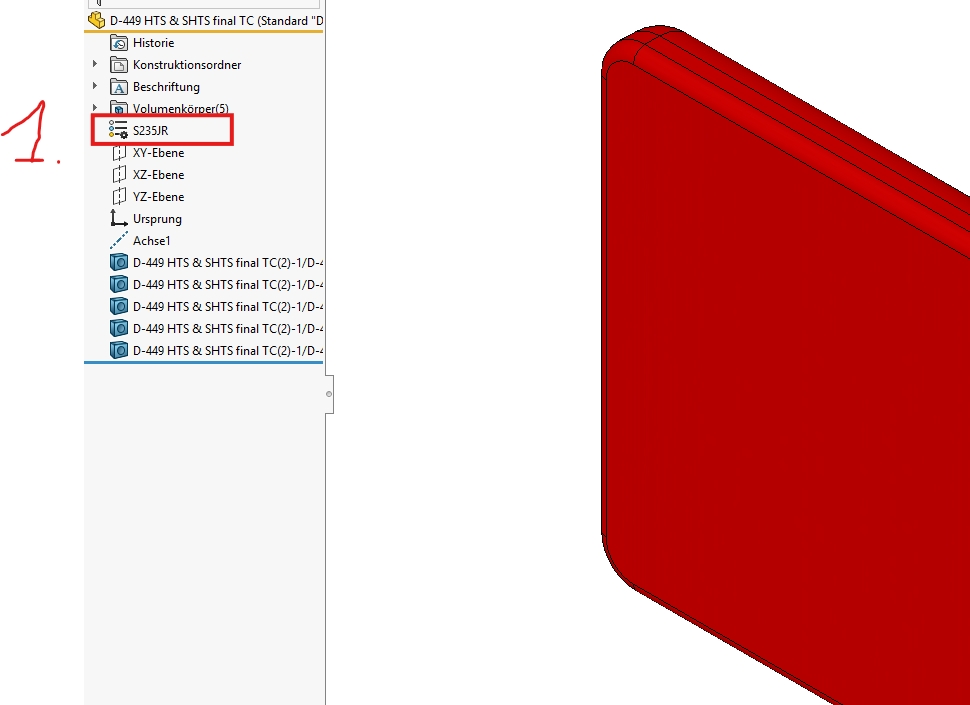
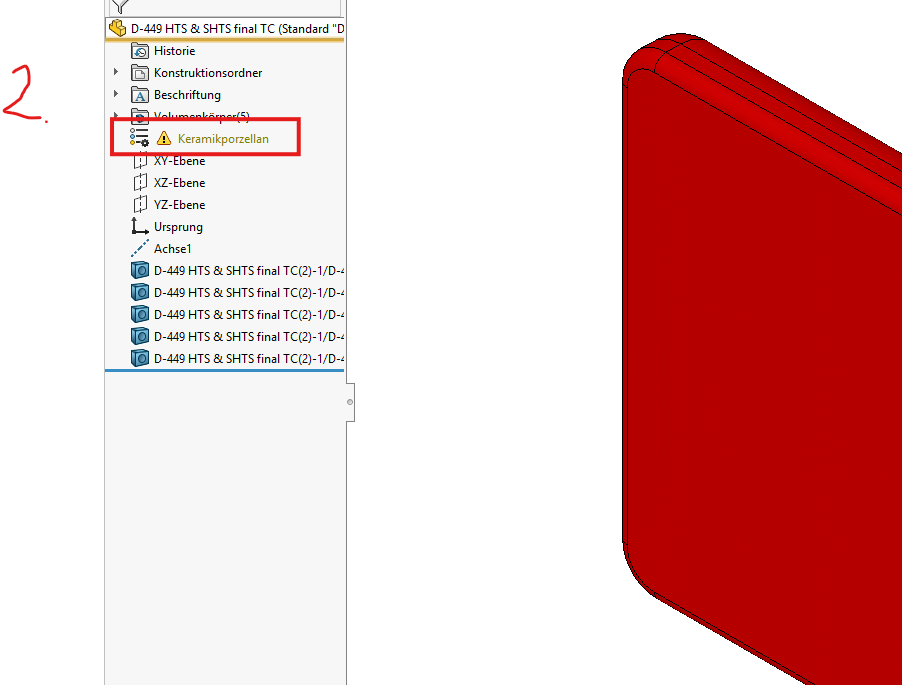
Avec ma partie import, un message d’erreur est toujours apporté. Le matériau S235Jr obtiendra automatiquement toutes les pièces d’importation. Je change simplement le matériau pour un autre pour le rendre correct. Alors SolidWorks ne l’aime plus tellement. Quelqu’un peut-il m’aider là-bas ?
Bonjour;
C’est une erreur courante sur des composants importés:
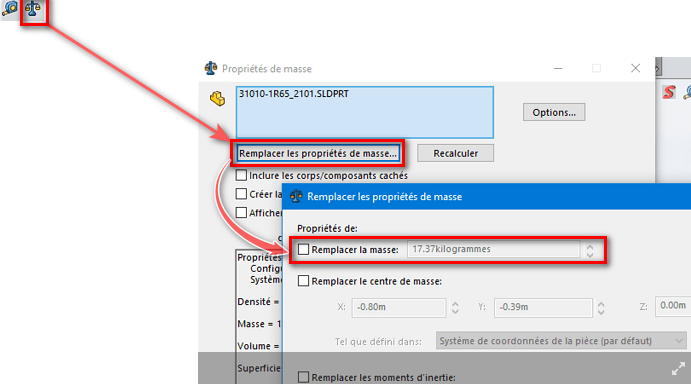
Vérifiez que la masse de votre composant ne soit pas renseignée « manuellement » dans ses propriétés de masses:
=> Décochez « Remplacer la masse »
puis ré-appliquez le matériau sur votre composant ,ctrl+Q pour reconstruire
…
Et … Miracle.
5 « J'aime »