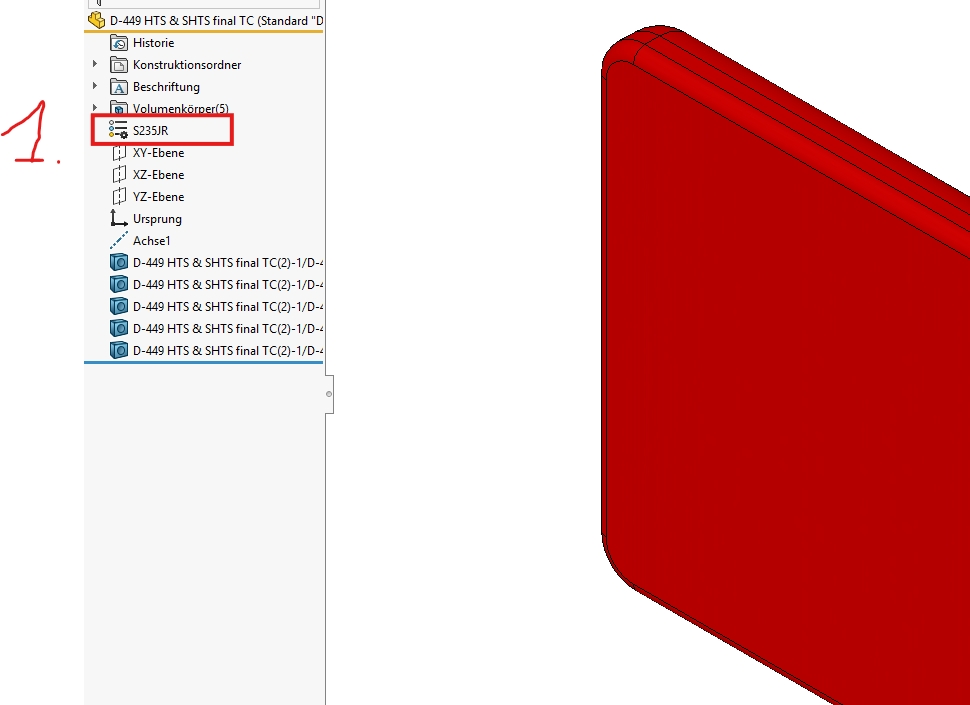
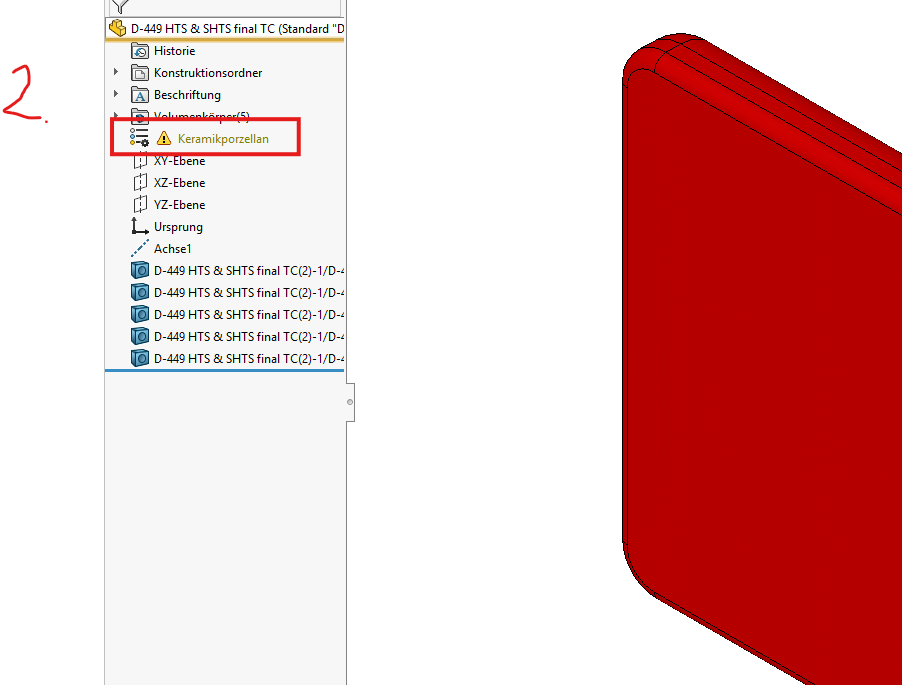
With my import part, an error message is always brought. The S235Jr material will get all import parts automatically. I'm just changing the material to another one to make it right. Then SolidWorks doesn't like it so much anymore. Can anyone help me there?
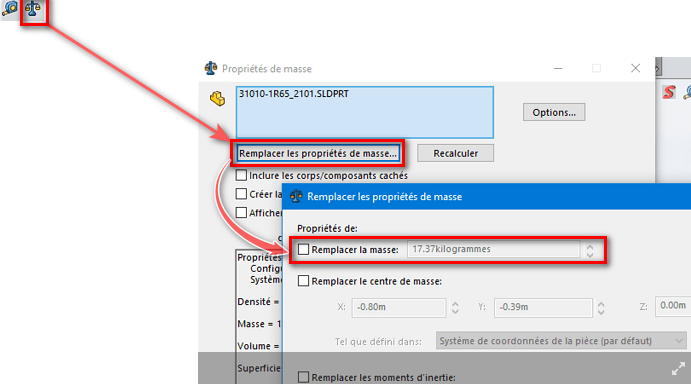
Hello; This is a common mistake on imported components: Verify that the ground of your component is not populated " manually " in its ground properties:
=> Uncheck " Replace ground " then re-apply the material to your component, ctrl+Q to rebuild … And... Miracle.