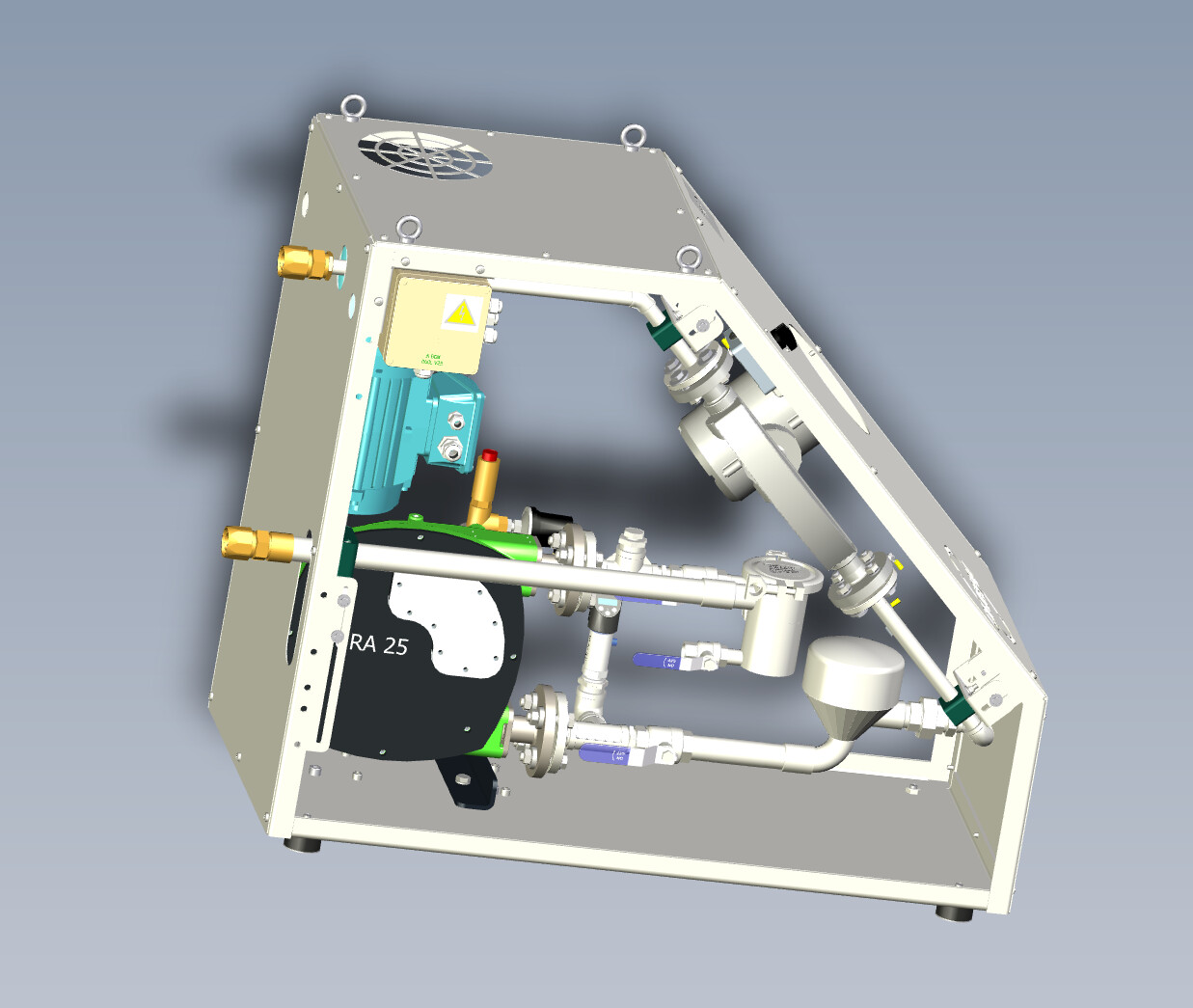
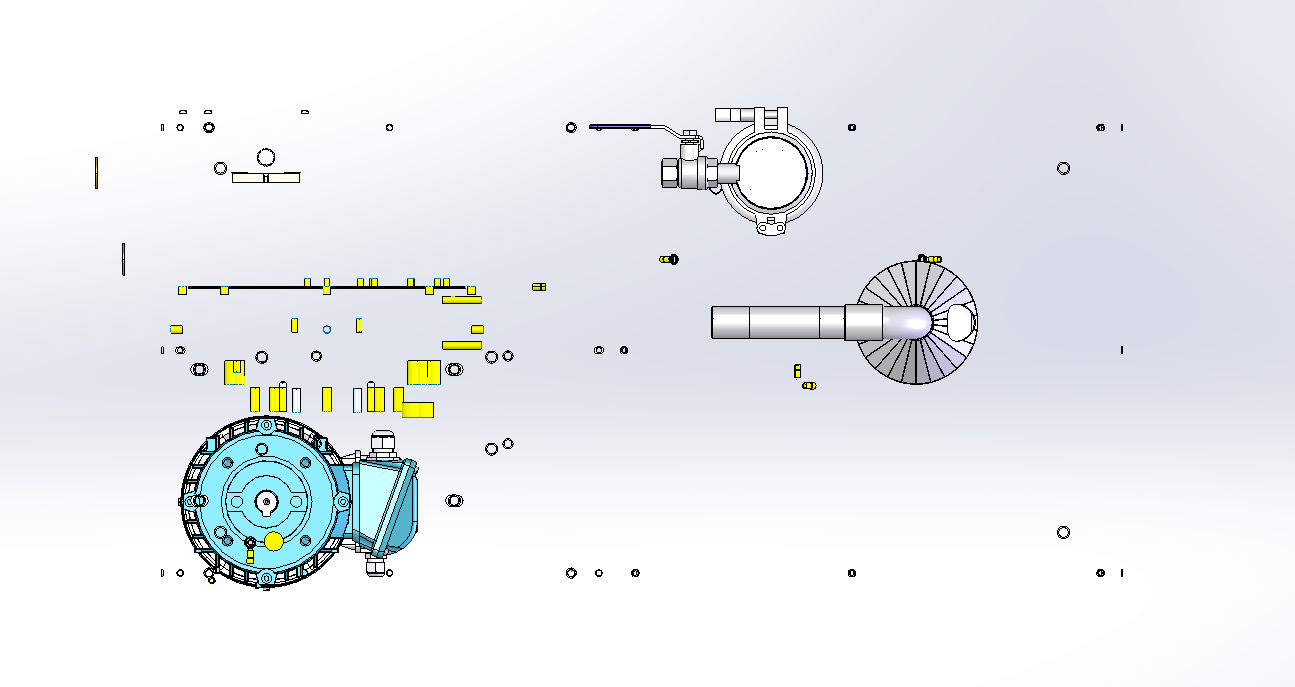
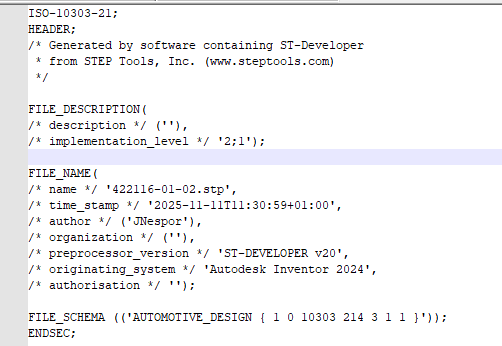
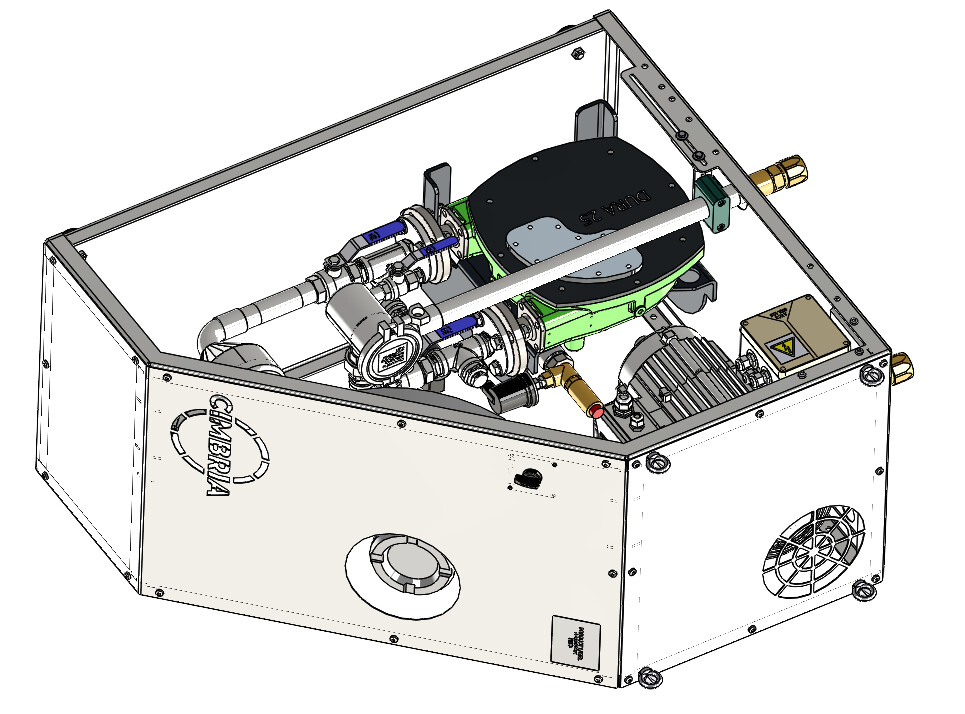
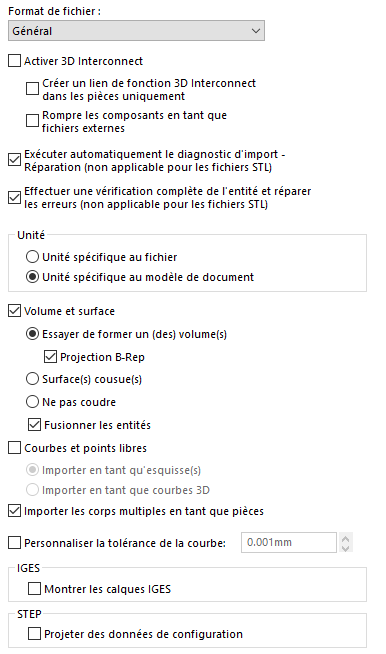
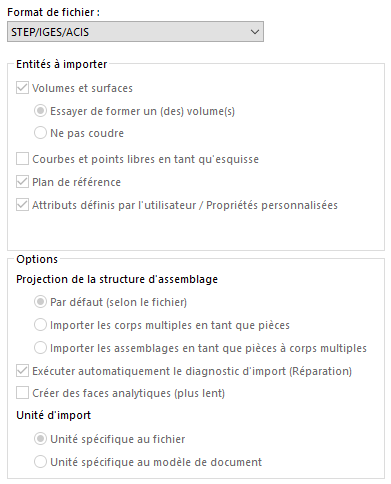
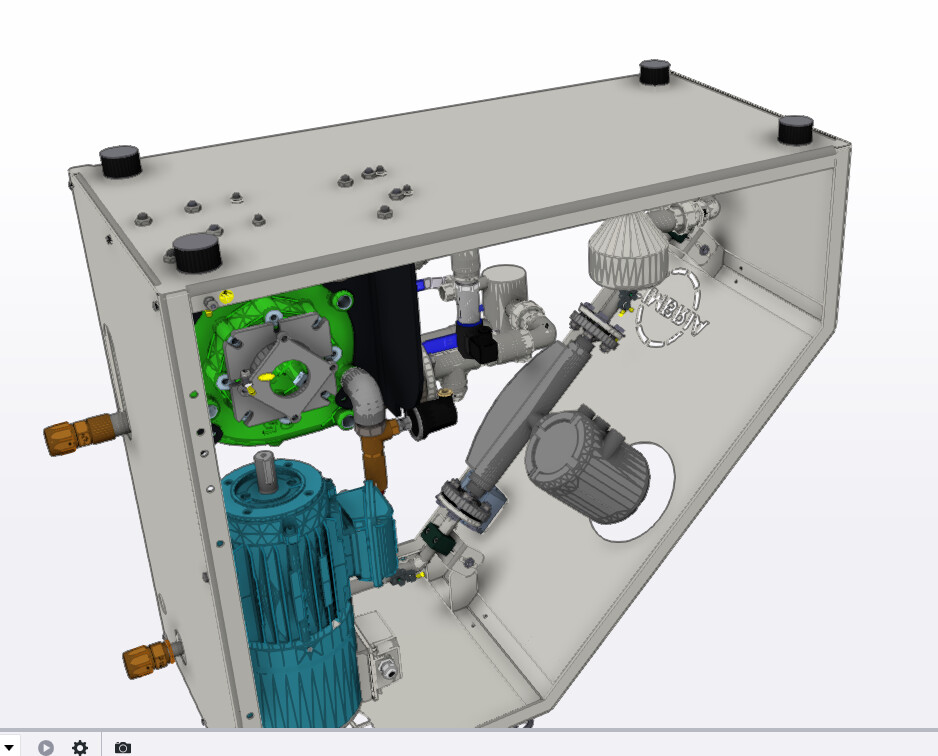
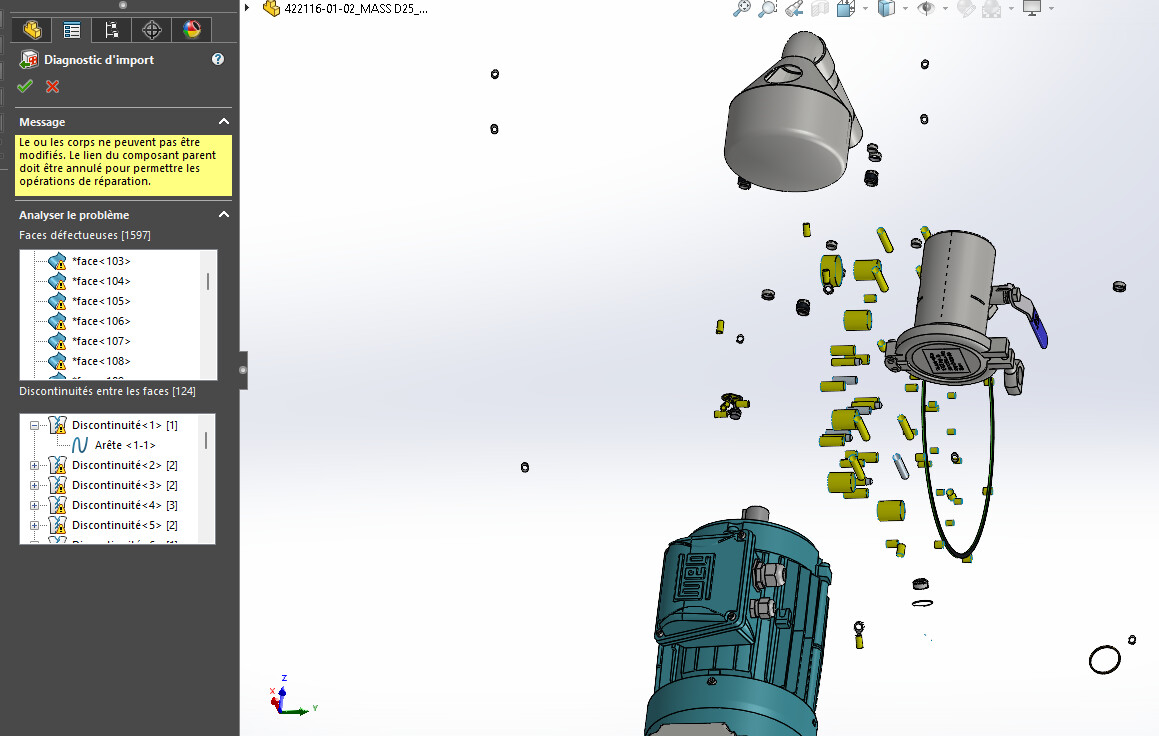
Hello, I'm on SW 2025. I received a step of which a whole part is not displayed in SW. in the edrawing viewer and freecad you can see everything correctly but in SW, it doesn't work, could you test it please. 422116-01-02_MASS D25_251111.step (72.4 MB) I tried to fiddle with the import settings, but nothing helps.
This sometimes happens if in your set 2 different assemblies have the same name. For example, if in your assembly you have 2 sets named flywheel, the 1st one (in the tree) will open correctly, but the second one will be replaced by the 1st one already open. (Solidworks limitation: only one file with the same name can be opened at a time.) Check in freecad and if necessary rename the set(s) and then re-export to step to then open it in SW. This limitation does not exist in Inventor or other 3D software but causes this kind of problem when importing.
After testing the effectively disastrous result (under SW2023): Not sure if it comes from a duplicate name but more from an import problem indeed. On the other hand, on a similar problem, I had managed to parry the thing by going through topsolid and converting it to .x_t that I then reopened in SW.
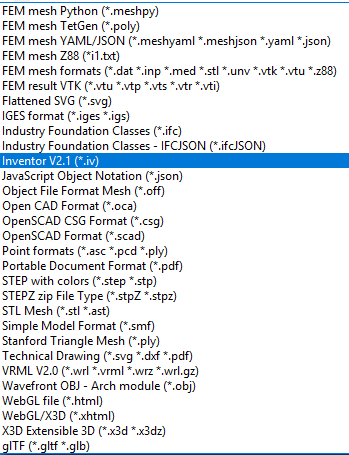
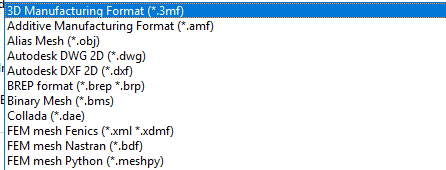
Maybe tried the same kind of trick by going through freecad.
You want me to try to save it in other formats (from Solidworks) ... Basically, do you need the assembly or would a " dead " part be enough for you? Have you tried with the files I had already converted (See my previous message)?