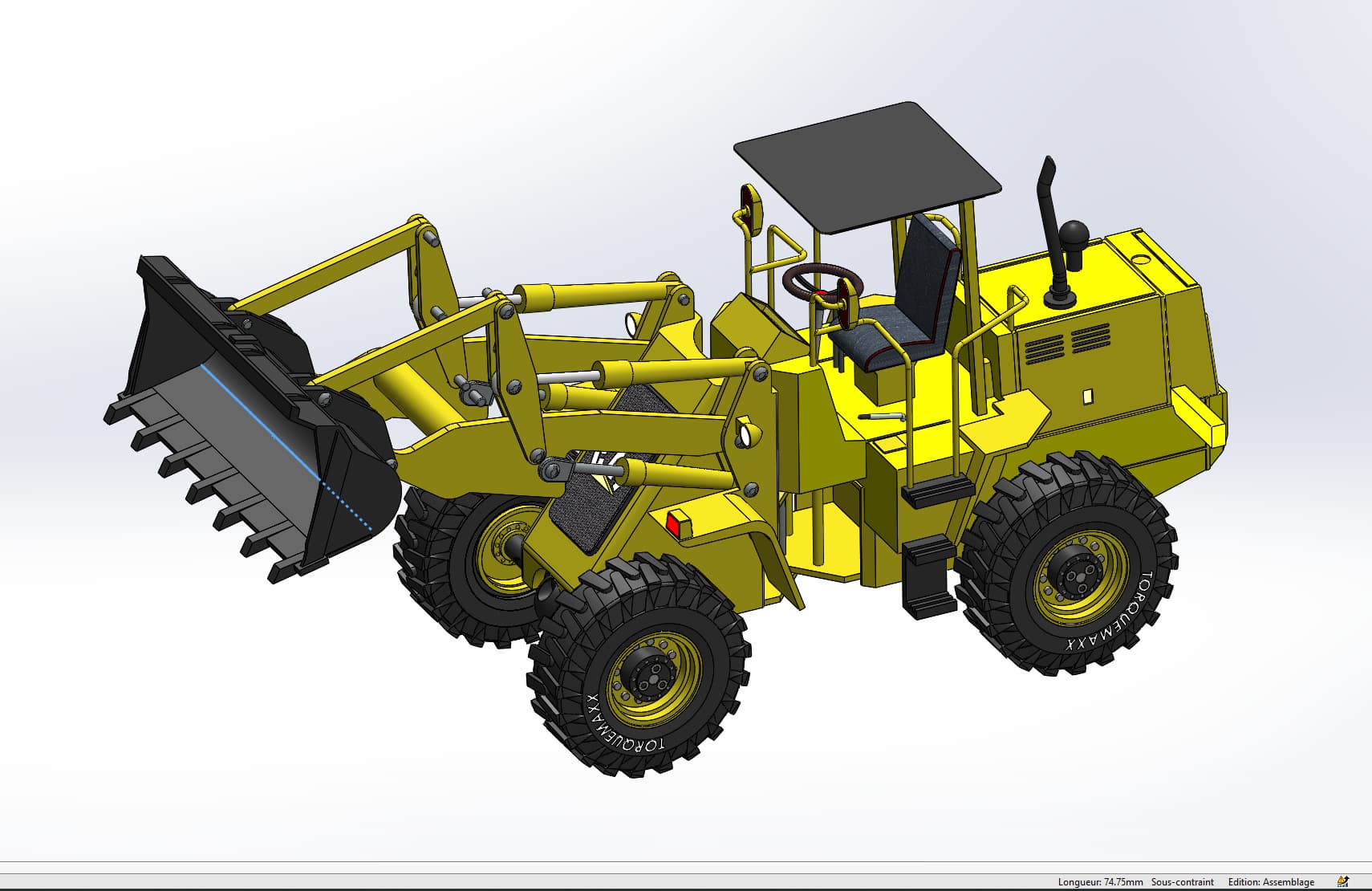
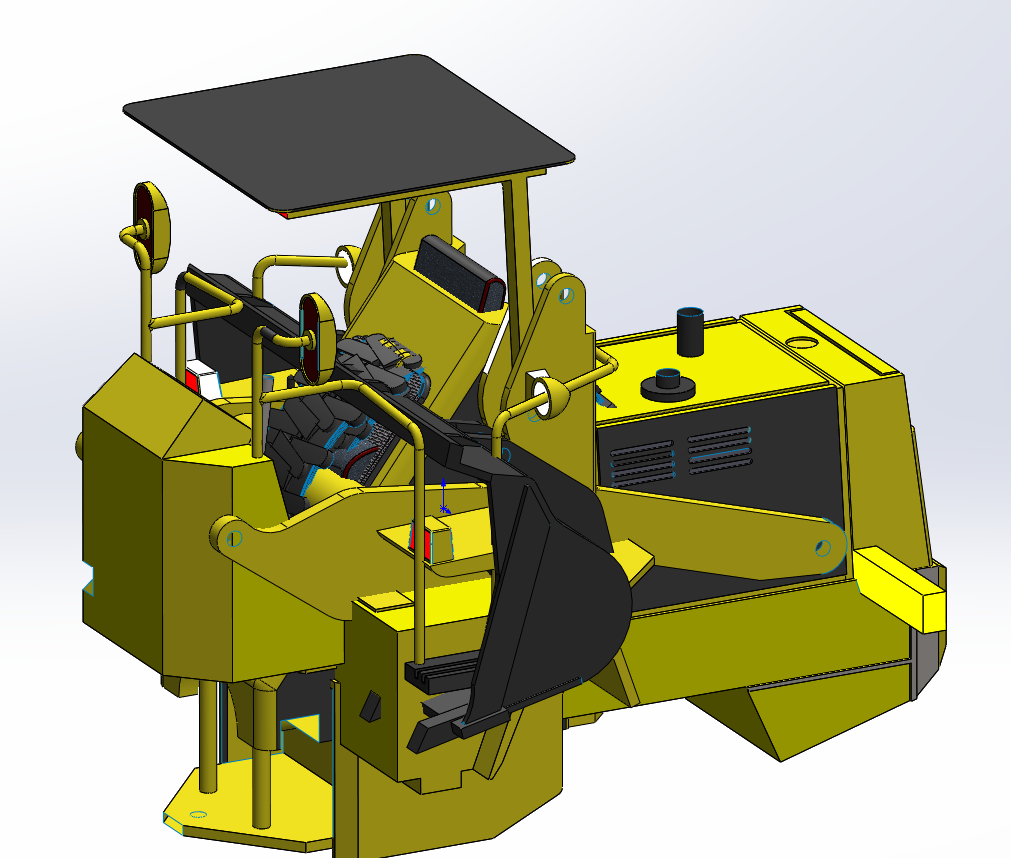
It is the assembly of a model Caterpillar loader (it is written on it). No solution for scaling the assembly. On the other hand, it is possible to:
Save the model as a part: Save as > Solidworks Part(*.prt, *.sldprt),
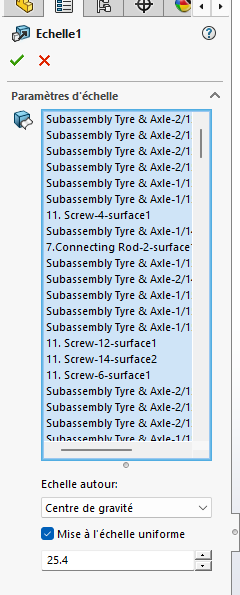
then to apply a scale factor to all the volume bodies of the part (Insertion > Functions > Scale, etc.).
Disadvantage: no more assembly to perform a possible animation/motion simulation.
Another possibility: open the parts of the assembly one by one, and apply the scale factor to each one. It takes longer, but the assembly is preserved.
You’re right: you can’t scale a SolidWorks assembly directly. The usual workaround is to Save As → Part, then use Scale on the resulting solid bodies—sometimes choosing the right approach feels like a Coin toss, but this one’s pretty reliable.