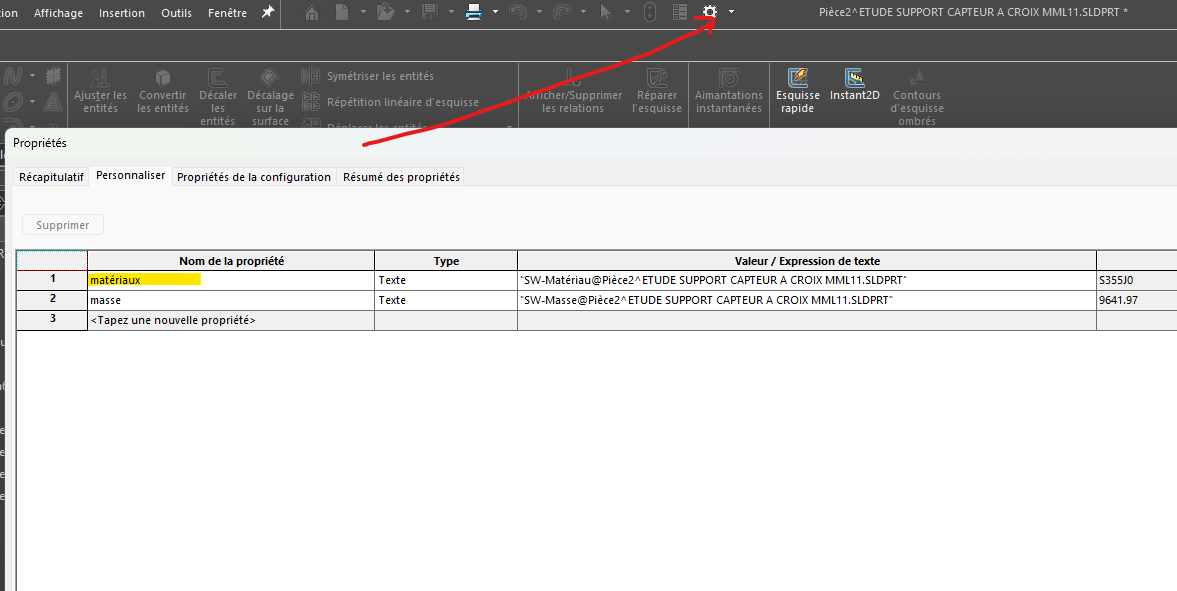
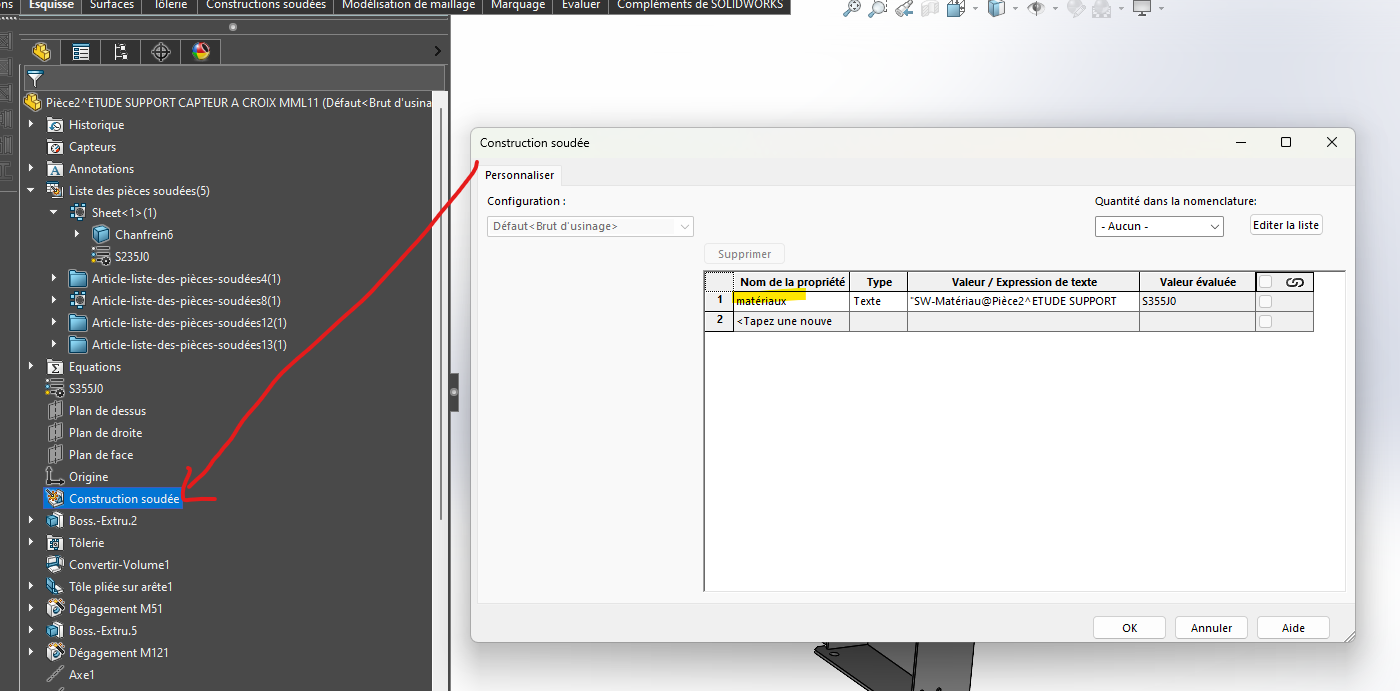
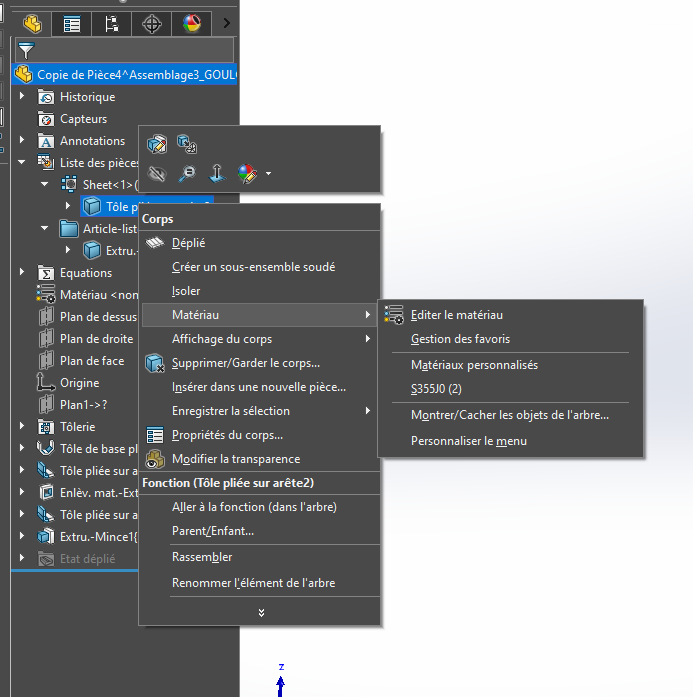
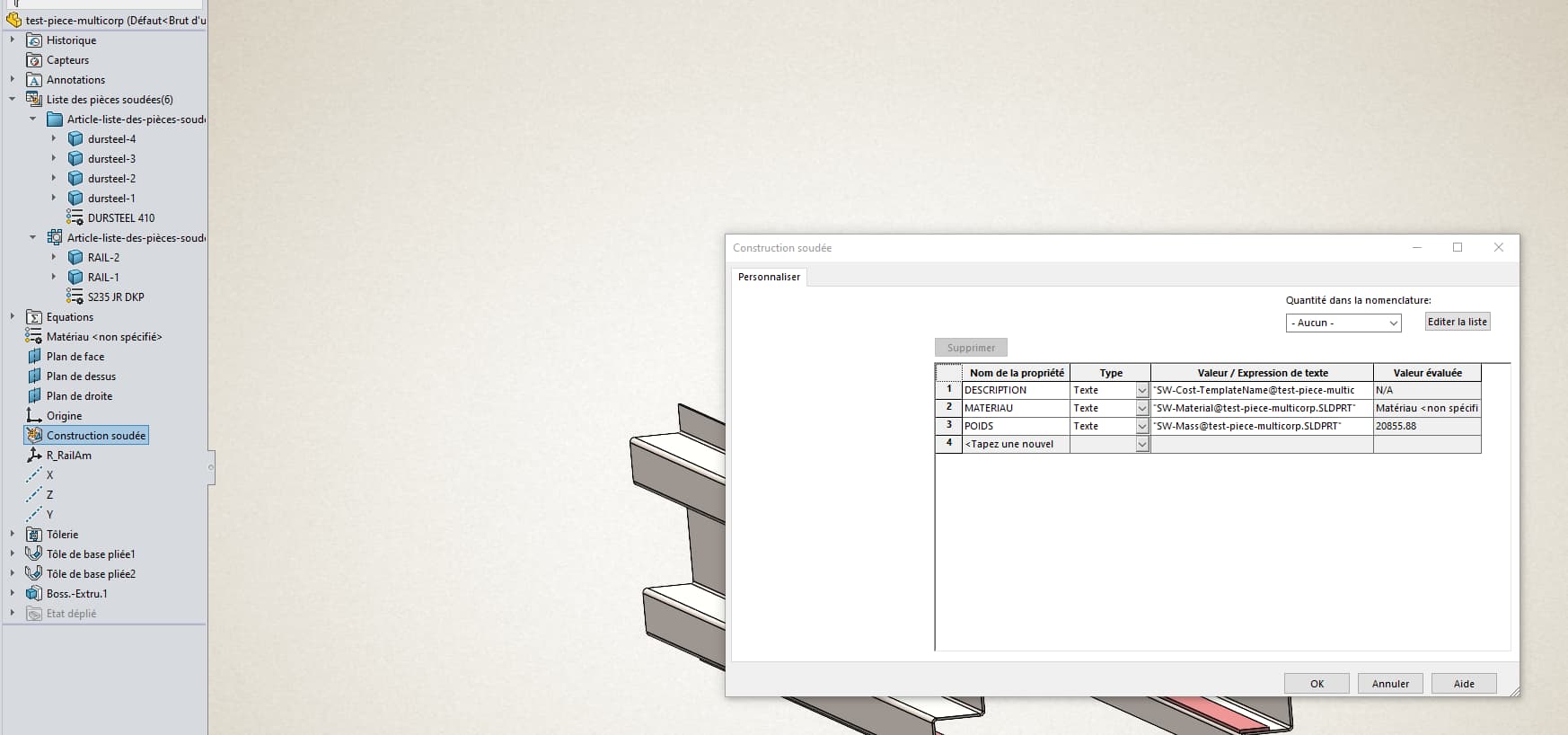
@Maclane It's still text, but the right text with the right material. @anthony_bellin I repeat myself, the information must be present twice in your part, materials of the multi-body part and materials of the body(s)
Coin Ownership
Body Ownership
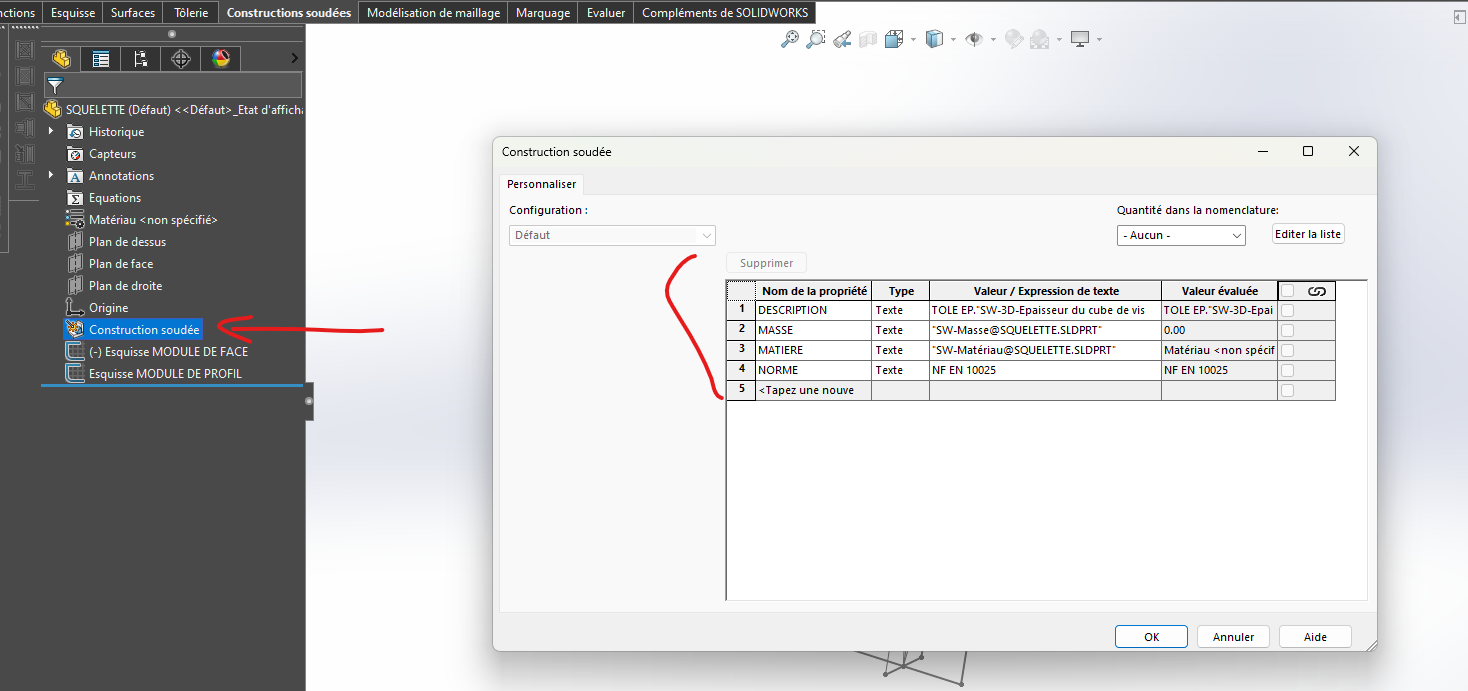
These two properties are identical, but one is applied for each body, the other for the entire part, without any detail of the bodies. However, this material property is both recognized in the same way by your nomenclature
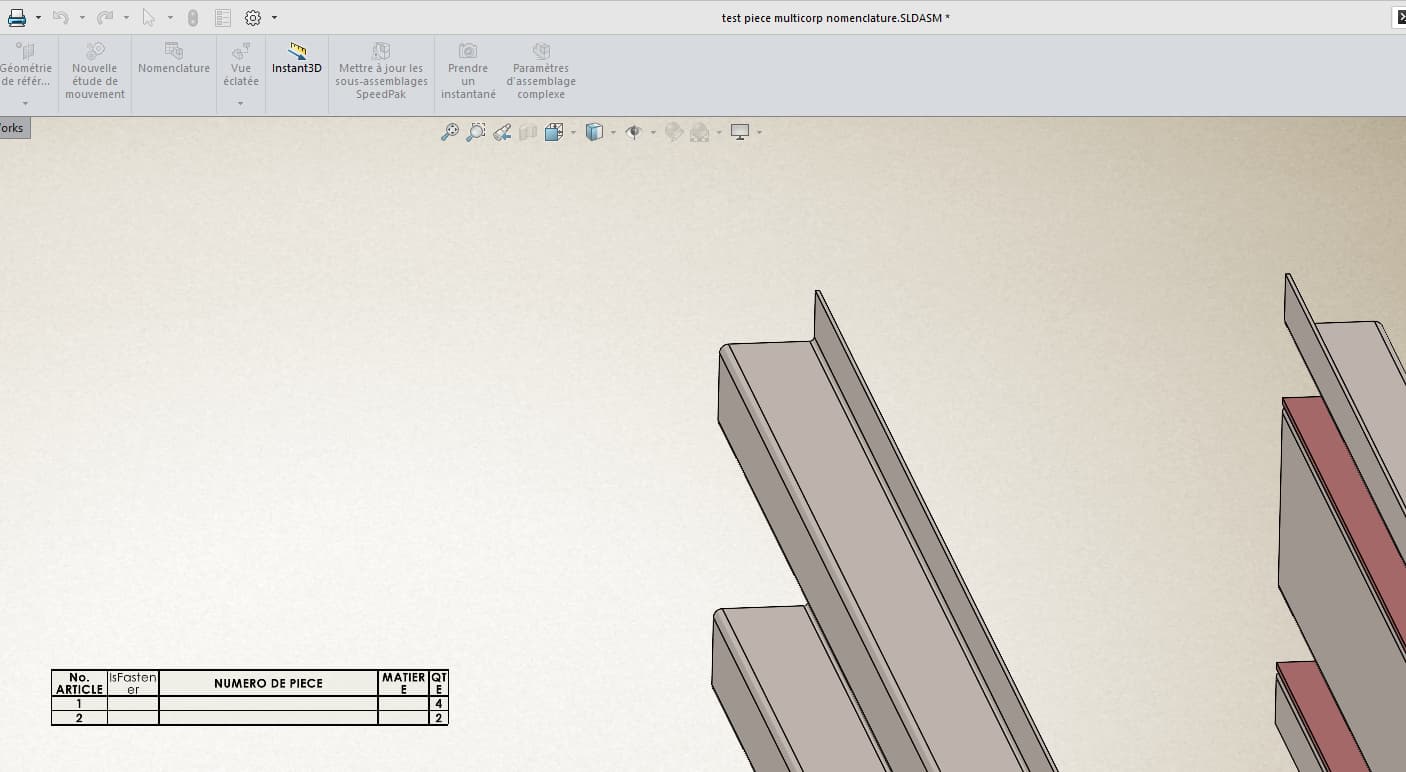
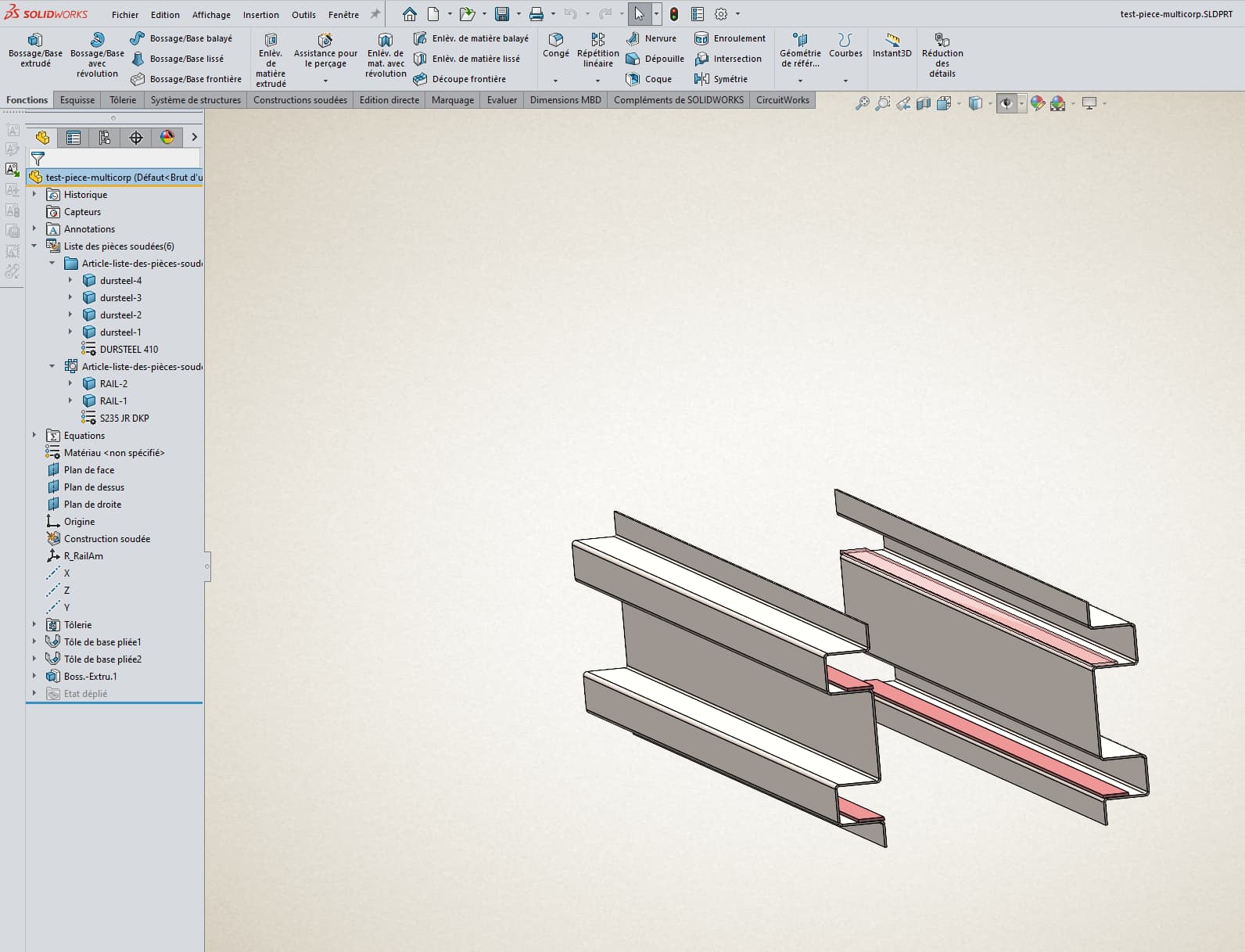
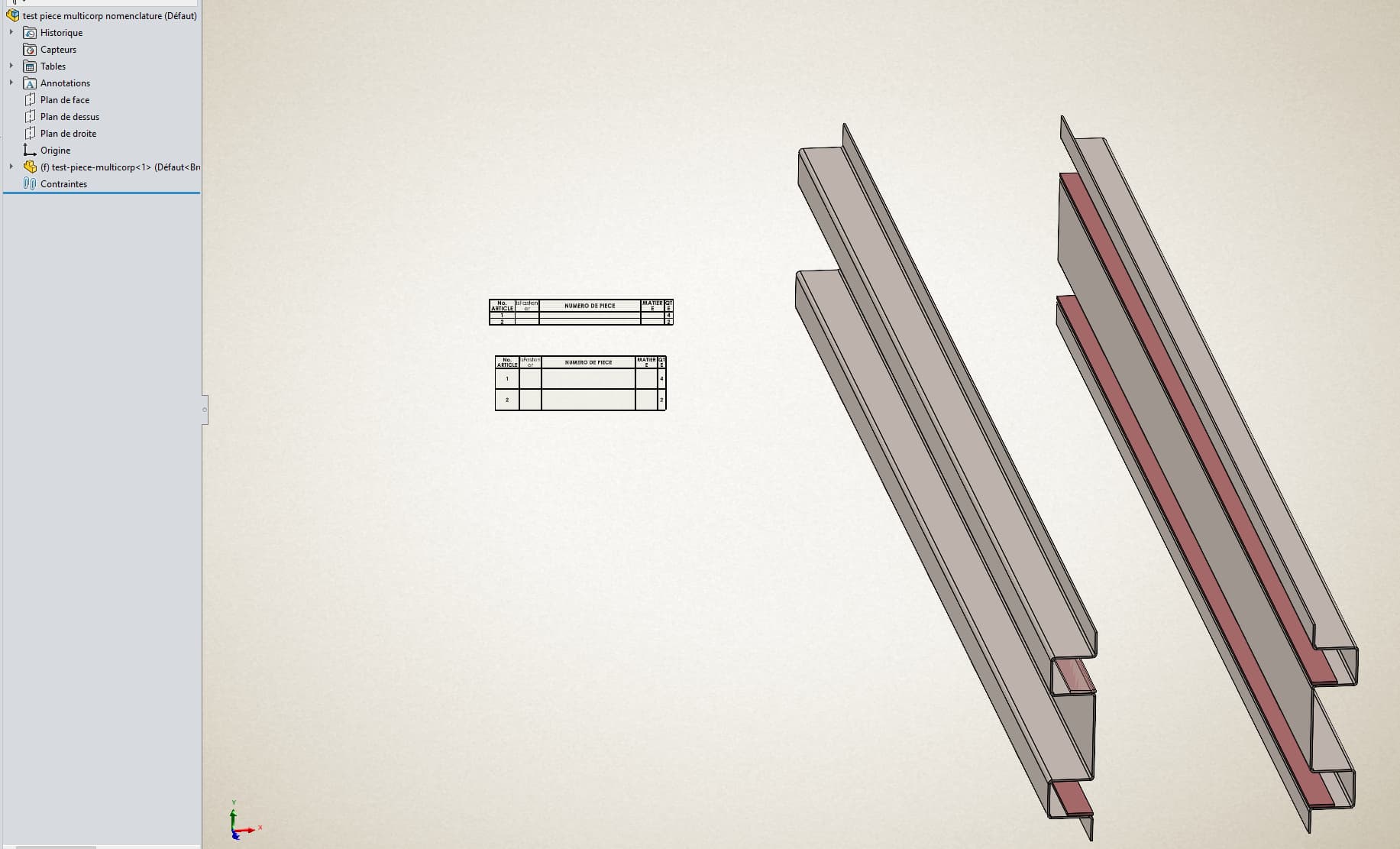
Hello I did a test today and I can't do it, I have a multi-body piece I renamed the bodies and assigned a material to them When I am in my assembly and I make a detailed list of welded parts, the bodies appear but no data is included in my nomenclature.
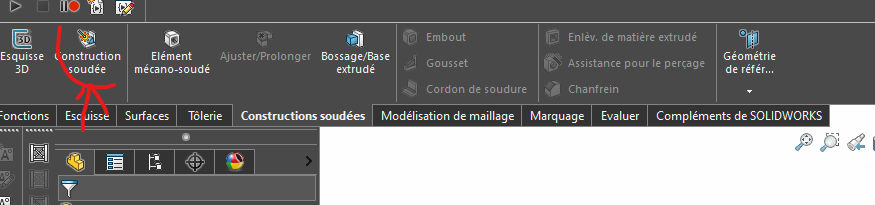
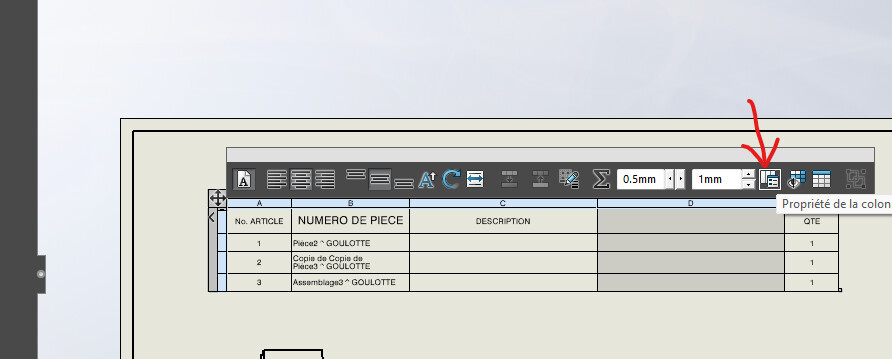
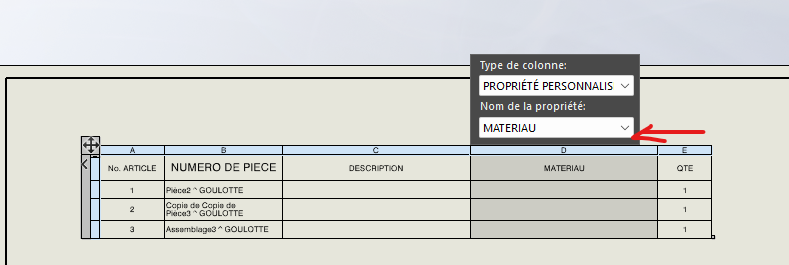
@anthony_bellin I don't see your tree structure on your screen print! I can't see if you recognized your part as mechanically welded If this is the case you can by making property on the mechanic function If it doesn't work On your BOM clicked on the column, the properties of the column appear Choose Material as a Column Property
Send your model if you still have problems, it may come from a SW parameter. But normally, if you have the lines for the bodies of your part, your bodies exist in your nomenclature.
And if you have applied well either to the complete piece or to the bodies a material, then it must work
@anthony_bellin I was able to look at your model and indeed there is a problem with your part. I don't understand why. SolidWorks version maybe. I've modeled your set on my side, it works.