Hello
A new version of MyCadTools has been released.
1 - I didn't receive a notification
2 - In the app's menu, the 2026 version is not visible because a priori only the previous versions are displayed in the drop-down menu.
Is this normal operation?
So we are forced to go through the site through the news
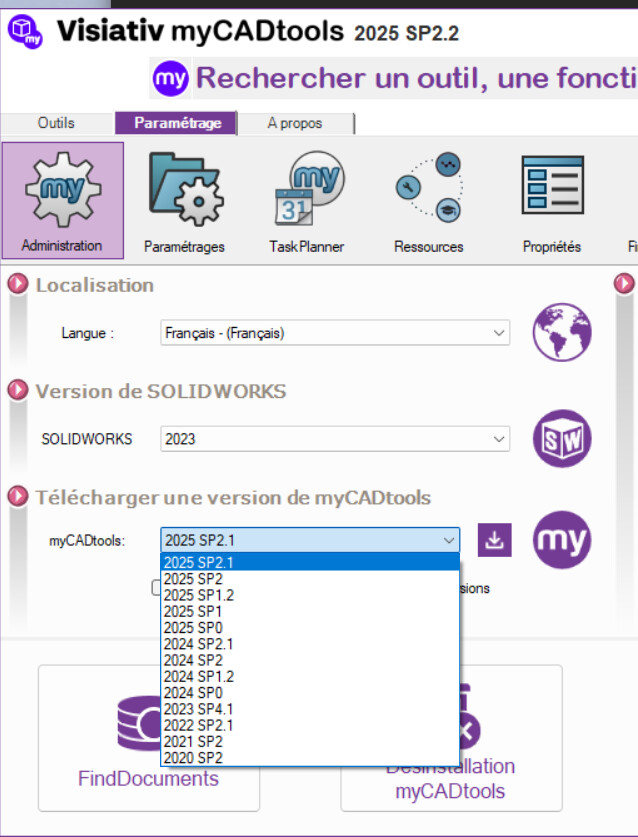
Hello;
There is clearly a communication problem at Visiativ...
If I go through the system-tray menu and "Check available versions" I come across this:
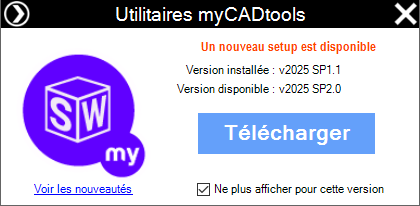
I see that you are in version 2025 sp2.2
I'm only offered the 2025 sp 1.1 version
While the 2026 sp0 version is available (or at least documented)
As for the download page of the site:

=> Impossible to know which version you are downloading (Surprise).
1 Like
Yes, the way it works is weird?
Have you received a notification for version 2026SP0?
=>… No, not at all. (Nothing since version 2025 sp2.0)
The only time the 2026 version was mentioned to me was on the forum:

By the way: No new tool with the 2026 version?
No indeed, no new tool but there is an AM in SmartProperties that intrigues me, I wanted to see what is hidden behind this enigmatic sentence

Hello,
I've been using MyCads for several years...
I have noticed for a long time a delay between the fact that the updates appear in the installed MyCad version while they are visible on the site.
Certainly a time lag between the publication on the site and the deployment of automatic installations...
To be seen...
1 Like
Hi all
The 2026 version has been deployed. Instead, we apply a delay of about a week before notification, in order to detect any major problems and limit their impact.
Kind regards
Thanks for the info, everything can be explained...
@fmarchand ,
[Off-topic-On]
While I'm thinking about it, don't you have an old executable (the latest version) of Project Explorer, lying around in a Mycad tools archive drawer?
I know that this tool is replaced by a " Find_Document " function but it is not possible for me to use it (Find_document is not able to manage my 942GB of Solidworks data)...
And I found this tool very practical to rename my files (without having to go through Project Manager)
[Off-topic-Off]
Thank you also for the info, however the announcement was made in the Newsletter and we urge us to download it.
Your wishes have been granted... This very morning:
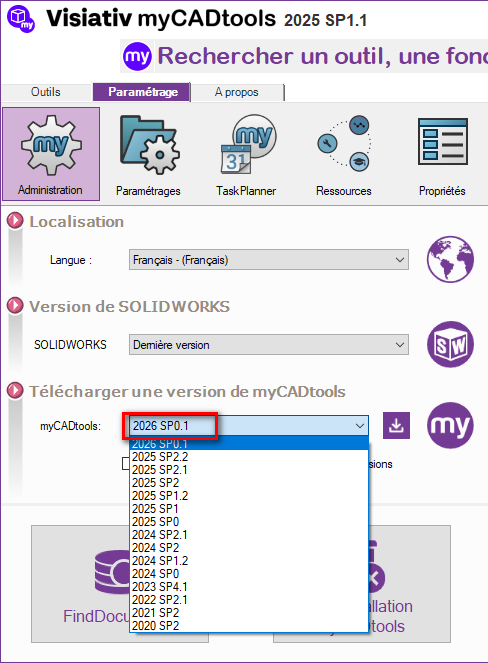
(Update available since this morning ... but we lost the 2026 SP0.0 version
However, in view of the bugs fixed, it's not bad:
BG94679: Default installed projects are systematically overwritten when installing version 2026 SP0
… And now I feel sorry for all the people who downloaded and installed this version.
Redoing the Projects is not fun, that's why I don't use the new versions of Project Manager or SmartBom...
And frankly, I don't find the new versions of these tools very " User-friendly ".
1 Like
Hello
We removed ProjectExplorer as of version 2026 SP0.
You can therefore reinstall an older version from the administation section
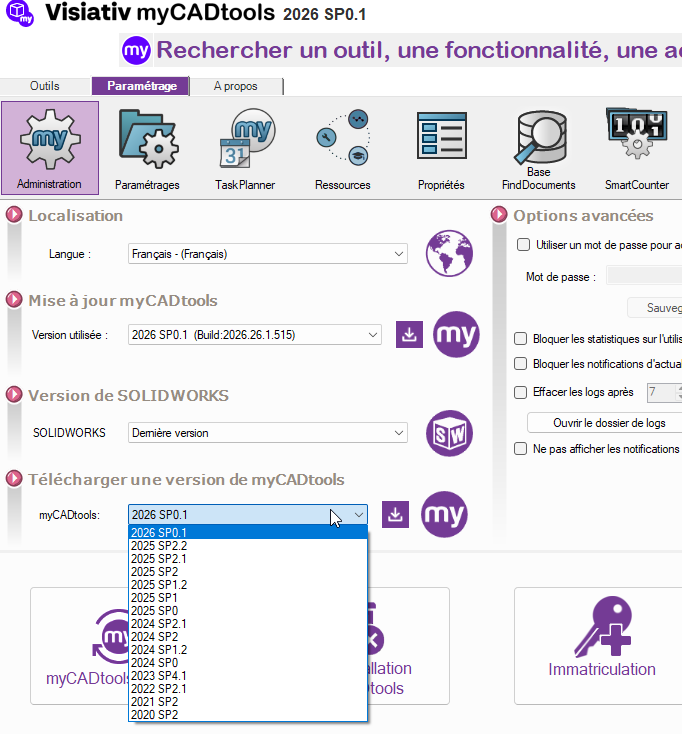
However, I advise you to use FindDocuments because it is much more efficient in terms of basic analysis than ProjectExplorer.
Regards
Hello
The issue is only encountered on the default projects " Example " and " VisiativSpareParts ".
If you had a personalized project, it was not impacted.
Our apologies if you are concerned by this problem.
Kind regards
I understand, except that FindDocument takes 3 days to update its database with our volume of documents, which makes it unusable in our design context...