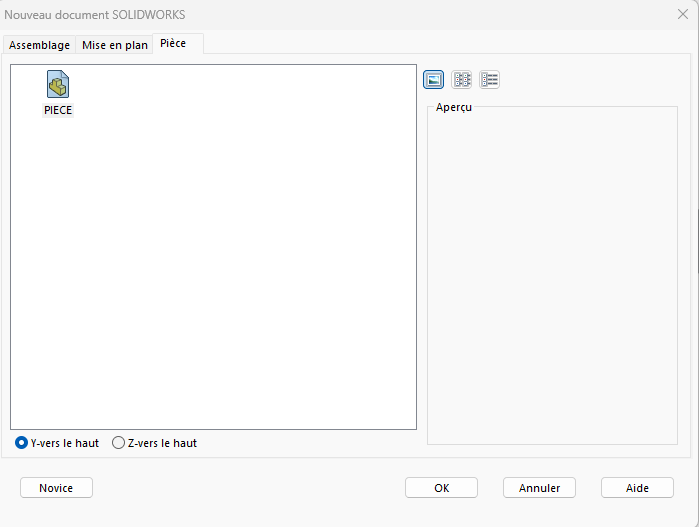
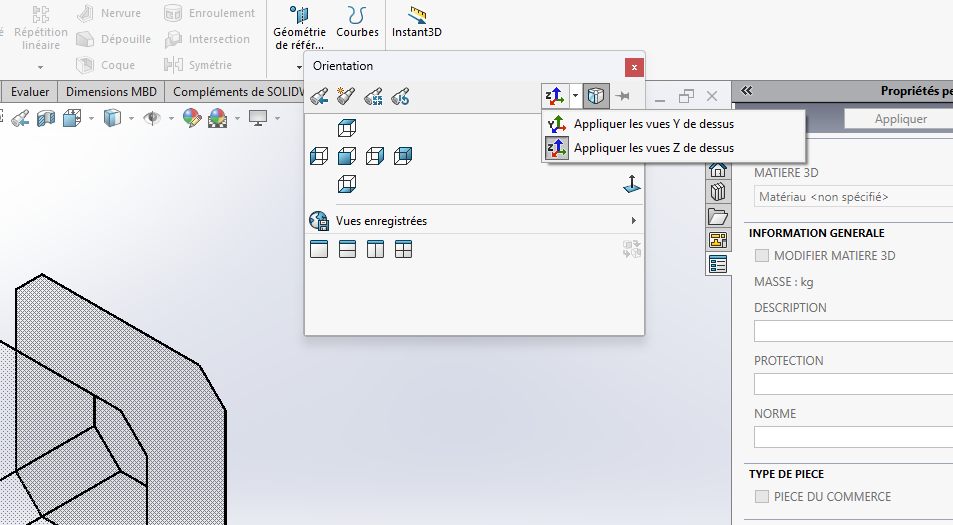
Hello everyone,
When I create a new sketch the origin of it orients me the Z axis down by default. Is there a way to orient the Z axis up by default.
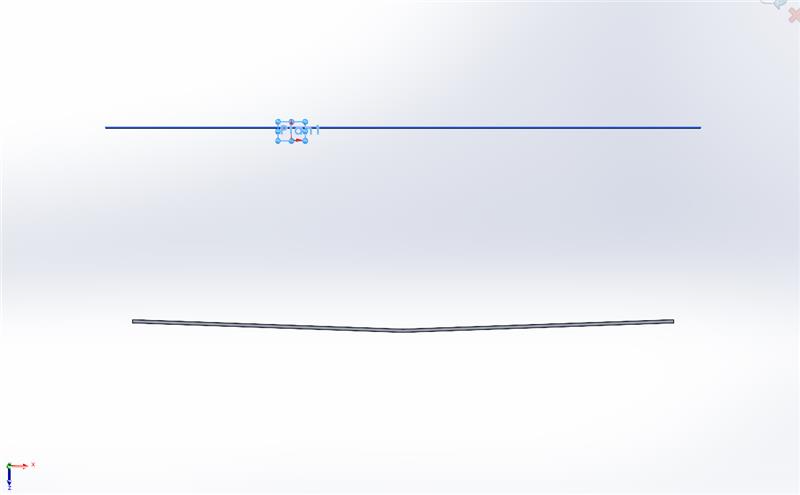
Thanks in advance to all
Hello everyone,
When I create a new sketch the origin of it orients me the Z axis down by default. Is there a way to orient the Z axis up by default.
Thanks in advance to all
Method changing the orientation of the front views is a solution or indicate Y or Z in top view
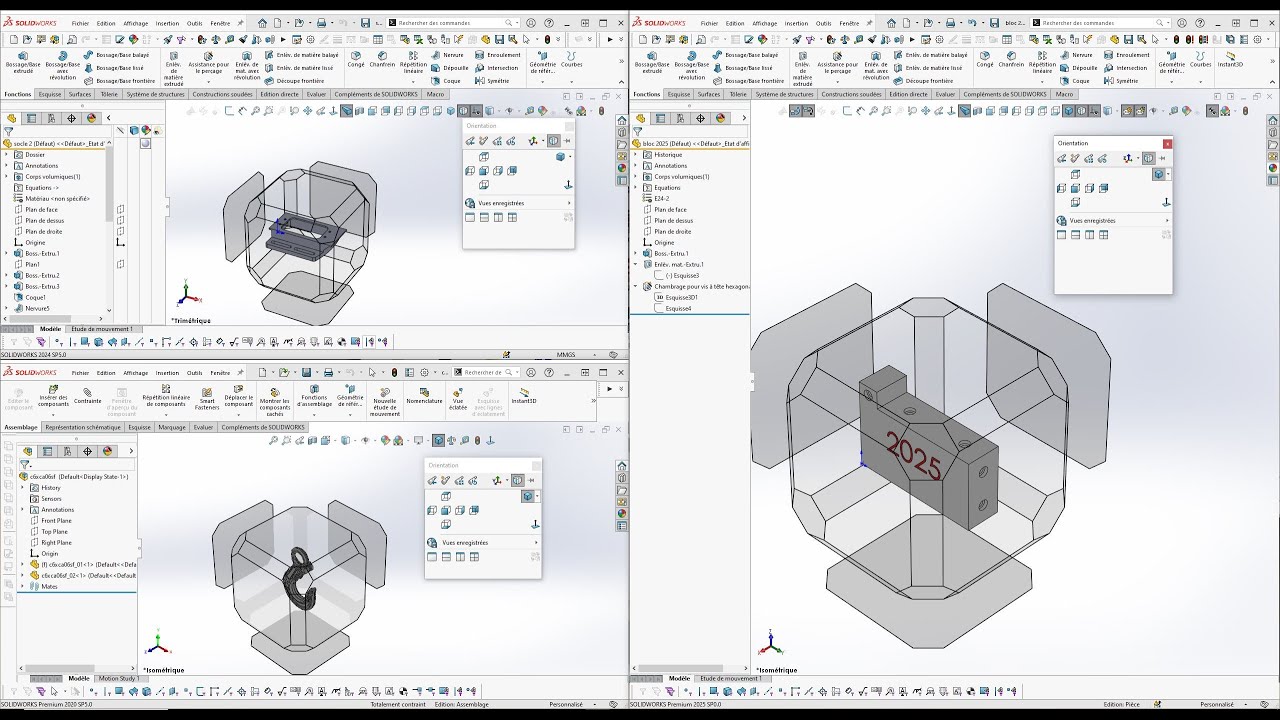
1)Press the space bar (the orientations dialog appears)
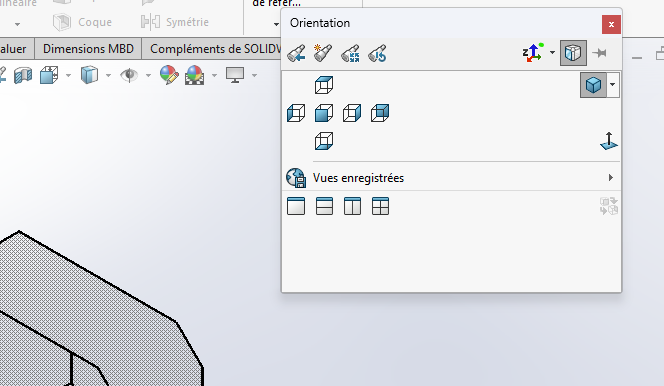
Put yourself in a front view
At the top right, change the vertical axis as shown below on the screen print
And remember to save it as a document template
Hello,
There is a parameter to change an original direction in the new versions of SW (not fucked up to find it in V2025 so probably in V2026).
Let's see if it meets your needs.
@froussel I confirm that I have seen this improvement (SW 2025 or 2026) but I can't find anything more about it!
Edit: I think I've found a final link:
Hello,
This is at the time of creating a new file.
We can select Z at the top