Hello,
Is there a feature in SW that allows you to link the original drawings of a part to the original drawings of the assembly?
Thank you
Hello,
Is there a feature in SW that allows you to link the original drawings of a part to the original drawings of the assembly?
Thank you
Hello,
When the part is inserted into the assembly by selecting the trihedron, the part is aligned with the assembly's reference frame.
It is possible to constrain the origin of one component in relation to another via their origins:
Selection of the origins of the components to be constrained:
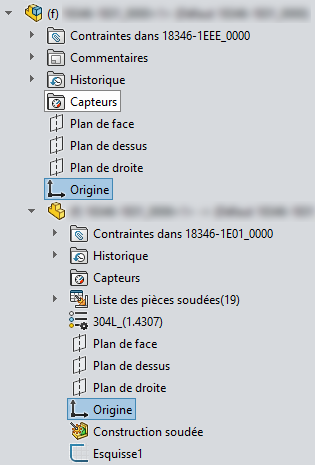
And to " lock " their axes (their planes) in coincidence.
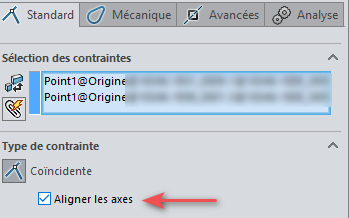
Just drag on the origin without going through the constraints.
Normally when you do insertion,
Simply select the part in the dialog box move the mouse on the screen, bring the mouse back to the selection window and the part automatically starts fixing at the origin.
But from time to time it doesn't work, I select the origin in the tree as explained by @Cyril_f
And also for the 1st part (or assembly) of an assembly, once the part has been selected, click on validate:
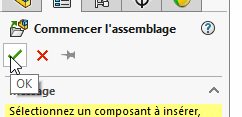
This secures the part (or assembly) by aligning the origin of the inserted part to the origin of the assembly.
This is as opposed to clicking in the graphic area and staring at the part anywhere.
Thank you very much