Hello everyone, For some time now, I've been having a problem with virtualized parts
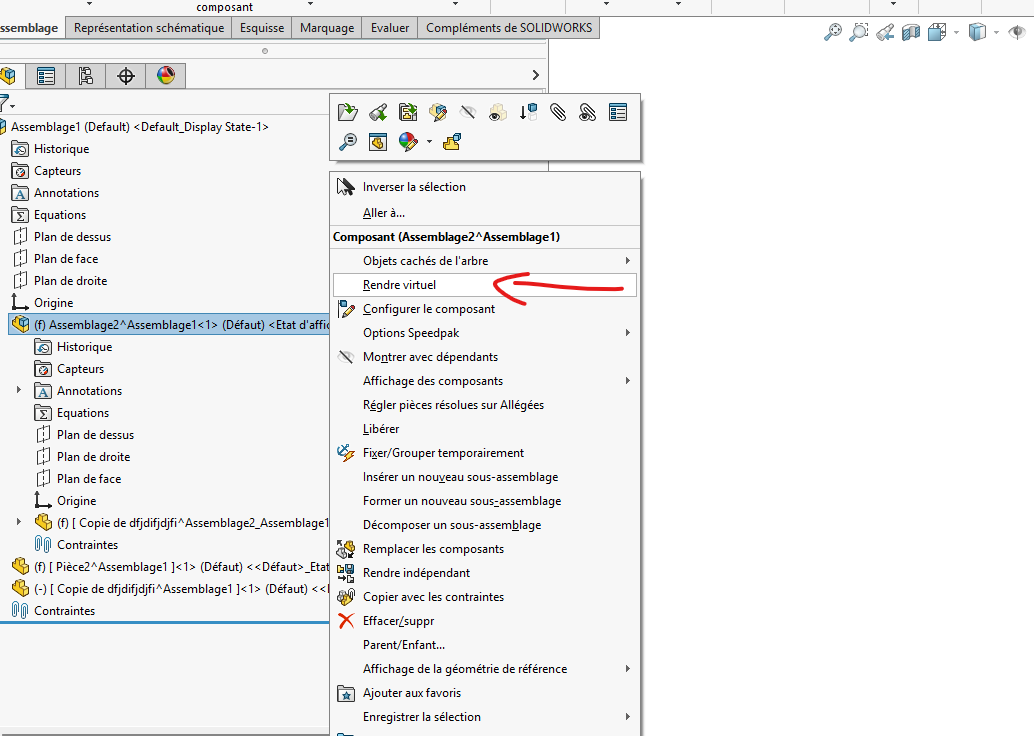
When virtualizing a part, it doesn't keep the name of that part for me. Let me explain, normally it should write: [copy of Part Name^assembly] but he writes to me: [copy of ^assemblage] or [ ^assemblage]
If I want to go further and make this part independent, it tells me that it is " impossible to find the file for the component to complete the operation "
The only solution left is to record the piece (which I don't want to do^^)
We use a lot of virtual coins (SW 2020 Sp5.0) and we don't have this problem. Are you on the latest SP (5.0 or higher) of the SW 2021 version? If not, update it, it may be a bug in the version.
We had problems with virtual parts mainly when we move a virtual part from one assembly to another (SW doesn't like it because he has only one virtual part in 2 assemblies with different names → bug fair).
Maybe a problem of weirdness in the filename (the kind of thing that prevents windows or SW from creating the temporary file)
If you want to go further on this problem, you can go digging into your temporary files (where SW saves virtual parts in use). This will allow you to see what SW has created (or not). Normally it's in C:\Users*User Name*\AppData\Local\Temp Solidworks creates nice directories named: swx22848 (the number, here 22848 changes every time SW is opened) or it stores all the virtual files created for each assembly
I can't reproduce the problem in a systematic way: it can happen for a whole day or not appear at all.
@froussel : I looked carefully in the TEMP directory. At the moment, everything seems fine, but I will continue to monitor when the problem arises.
@FRED78 : This is indeed the solution I have been using for some time to overcome the problem, even if it becomes quite heavy in the long run. My other solution is to make the component independent until you can rename it.
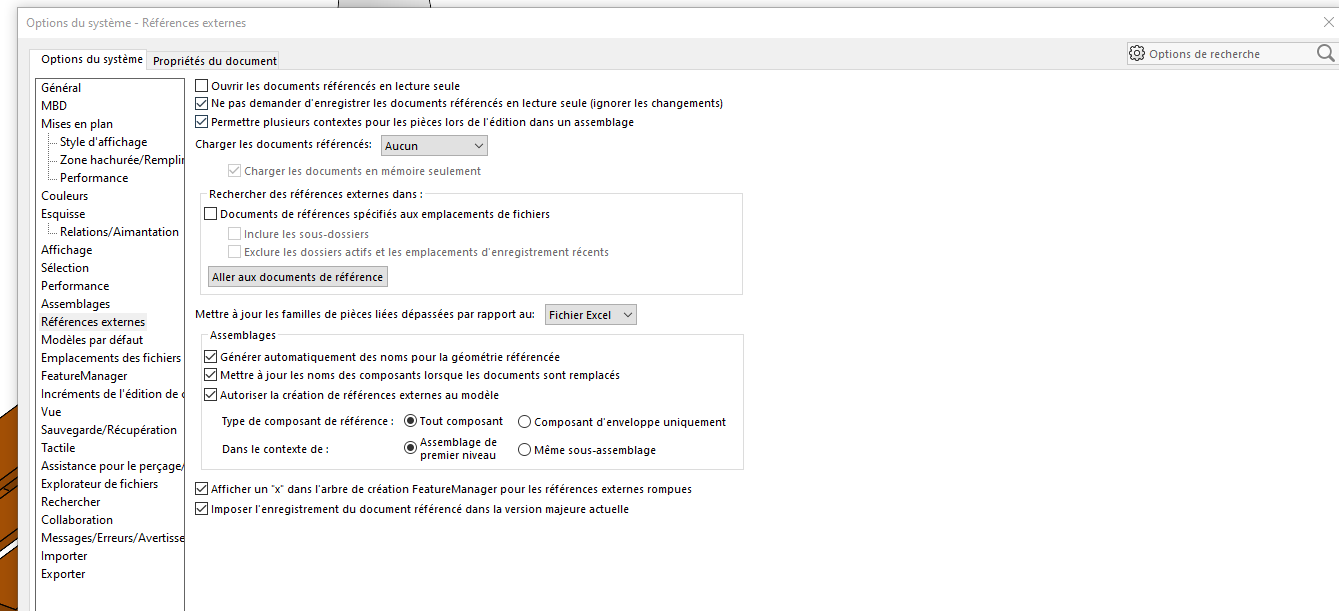
It looks a lot like a problem with broken references or file paths with virtualized parts. SolidWorks probably loses the internal link of the component, hence the incomplete name and the error when you want to make the part independent. Also check that external references are enabled in the options and that your assembly has not been moved or renamed out of SolidWorks. I've seen this behavior before after a folder change or an incomplete Pack and Go.
I understand where to watch but not what to watch^^
It also happens that we save an assembly containing virtualized parts, and then when we reopen it later, some of those parts are gone. Since they were an integral part of the assembly, it is impossible to recover them. The only solution is to recreate them, which is long and tedious
For the parts that disappear, the use of a PDM should remedy this (be careful, it's expensive and complicated) or at least allow you to recover the previous version of the virtual part. This is the kind of bug we had when we move a virtual part from one assembly to another → not to do with a virtual assembly (if you want to recover a virtual part from another assembly you have to go through a local record (so part that is no longer virtual) and then virtualize your local part once inserted in the new assembly.
For me, external reference options shouldn't really affect your virtual components (although often they also have external references that are handled by these parameters).
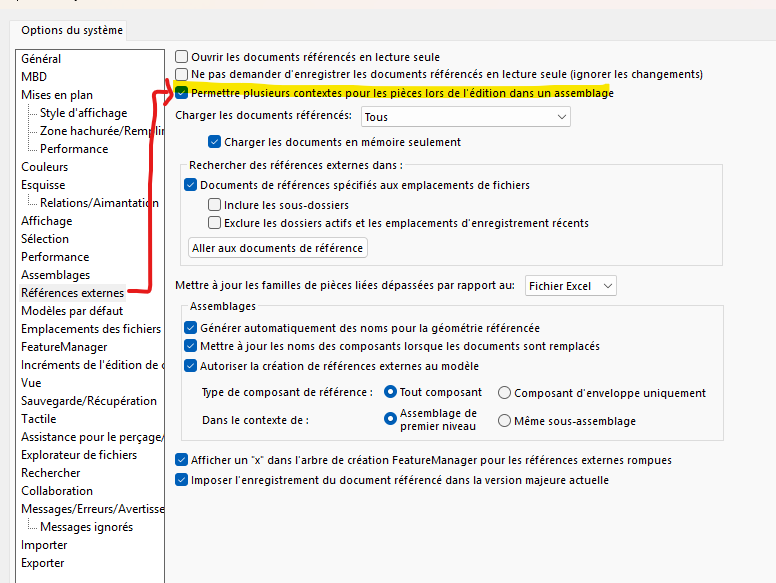
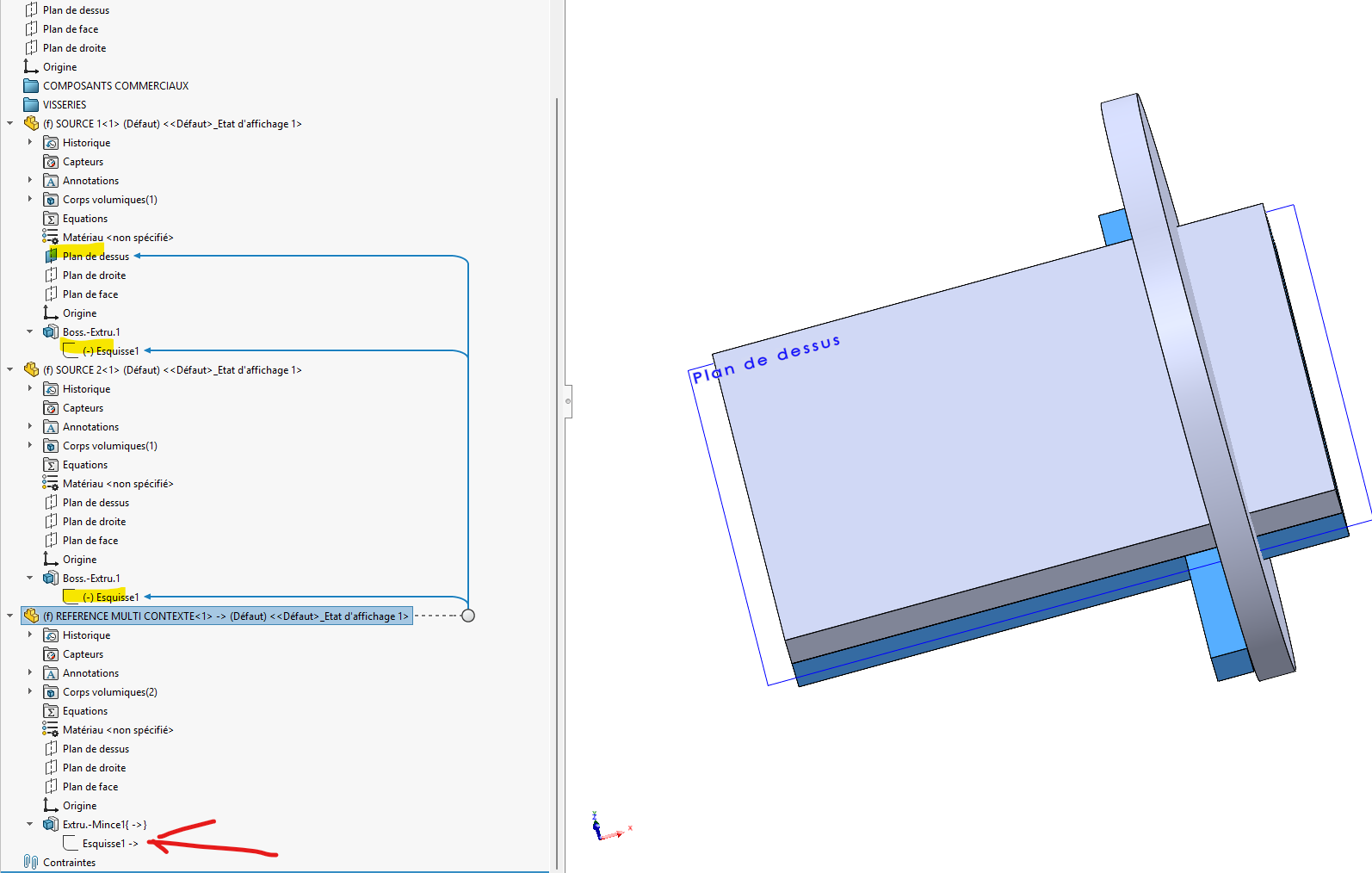
Maybe you need to remove the " allow multiple contexts " (the definition of the help: "External reference options" Allows you to create external references for a single part from multiple assembly contexts. However, an individual feature or sketch in the assembly can only have one external reference." is not very clear to me).
I would like to pick up on your reflection on external references
However, an individual feature or sketch in the assembly can have only one external reference
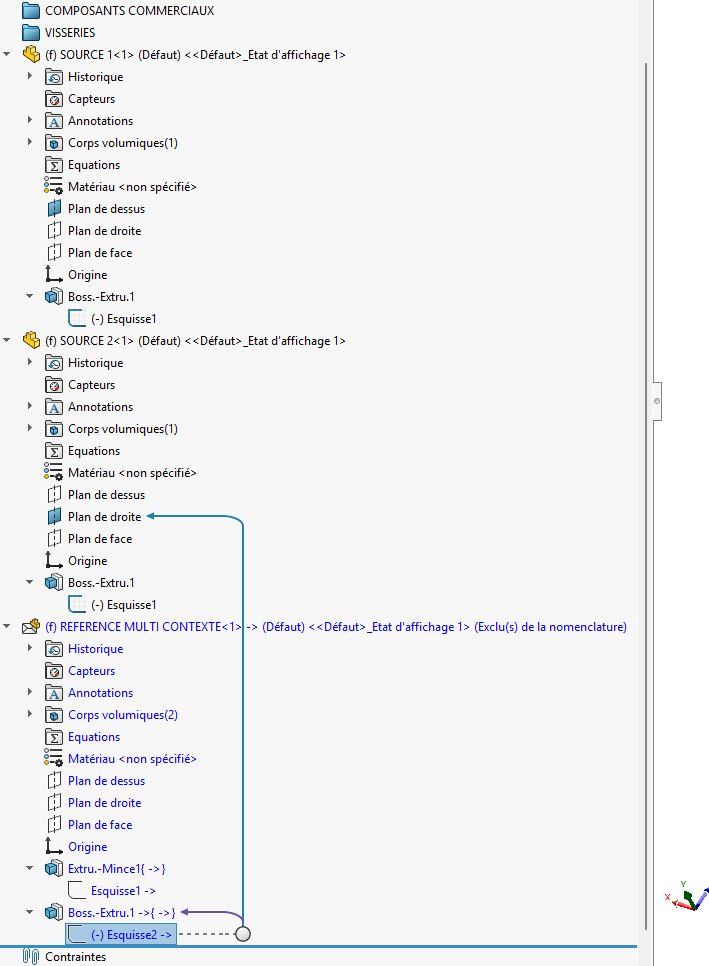
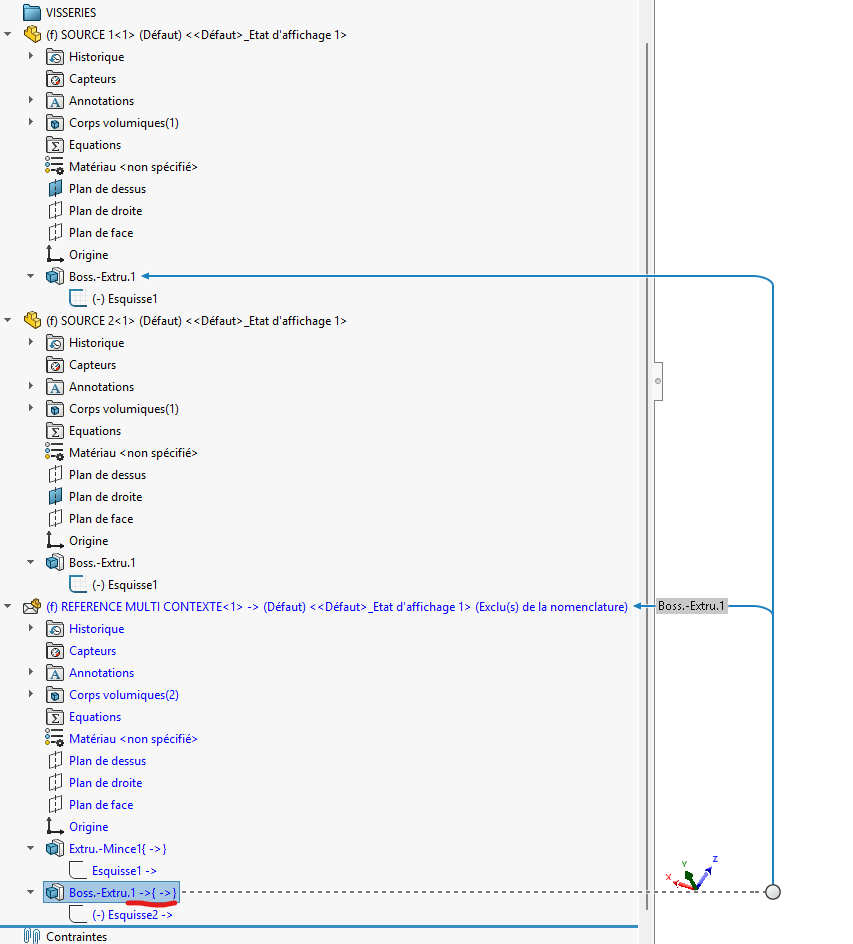
In the case where we allow several contexts (option, so several sources, we allow references from two places not necessarily from a single source. Then I'll check in the case of a sketch and a function.
I did the test on my own, and it's possible. In the past, as part of the project, we work on piping assemblies with skeleton assemblies (GC skeleton, structure skeleton, etc.). It regularly happened that we had several sources for a sketch (plan, sketch, etc.). The functions in the same way also had several external references and from different sources.
I did the test on the sketch, I didn't do it on the function for the example.
WHERE we have to be very careful in the problem we are talking about is " cyclical " references (I don't know if the term is appropriate in short). Move a part in an assembly, and if you create a Parent/Child conflict (Déjà vu when the reference is not open, indeed it's a mess.
The loss of parts when opening just after a copy tree operation (via EPDM for us but the problem could be similar via the pack&go): yes (very annoying, seems to be related to the position at the time t: forced to have the copy done by a colleague).
Problems with transferring virtual files from one assembly to another: yes
But it works properly in 99% of cases (we have more random Solidworks crashes than problems on virtual parts or assemblies).