Hello,
Following the migration to Solidwoks version 2026 SP3.2, when I want to open or make a new plan, the opening of the one is very long no matter if it is an assembly or a single part? around 40s to 1min.
Hello,
Following the migration to Solidwoks version 2026 SP3.2, when I want to open or make a new plan, the opening of the one is very long no matter if it is an assembly or a single part? around 40s to 1min.
It's true that for a piece it's a long time
Are you on 2026, but your Template and Basemap are from the same version?
If not, do a test on a background from 2026. If it's possible for the piece also in a second time.
I read a topic at one time about a problem from the SW version from which the background was derived different from the SW used
Hello;
Here are some of the things to check when changing the version of Solidworks.
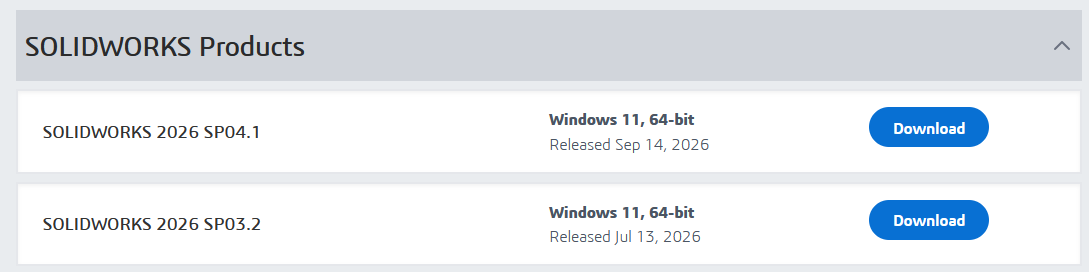
(note, why the 2026 SP3.2 version when the SP4.1 version has just been released?)
1.2) => Check and verify all new Solidworks settings (avoid importing old settings of type *.sldreg")
2) => Redo all the templates (parts / assemblies / mechanically welded / routing... but especially for the drawings).
3) => Convert all your files without forgetting the " libraries " to the new version.
4) => Back up often.
5) => Make backups of your settings (settings - *.sldreg) regularly.
These elements are all the more important if the gap between two versions is large or worse, if you switch from a local version to an online version...
Look at the version of your plan template if too old and converted multiple times, it is better to start from the 2026 template and reload the basemap, otherwise it can lag a lot.
I did this with my docs from 2004 saved until 2020. And it was slowing down. New template and MEPs were much faster.
to test you temporarily reset the SW2026 factory profile with SW RX:
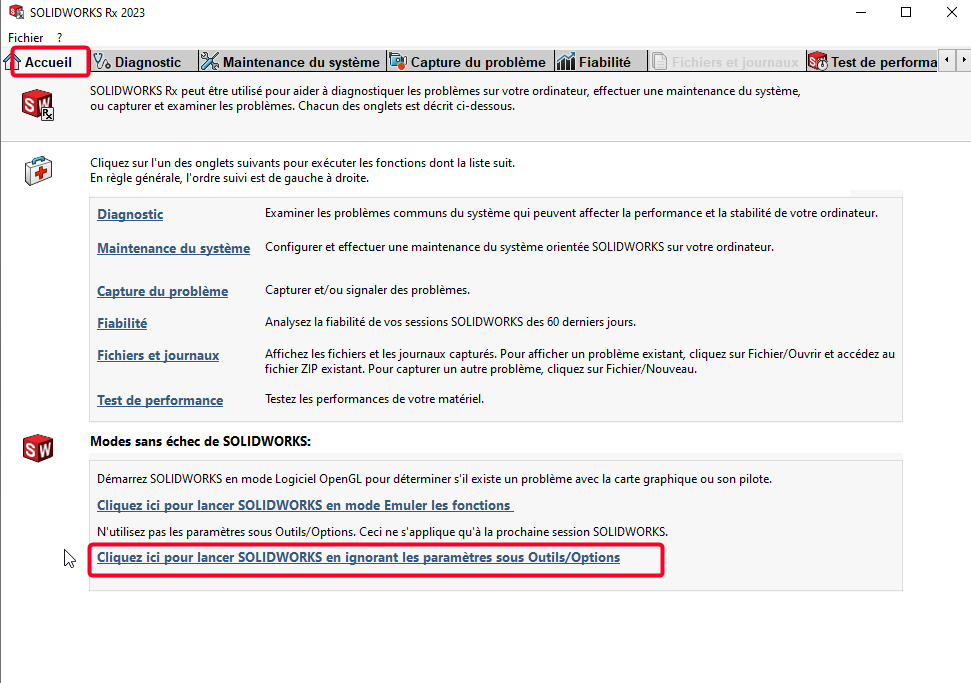
Then you make a MEP with the bottom plan of the 2026 version, if much faster either it's your background template, or it's a parameter of a previous version.