Hello
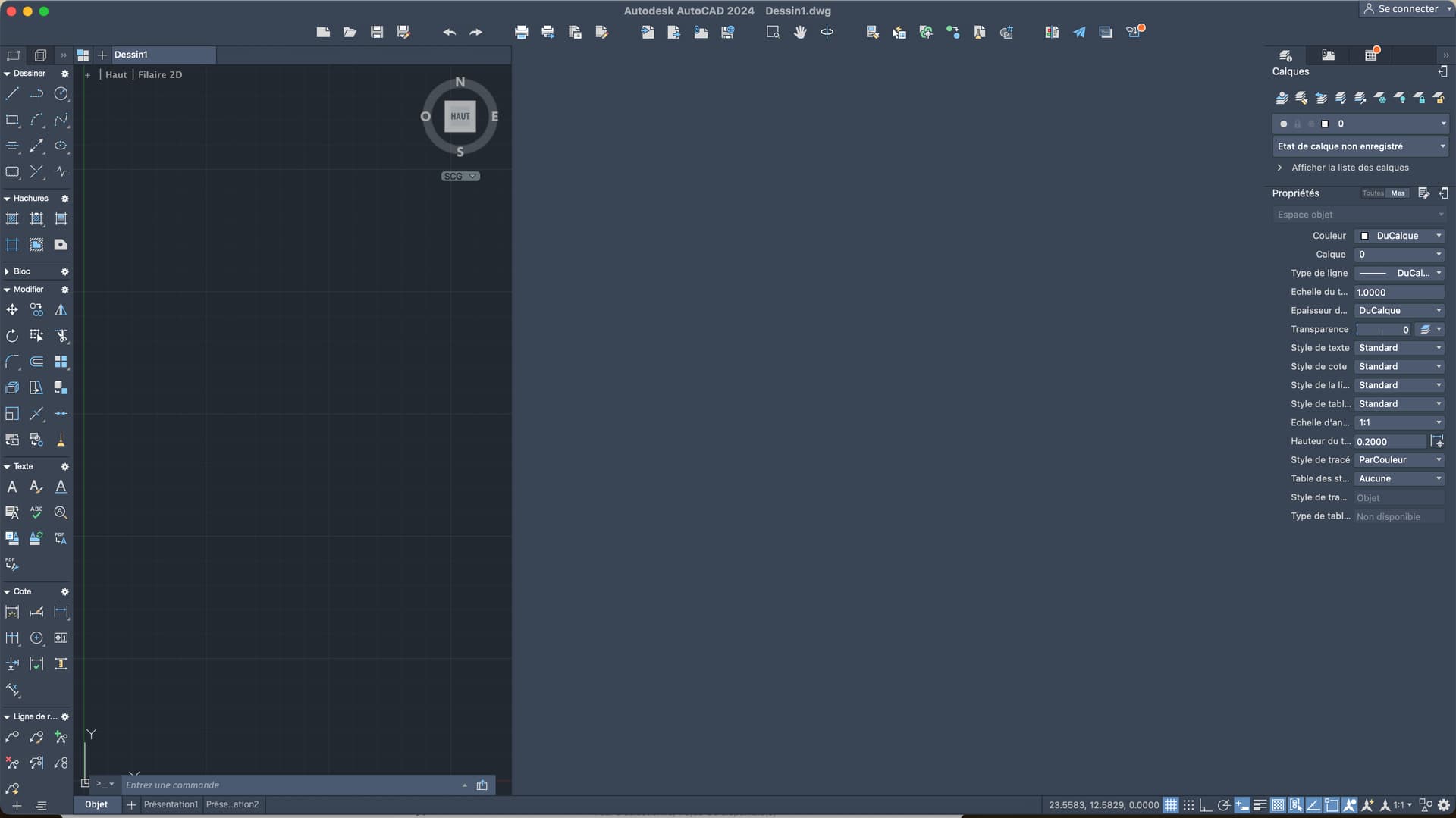
Following the update of my Mac on TAHOE my working windows are reduced by 70%
Unable to enlarge
Do you have a solution or a lead?!
Thank you all,
Hello
Following the update of my Mac on TAHOE my working windows are reduced by 70%
Unable to enlarge
Do you have a solution or a lead?!
Thank you all,
Hello answer from Lia
Yes, this symptom is known on AutoCAD Mac after a macOS update, especially when there is a HiDPI/resolution management issue.
Here are some concrete avenues, in order of effectiveness 
 Most common problem: AutoCAD HiDPI management
After the update, macOS sometimes changes the display scale and AutoCAD can no longer adapt → "thumbnail" windows.
 Quick fix
Applications > AutoCAD XXXX
 In 70% of cases, it corrects the problem immediately.
 Check macOS Display Scale
macOS Tahoe (or Sequoia) sometimes changes the screen scaling.
 More Space mode often causes this bug with AutoCAD Mac.
 Reset AutoCAD preferences
If the interface remains stuck:
~/Bibliothèque/Preferences/
com.autodesk.AutoCAD.plist
This resets the default settings (palettes, workspace).
 Check AutoCAD Compatible Version
Some versions are not yet fully compatible with the latest macOS updates.
Verifies:
If you're on an older version, window minimization is a known bug.
 Temporary bypass (if all else fails)
Can you tell me:
 Exact version of AutoCADMac Intel or Apple Silicon (M1/M2/M3)Retina display / external / resolution used
With this, I will be able to give you the most 100% reliable solution for your configuration.