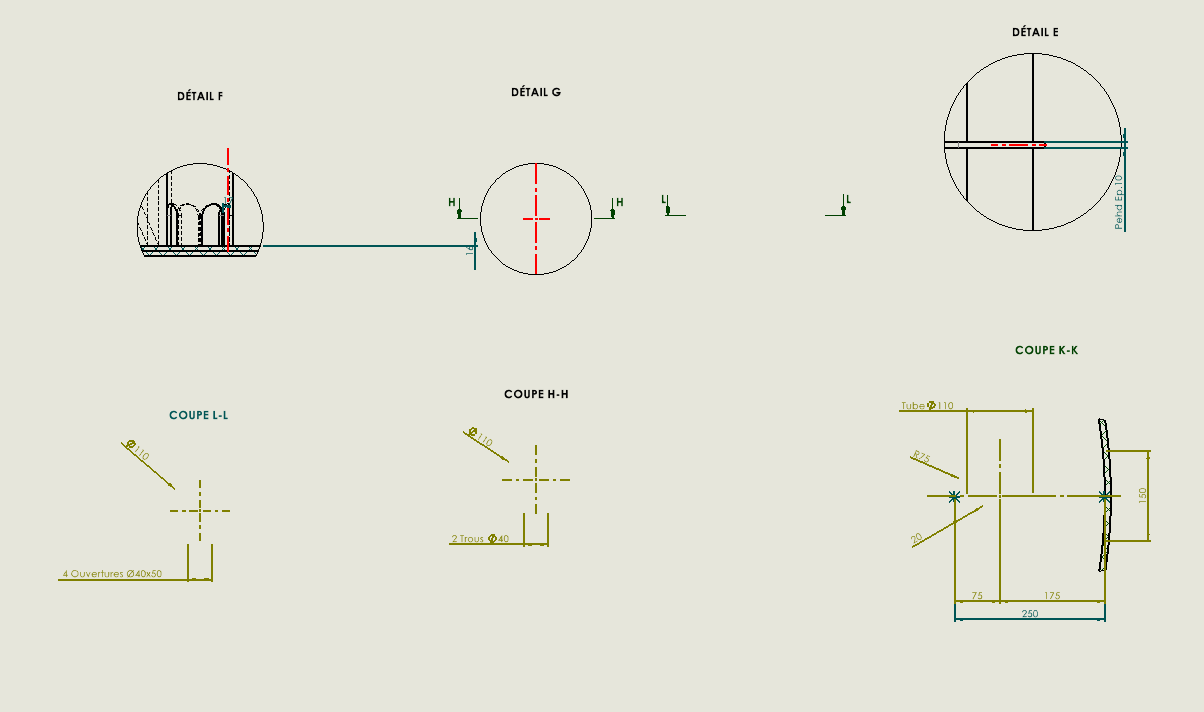
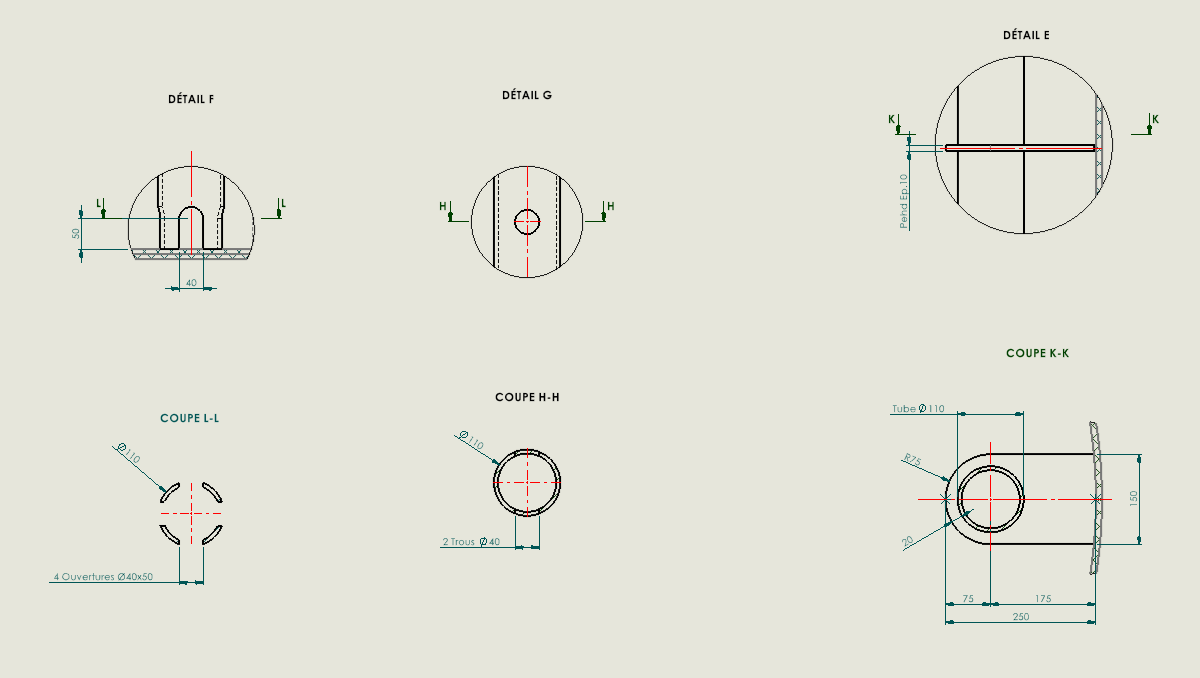
Ik maak plannen van vaten met meerdere taps. Ik maak dwarsdoorsnede-aanzichten om elke stiksel te beschrijven.
Het probleem is dat wanneer de klant simpelweg vraagt om de oriëntatie van een steek te veranderen, bijvoorbeeld van 60° naar 150°, sommige dwarsdoorsnede-weergaven hun referenties verliezen of onjuist worden, en ik ze opnieuw moet doen.
Ik geef ook aan dat ik de uitlijning van de sectieaanzichten breek om de stiksels verticaal te positioneren en duidelijkere details op de tekening te krijgen.
Hallo; In plaats van je secties direct in de tekening te maken of de beperkingen van de snijlijnen zullen per definitie springen, geef je de voorkeur aan een nieuw vlak dat als referentie voor je doorsnede dient: Laten we een nieuw beeld krijgen in de 3D (spatiebalk). Of sla een sectieweergave op in 3D.
Het plan als referentie is een goed idee. Maar hier denk ik dat je je snijlijn (schets) niet hebt beperkt. En deze verandering in richting zorgt ervoor dat de snijlijn glijdt. Het door @Maclane voorgestelde plan is niet voldoende als je de snijlijn niet in de schets blokkeert.
Persoonlijke vraag: wordt het in detail gedaan?? Misschien ben ik ouderwets (ik heb geen respect voor toonladders)