Bonjour,
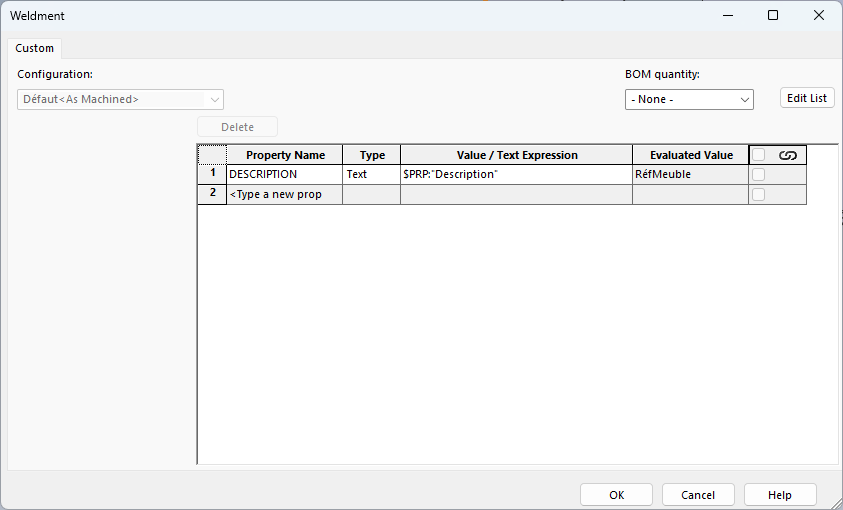
J’aimerais si possible récupérer la propriété DESCRIPTION de mon fichier part (qui correspond à la référence de mon meuble et donc de la mise en plan) dans les propriétés de la liste des pièces soudées :
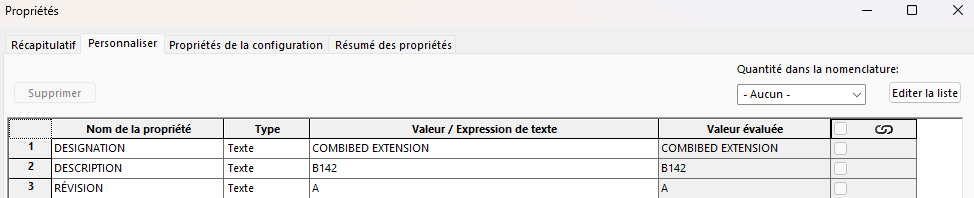
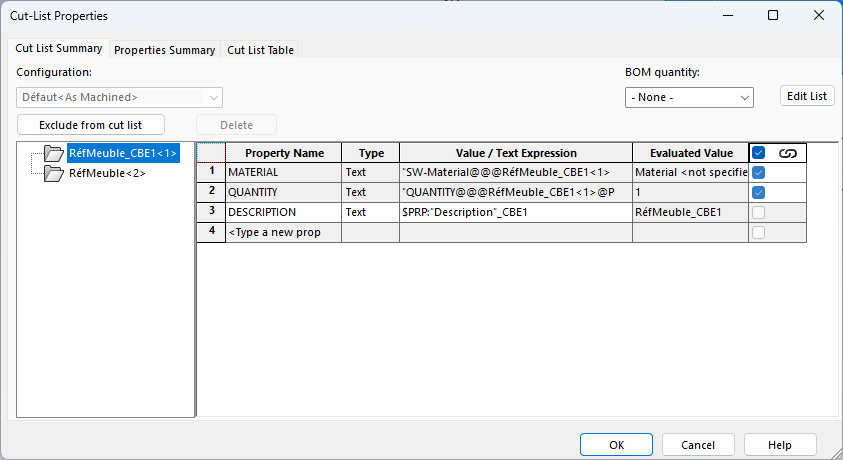
Le but étant de nommer les pièces constituant mon meuble comme tel :
DESCRIPTION (fichier part)_DESCRIPTION (pièce soudée).
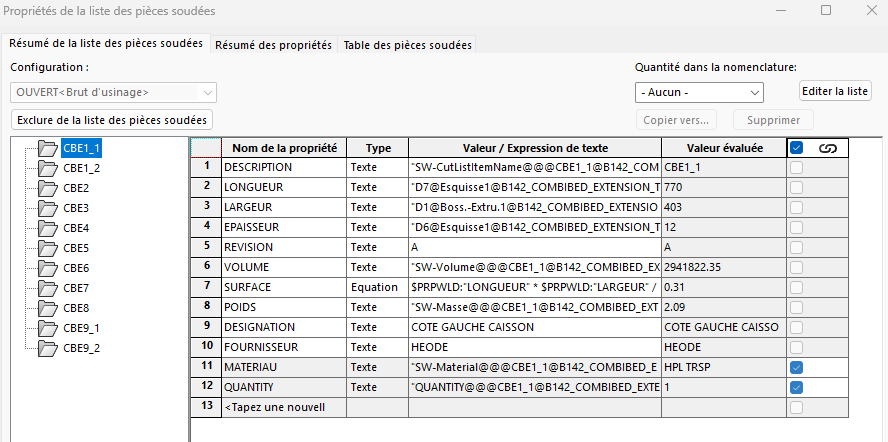
Pour l’instant je triche en faisant comme çà :
J’ai créé une colonne supplémentaire dans mon tableau et où je viens récupérer la propriété DESCRIPTION (fichier part).
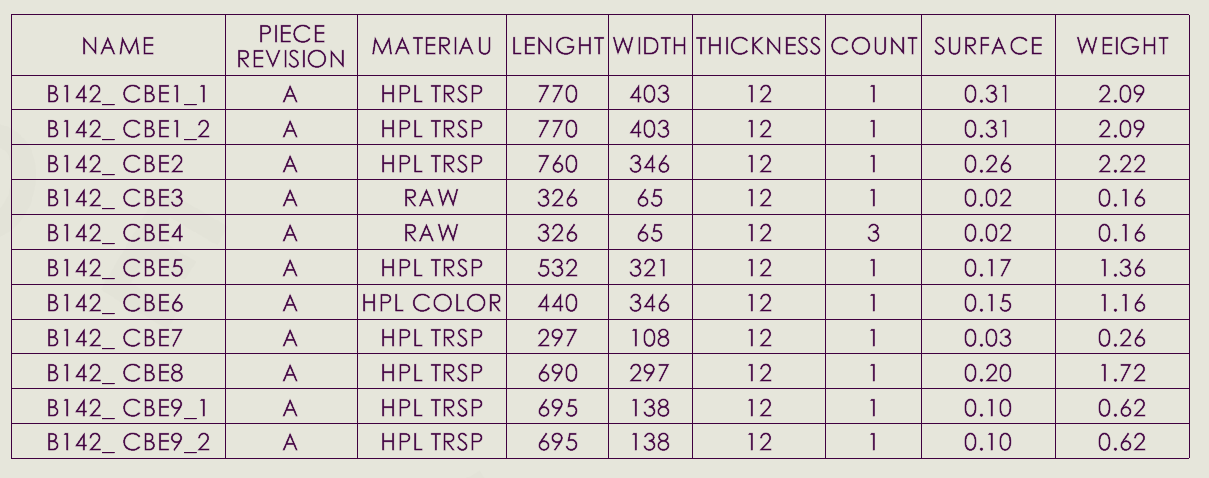
Visuellement çà correspond à peu près à ce que je veux. Le problème est au moment de l’export excel où çà me crée 2 cellules distinctes, bien logiquement.
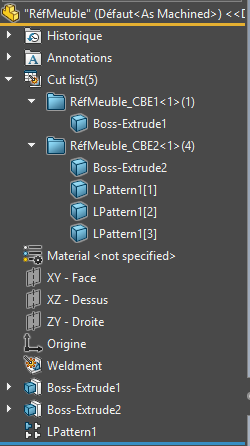
Alors après j’aurais la solution de nommer directement les dossiers de mes pièces soudées avec la DESCRIPTION (pièce part) dans le nom. Mais cela implique que si je duplique le meuble sous une autre référence, je vais devoir renommer toutes les pièces soudées.
Merci pour vos retours.
Manu