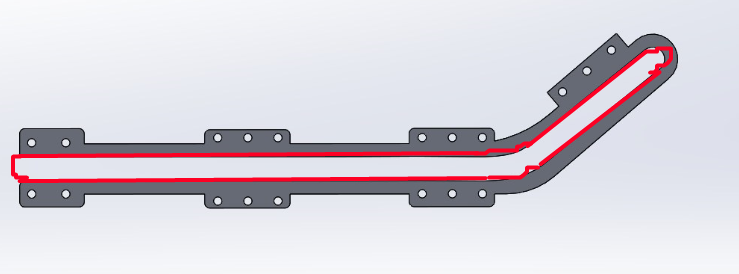
I don't remember how to turn a broken line into a continuous line so that I can have one object guided over another. Indeed, if you have a succession of lines and curves, it is impossible to do as for a cam path In the meantime I created a spline but it's ugly and difficult to make the spline follow by snapping it on the broken lines.
In addition, I don't remember how to make a cam path. Because if you do anything other than a groove, the contact stops at the end of the first straight. If we use a continuous curve, even with zigzags, the contact remains, hence the idea of the spline
There is a function that I forgot which allows you to transform a zigzag line into a single line but continuous but poof I forgot (that's who will remind me).
Be well friends In the south of France there is no good and in Qatar it can turn into a disaster. As soon as the solieil comes back I send you To pluche
Perhaps the Tools > Spline Tools > Fit Spline function, which approximates a set of sketch entities by a spline. Rather effective, with a criterion of proximity (tolerance)...

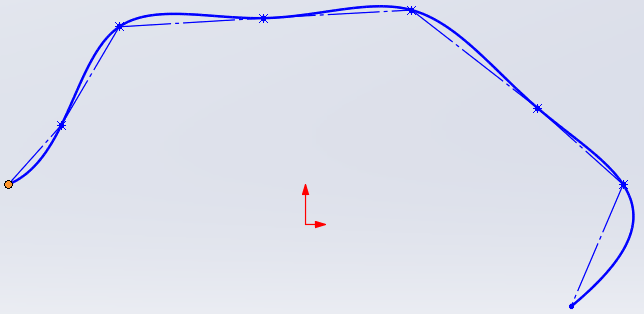
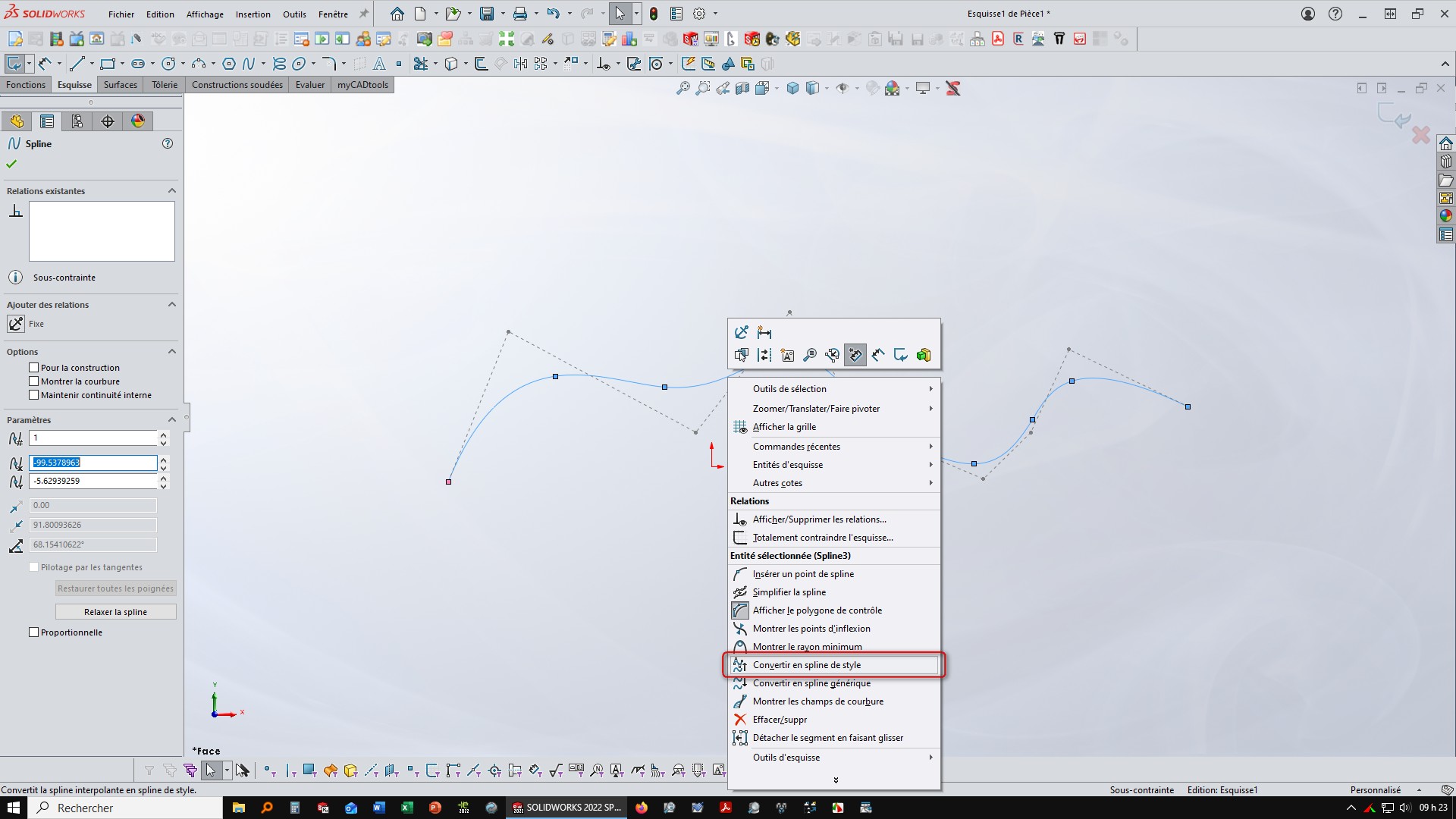
 unless you were in the tropics
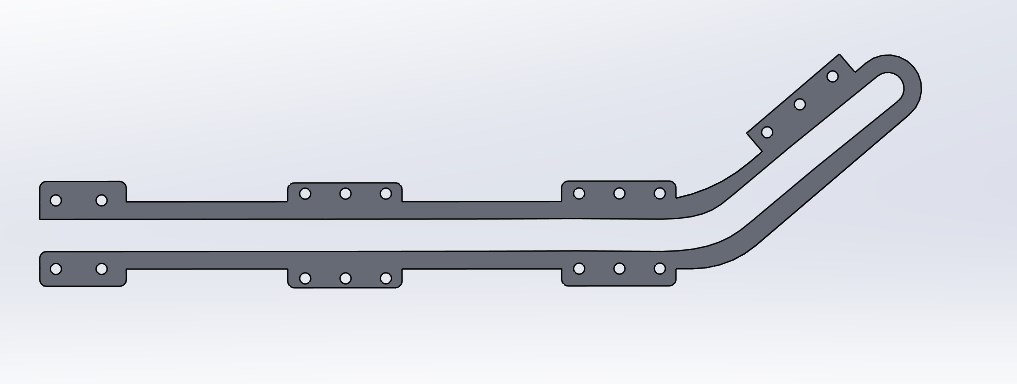
 In the south of France there is no good and in Qatar it can turn into a disaster. As soon as the solieil comes back I send you