I would like to use your experience to understand the representations of threads on drawings. Coming from Inventor where it works without any problem/nuance/subtlety, when I arrived on Solidworks it was very frustrating for me to see that:
All threads appear, even through components when I am in Draft Quality in the " Display thread representations " option
All threads disappear when I am in High Quality in this same option.
It's incomprehensible. It's all one or the other, and frankly it's very annoying to see that other software has been handling it properly for years. I don't understand why by default the software doesn't only display threads when they are cut or visible in the creation plan (and yes I already checked the option that bears this name but it doesn't change anything).
Do you have this case on your side? If so, have you found a solution to this problem?
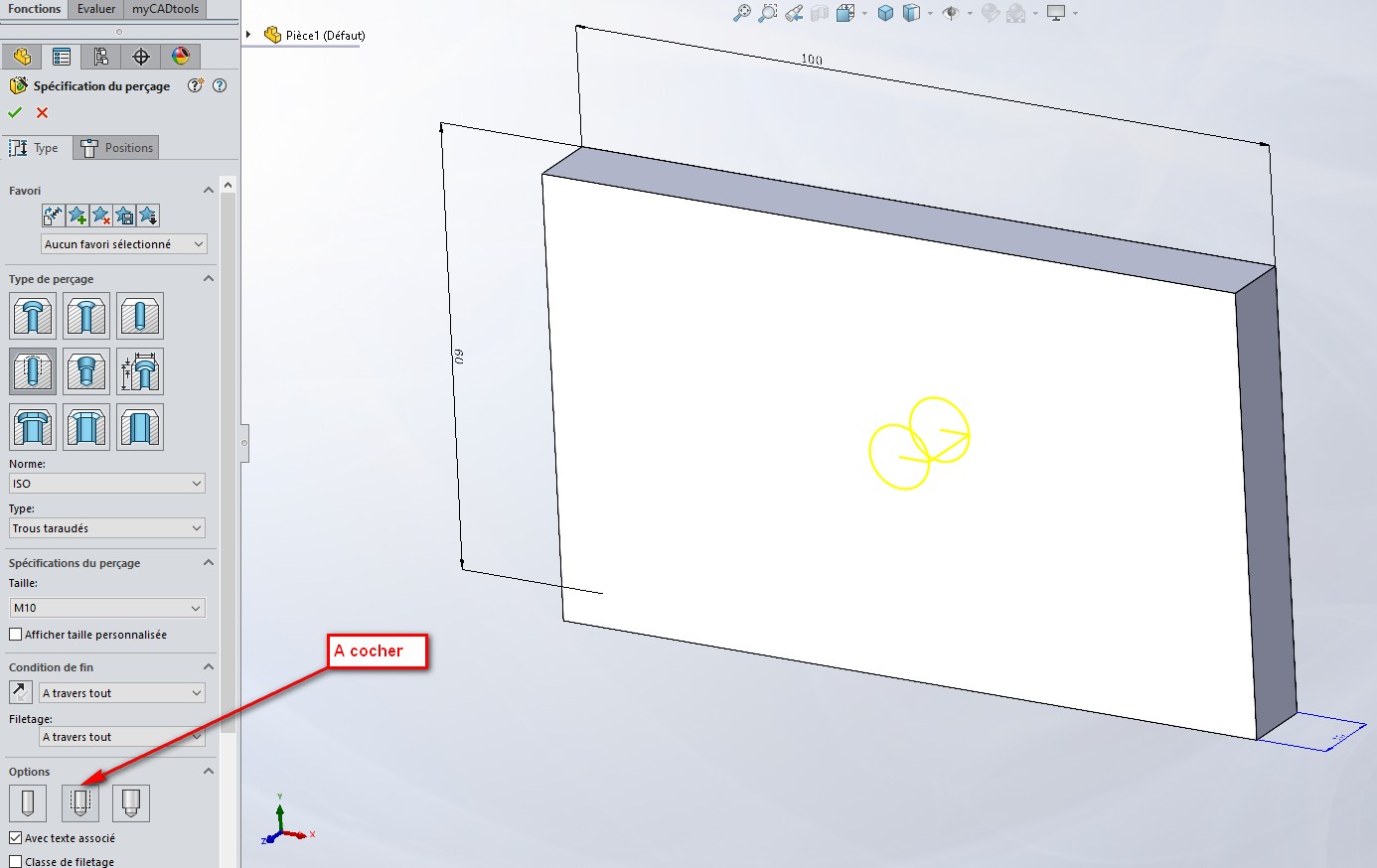
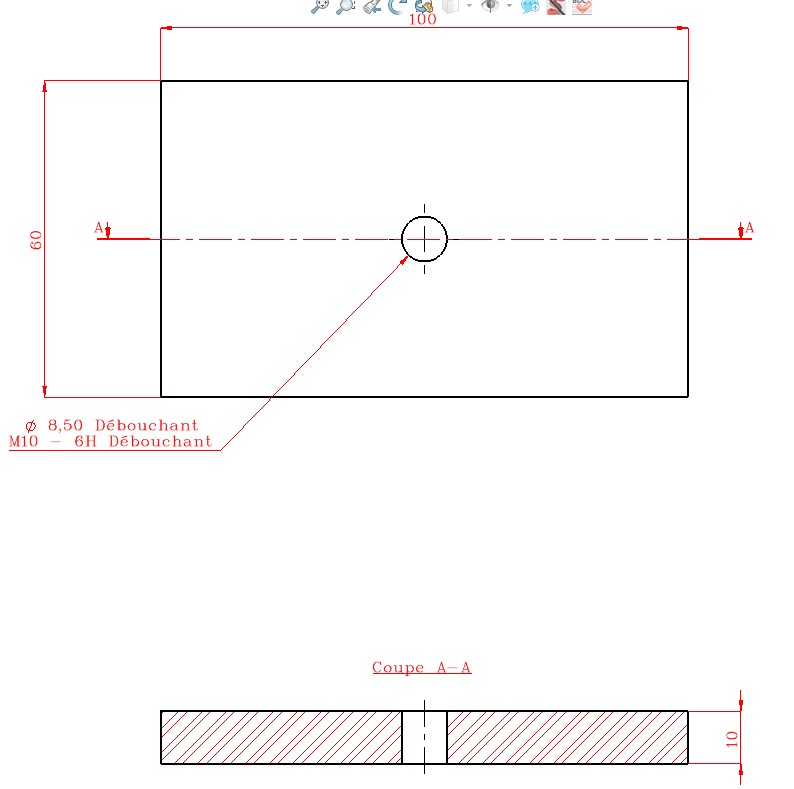
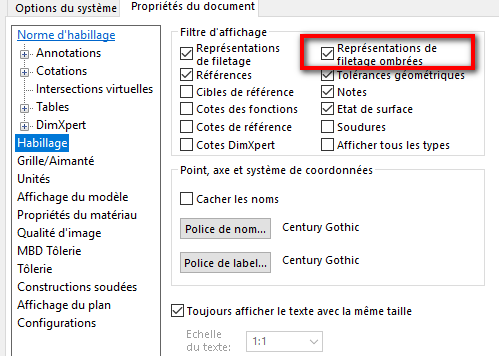
To display the representation of the fillets, you have to go to the 3D of the part and check in the thread function, if it is checked for the representation. Then in MEP, when you insert your dimensions, don't forget to check the representation of the nets. It should do it. I'll pass you screenshots after that. (SW 2022SP4) @+. AR.
The threads are one of SW's big drawbacks: he only manages them cleanly when he feels like it. The new functions don't really work better than the old annotations: the lines always appear/disappear according to their will.
Solidworks has always been at the bottom of the rankings for drawings and for " symbolic " representations. And, as usual, rather than solving a problem they (programmers add a layer).
Concerning your request more specifically:
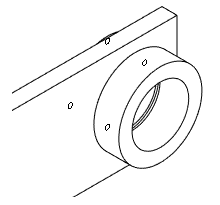
For fillet artifacts in 3D or Isometric views: => Uncheck the option: Shaded thread representations
(sometimes just unchecking this box solves the problem and it doesn't reappear when it's reactivated, but then everything will depend on your graphics card).
Regarding the drawings: (it will depend more on the options set in your models):
In any case, there are many factors and variables to take into consideration:
Your graphics card versus your version of Solidworks.
Your amount of RAM (Solidworks allows itself to uncheck certain options if it thinks it is using too much RAM).
The Quality and Options of your Document Templates.
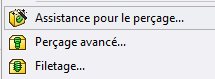
the type of function used for your taps (drilling wizard; Thread representation; advanced drilling, threading, etc.)
Indeed, the display of threads is sometimes very random. Usually I fix it by doing this: Insertion/Model Objects/Thread Representations (the checkbox is present in the annotation part only if there are threads in your model)
To remove the artifacts (like threads that should not be seen) I hide the view in the tree then I redisplay it and then, miracle: it updates
Another trick is to toggle the display mode: wireframe image / shaded image. The result is the same to hide / show: it forces SW to recalculate and it can work (or not ... )
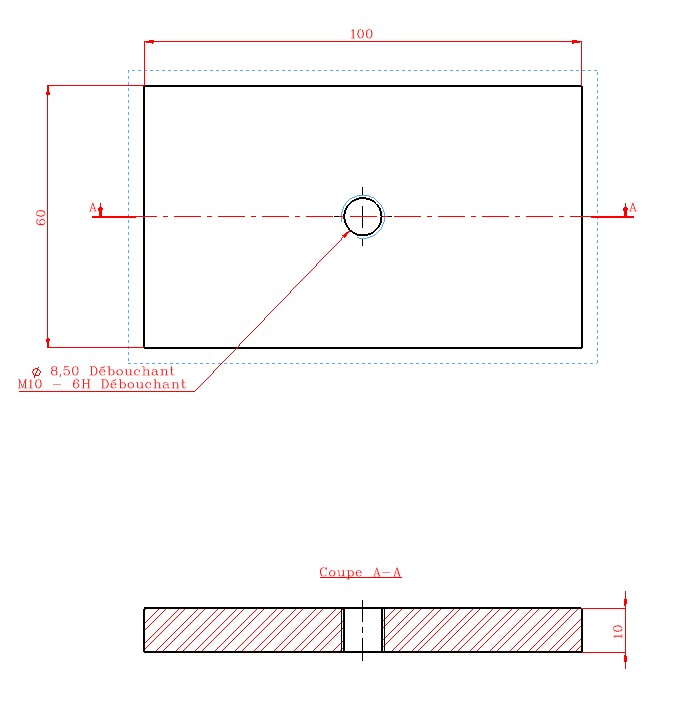
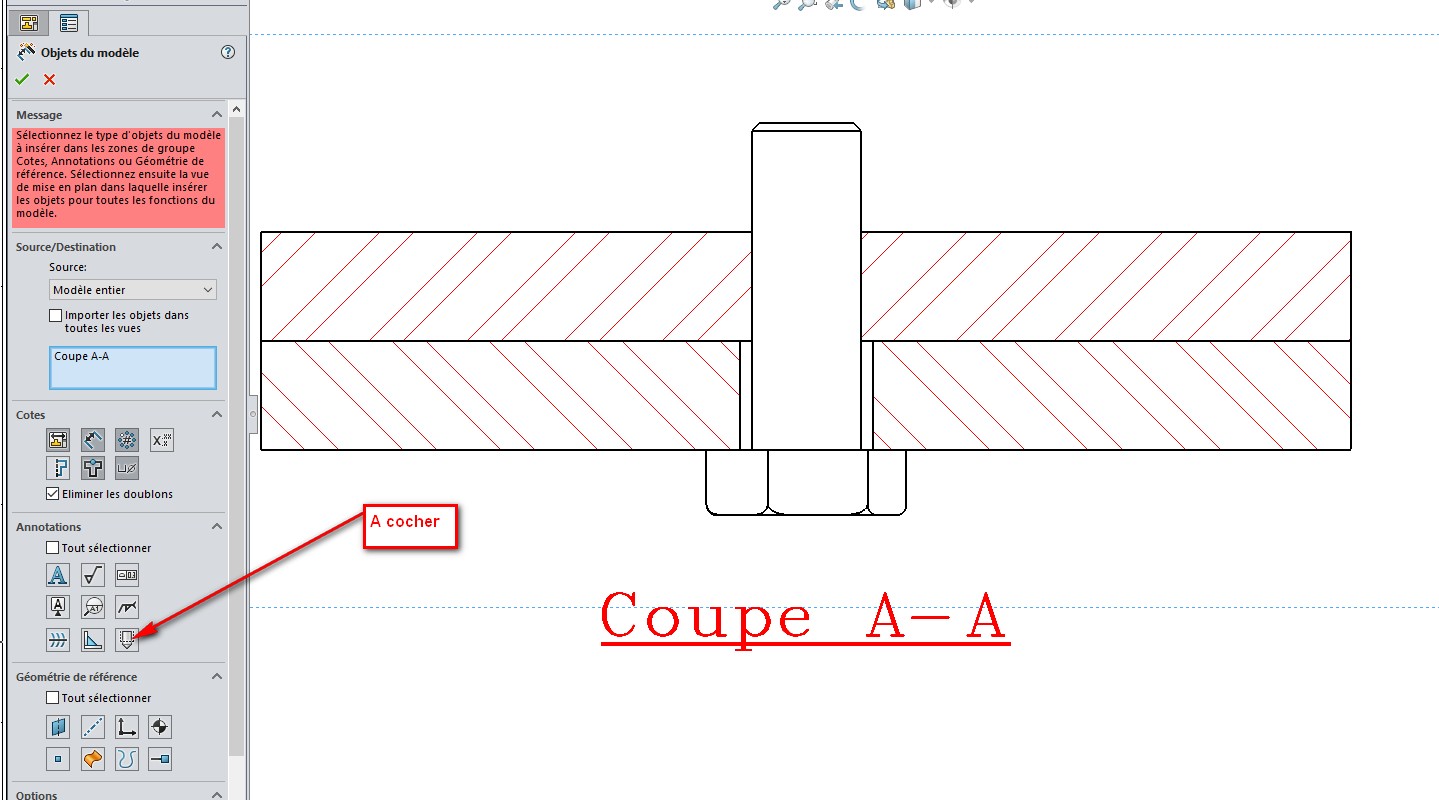
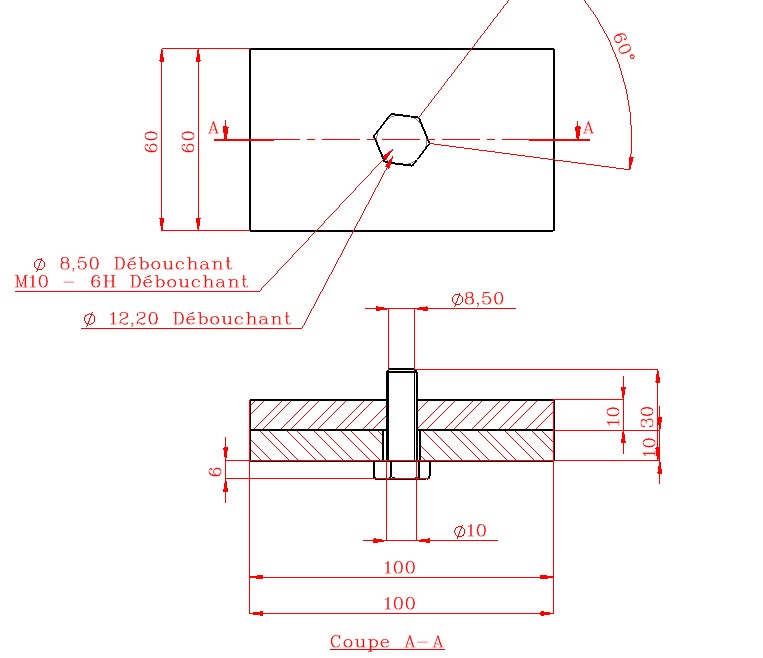
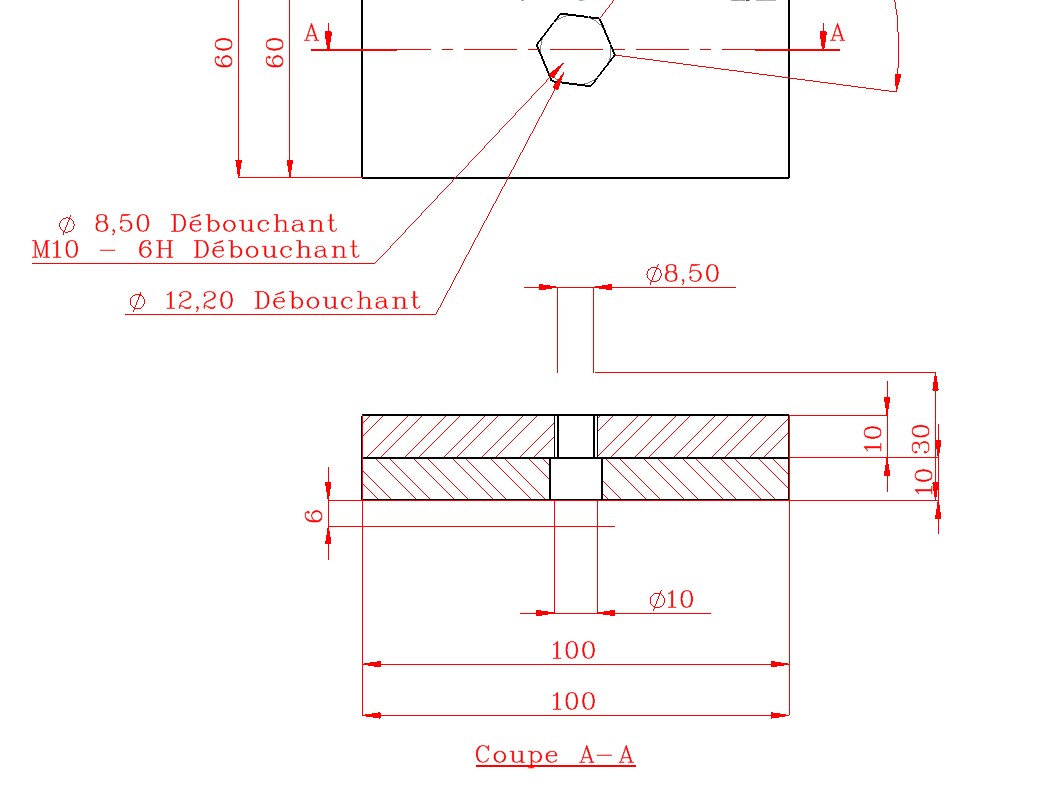
 )
)