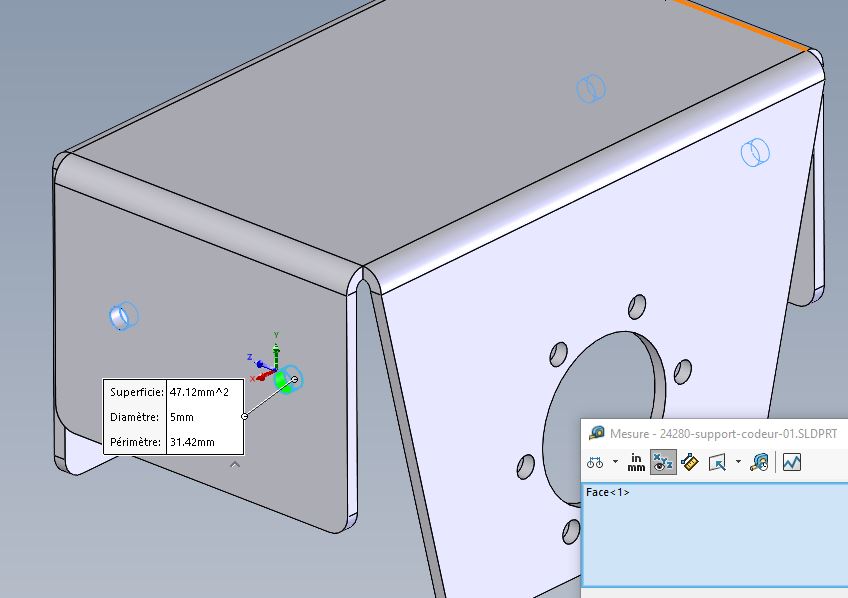
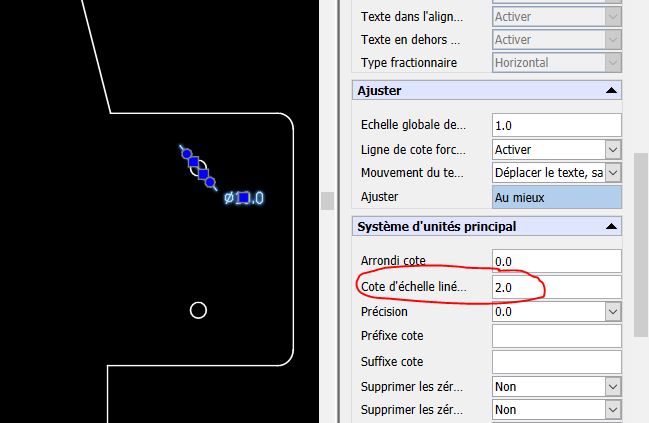
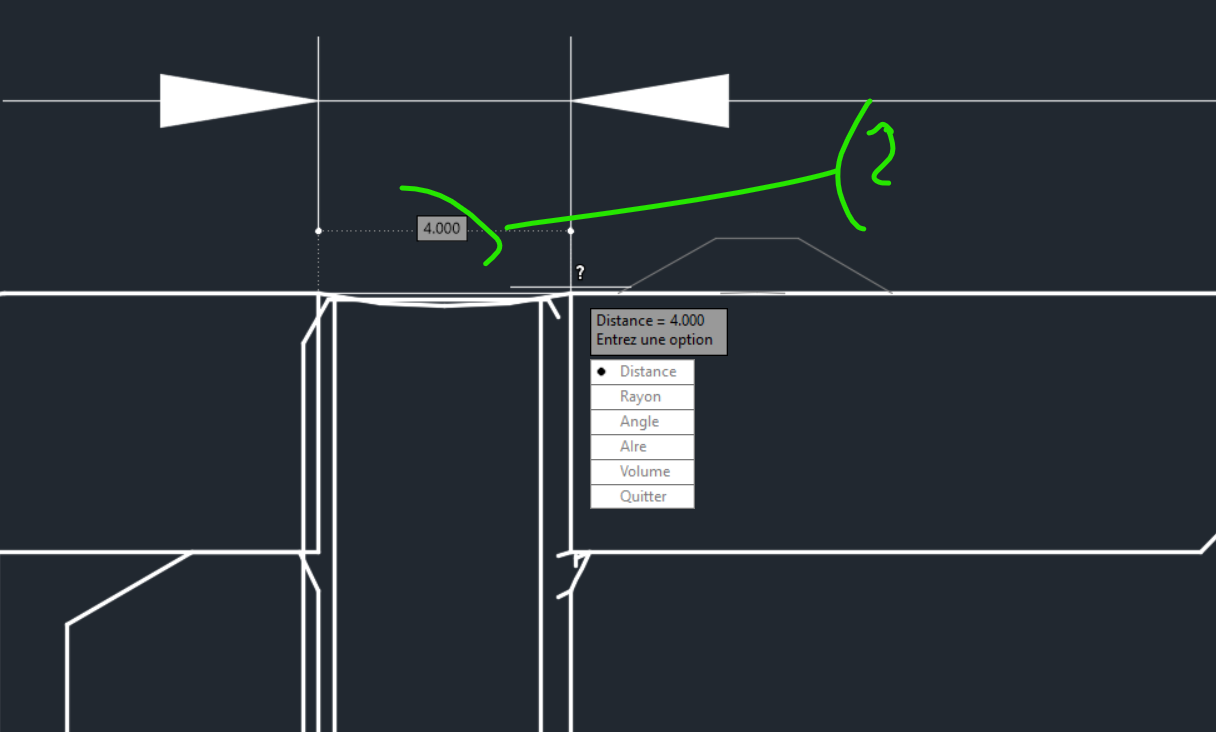
Hi all We notice a problem following the export of sheet metal parts in dxf format from solidworks via our export macro, when we open them on draftsight, it is dimensionally good, but the dimensions we measure receive an annotation scale, which is variable according to the positions or files.
We have trouble identifying if it comes from solidworks or draftsight. On an individual export of sheet metal file via right-click " export to dxf ", the problem does not occur. On files created directly on draftsight, no problem either. Does anyone have an idea, I'm drying up on my search...
When I open the DXF with Autocad I never measure with a dimension, but with the measure tool. The measurement tool does not have a measurement scale, it works on a 1:1 scale. I don't know Draftsight?? I don't know if it's the same as Autocad. Our exports are on a 1:1 scale for our case
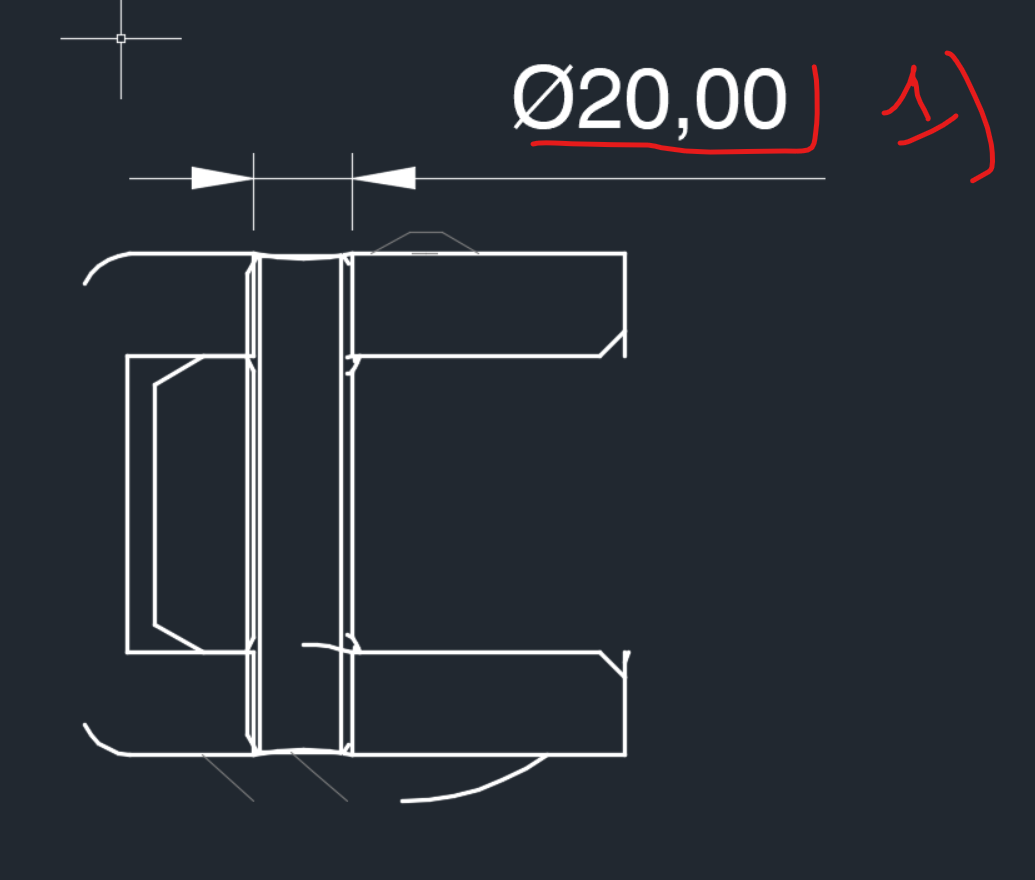
Below the rating gives me Ø20mm (1)
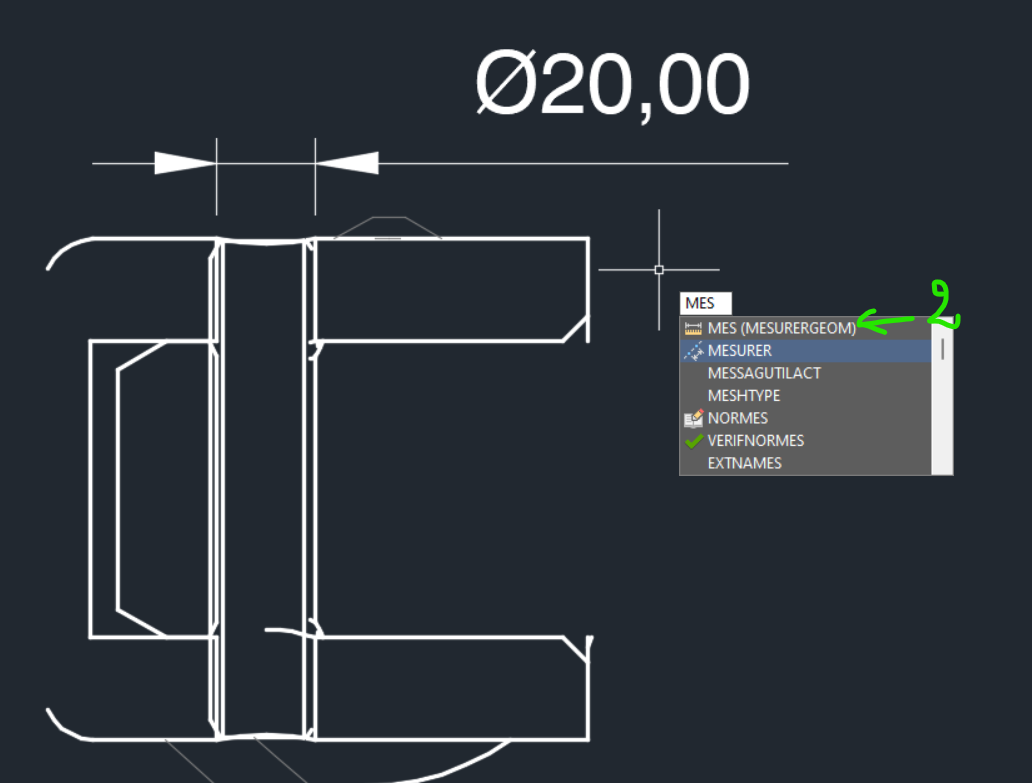
With the tool measured See below (2)
We see a 1/5 scale, either you create a 1/1 dimension scale or you use the 1/1 measurement tool.
If this happens only with the macro, it is because an export option in dxf is not the same with the macro and that it therefore comes from the solidworks export.
There is probably a possibility to modify the Vba code to choose the export options according to your Vba code and solve this problem. Edit: For export options:
You export to the object or presentation space (Autocad or other)
you choose a scale or you stay at the 1/1 scale But the 1/1 scale of a 1/5 detail, the detail remains 1/5
Now when you open on Autocad or other, the scale of your detail will always remain at 1/5 at 1/1 scale. So to be sure and especially on autocad not knowing Draftsight, you have to use the measured tool rather than a dimension or define a 1/1 scale dimension, especially in the 2D model in which autocad or Draftsight
The measure tool works as you say, but it's rather tricky if you want to display the dimensions for example, or for a newcomer who doesn't know the subtlety.
Normally on these 2D softwares, the main principle is the scale of the dimensions, I admit it's a bit of a problem... but nothing impossible. The measured tool is the tool that allows you to define a scale in your plan when it's DXF extraction and you have an import dimension without a scale.
Share your macro if you have nothing confidential. I've already seen this case it seems to me on the forum or at home internally I don't remember and from memory it was related to the export options. (which the manual export confirms).