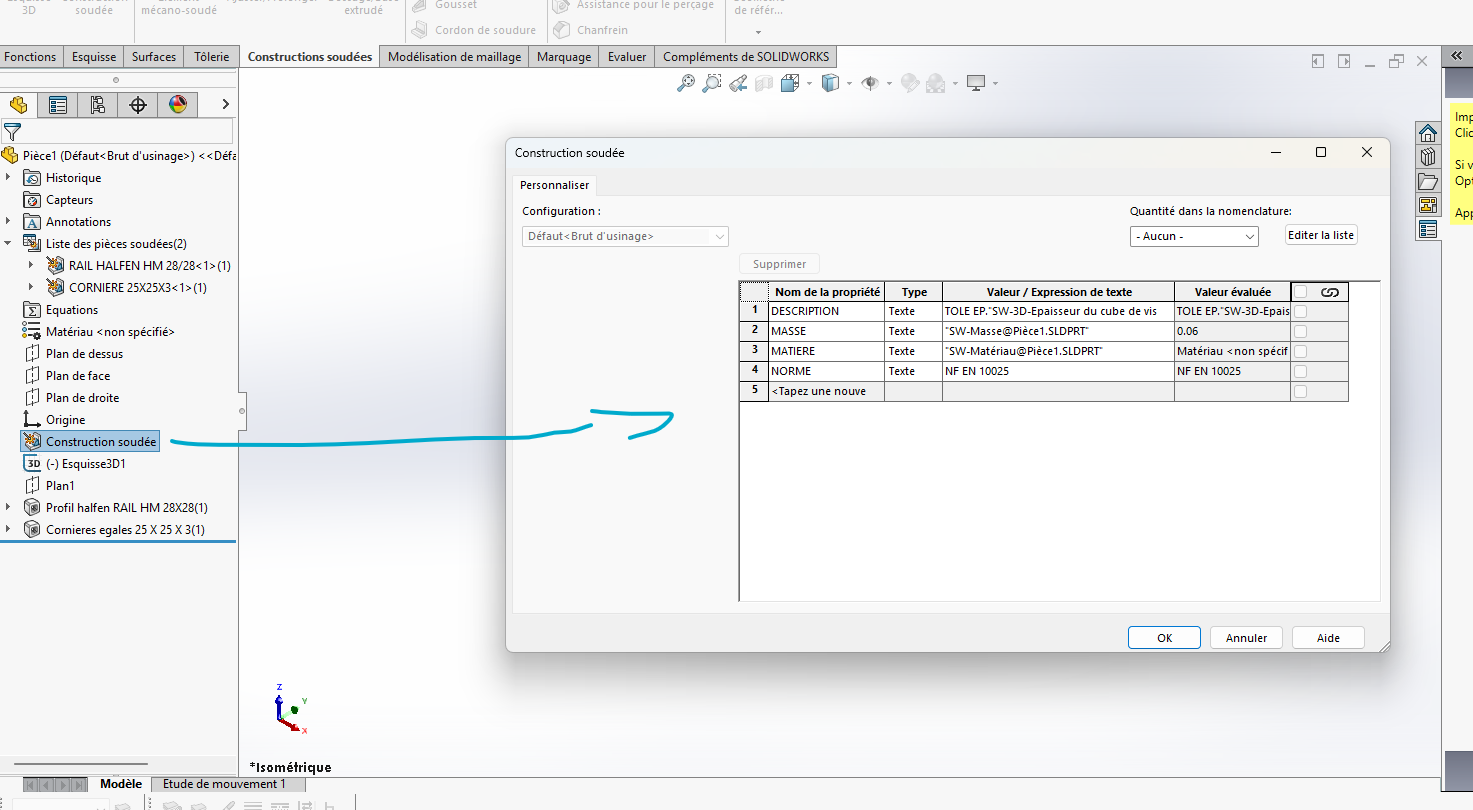
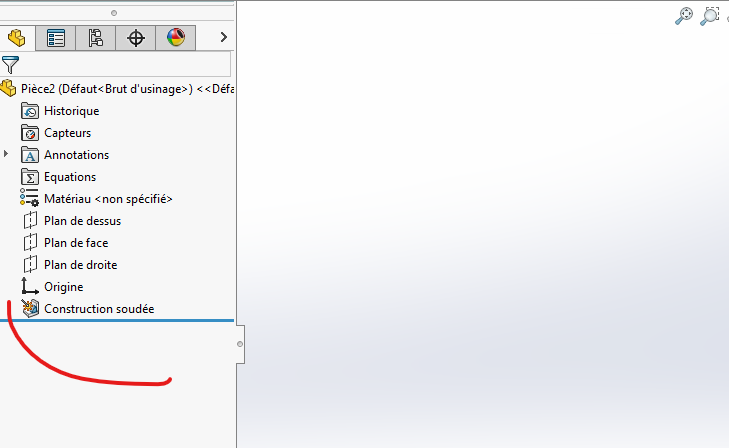
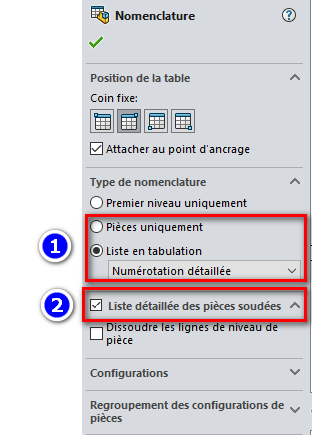
I'm having a problem with the Welded Constructions tool.
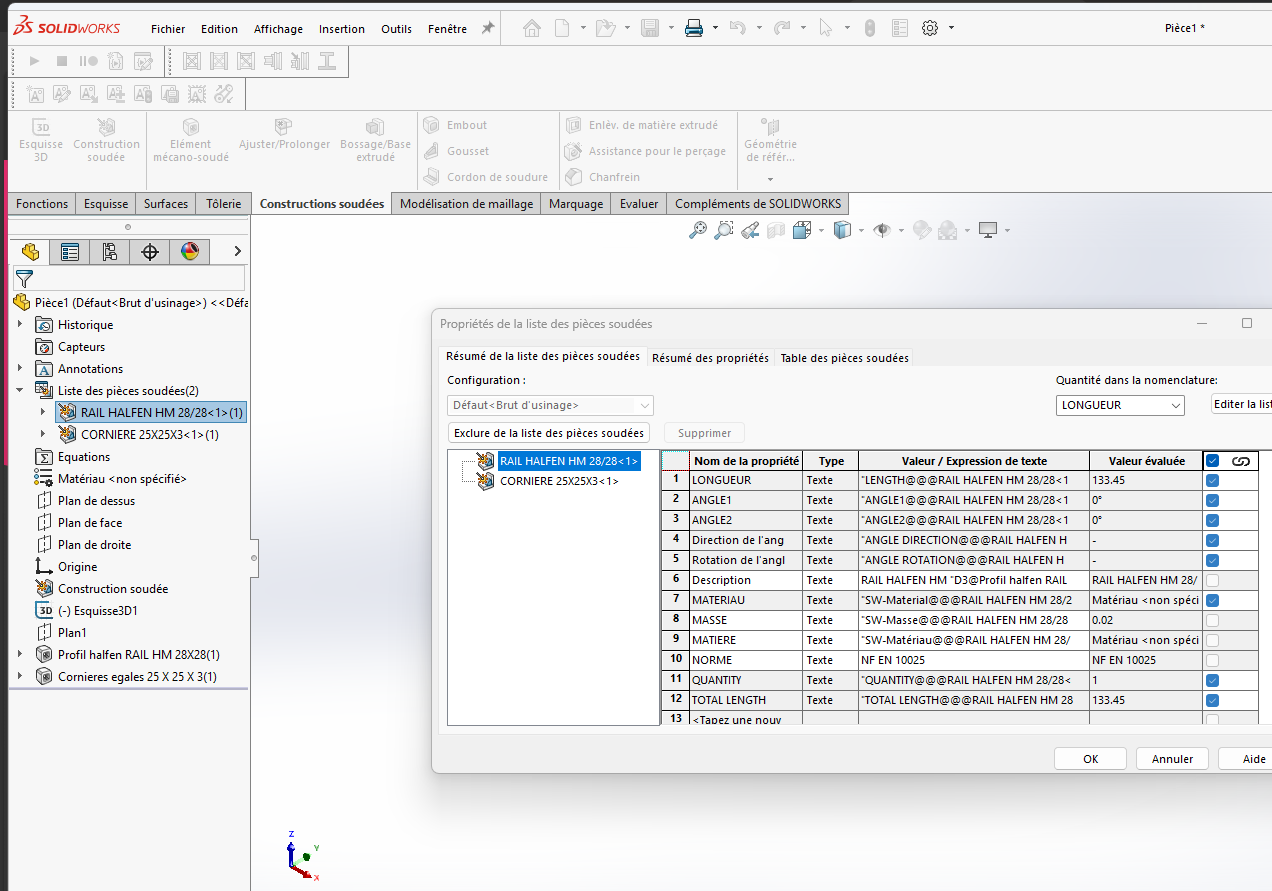
My problem: When I create a chassis with mechanically welded profiles, the " DESCRIPTION " column of my bill of materials (or list of welded parts) remains blank in my drawing. I am currently forced to manually edit the properties of each item in the cut list to enter the designation.
The context: On my colleague's workstation, with the same profiles, the problem does not exist: as soon as he selects a profile (e.g. " 40x40x2 "), the file name is automatically included in the " Description " property of the list of welded parts.
What I checked:
My profiles are saved in .sldlfp.
The My Profiles folder is populated in System Options > File Locations > Welded Construction Profiles.
Is there a specific option (perhaps in the document properties or welded build options) to force SolidWorks to map the profile name to the Cut-List description? Or do I have to change the custom property inside my source profile file directly?
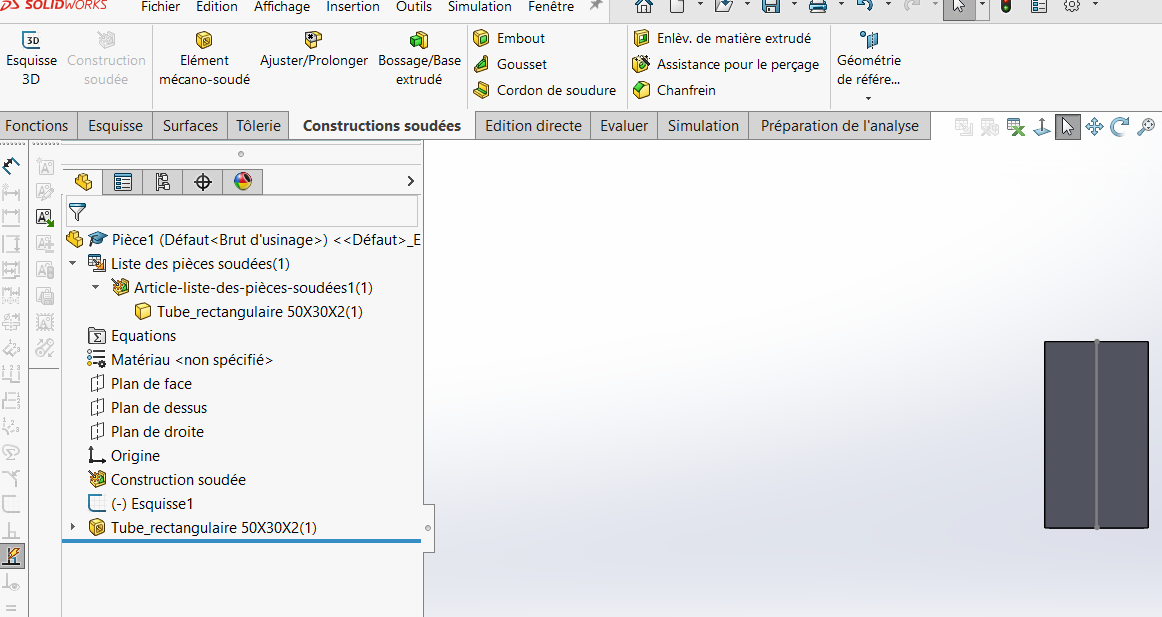
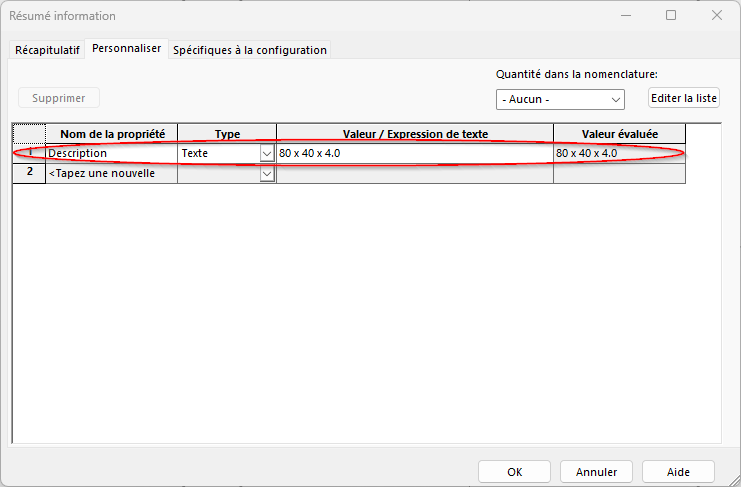
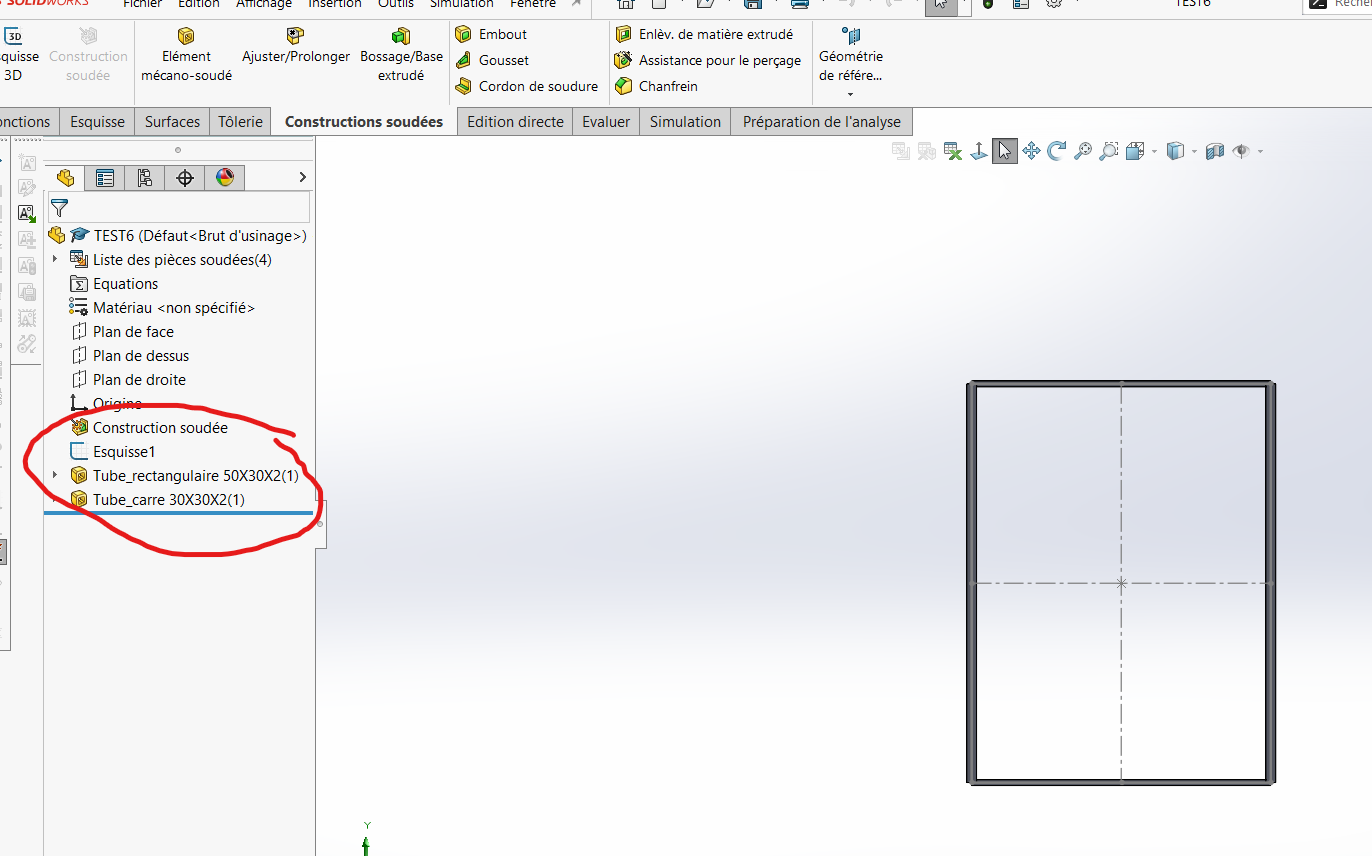
To tell the truth, I don't really understand what you're getting at. I'll send you a picture, it could be simpler. What I wanted to say is that in L'Habré I don't have the name I gave him during this backup
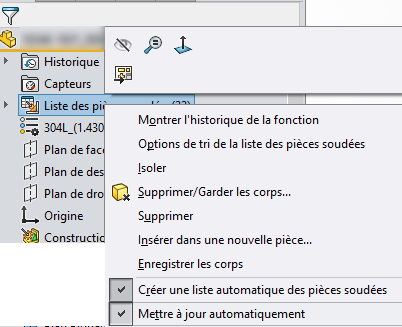
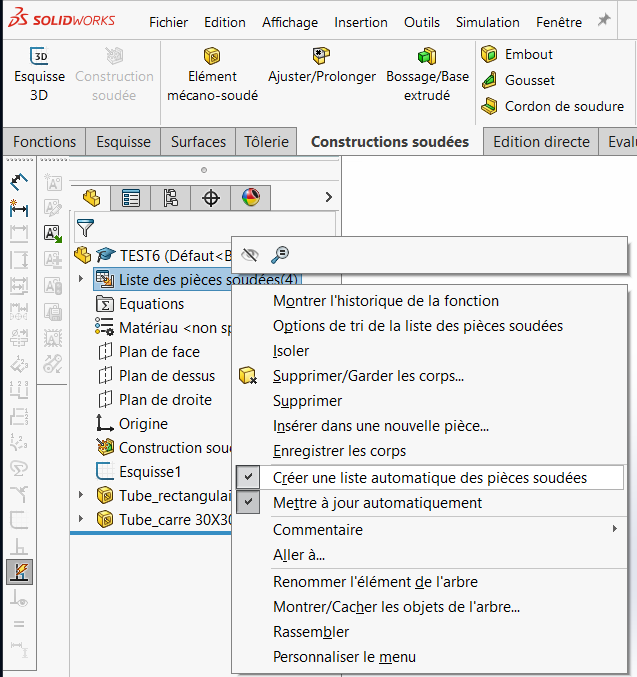
Wouldn't this come from the " automatic update" or " automatic creation" options of the welded parts list (probably active on one workstation but not on the other)?
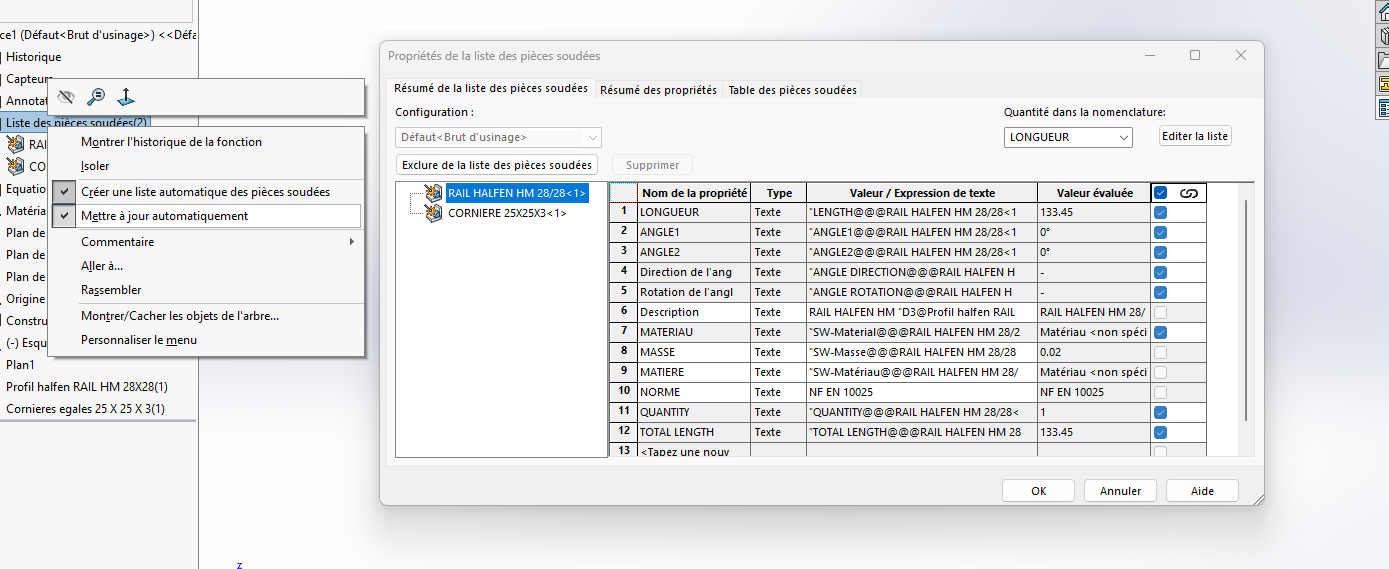
THANK YOU VERY MUCH FOR YOUR FEEDBACK! I am sending you the images you asked me for. But I don't understand because since this morning I've been on it and I can't find the solution.
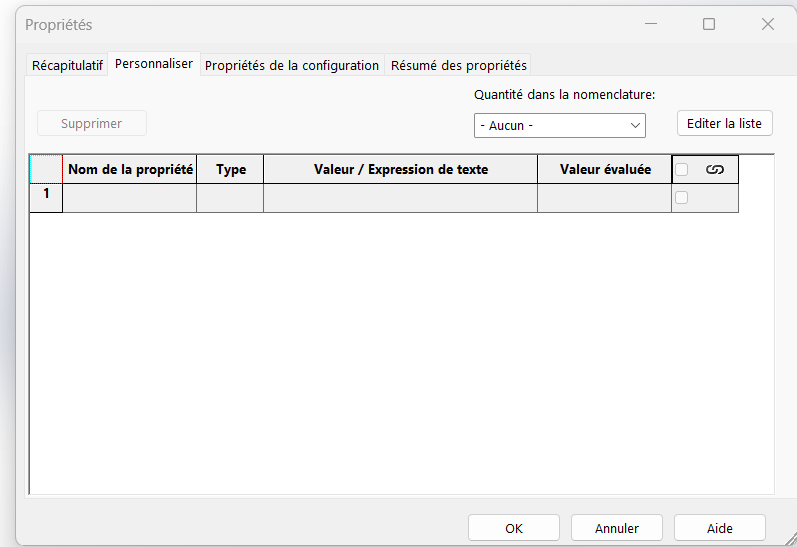
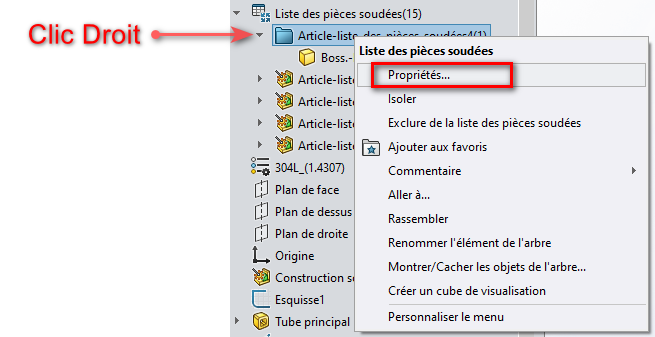
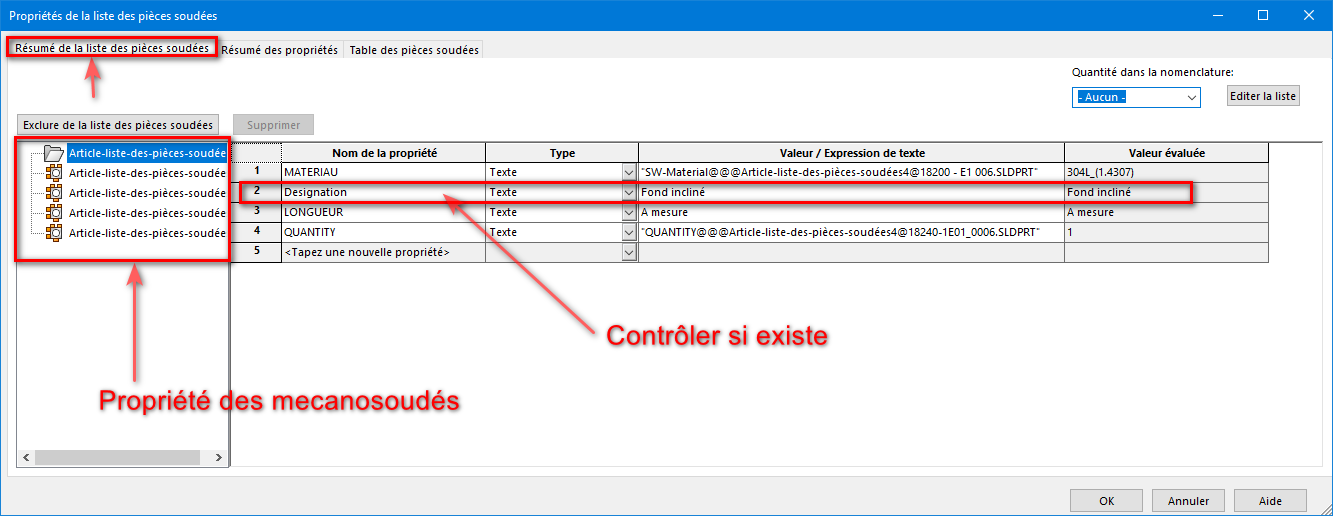
I have the impression that you are confusing the properties of the document with those of the lists of mechanically welded ones. To see if the " Description " property exists in the welded machine, right-click on an item in the list of welded parts => Property...
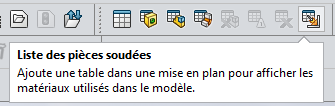
And no, these properties do not appear in the list of properties of the " FILE ", they are not the same lists. To make the " descriptions " of the mechanically welded in a drawing sheet, it will be necessary to use a list table of welded parts:
I'm getting back to you after a complete reinstall of SolidWorks, but the problem persists.
My observation: A few years ago, my mechanically welded profiles (registered in Lib Feat Part) were automatically integrated into my nomenclatures with the right description without any particular manipulation. Today, this automation no longer seems to work by default on my workstation.
My working method has evolved: I now work a lot in sub-assemblies to obtain precise quantities and designations by sub-assemblies. Can inserting mechanically welded parts into subassemblies block the flow of information from the " Welded Parts List" to the main assembly's BOM?
My current problem: The description doesn't follow, and I wonder if it's:
An option I forgot in the document properties (part templates).
A problem with the transfer of properties between the body (Cut-list) and the component (Part) within the assembly.
Is there a setting for SolidWorks to default to the profile .sldlfp name as " Description " in the cut list, without having to edit the properties of each file by hand?
My welded mechanic profiles don't have a description, so it's up to me to take them home, they are not done automatically when the profile is created. but my question is that before I had SolidWorks and that I didn't know the properties of the parts so it's part of it (description) and that I didn't have to put it. However, with the new version, are we obliged to enter the description by hand?
Hello, It's weird because I think that the weldment profiles that I believe come with SW contain all the necessary properties, a list that can be expanded of course.
The easiest way in this case would be to get the settings and configurations of Solidworks (*.sldreg) from your colleague's workstation, if you are using exactly the same versions, otherwise try already by recovering its profiles)...
Hello everyone! I managed to solve my problem by naming a description for each. To avoid in making 1000 description for the different profiles, I simply made an Excel table. It took me much less time. So I was in my room by default; Description (tube 50x50x2) To make this happen automatically, I selected the quotes. then I inserted an Excel table. I got out of it and opened it again so that it would detect the description for me. for this one I did something automatic by selecting but broken (A&" x "&B2&" x "&C) = 50X50X5 for example. Then, I validated my table and I deleted my default configuration (primordial) and from there I make a classic registration of for a typical profile for welded construction. Thank you to each of you and I hope that my explanation may help you.