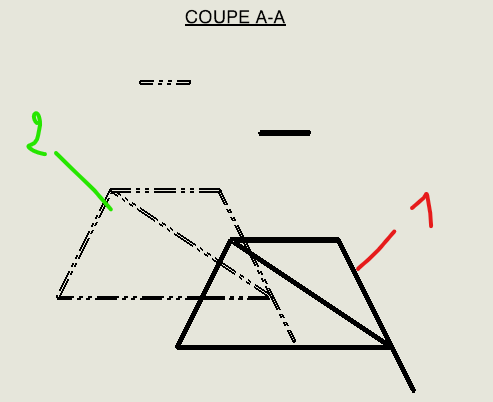
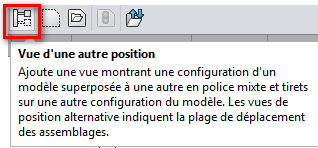
Hello everyone, On a drawing, I would like to create a section view showing two configurations simultaneously. For a classic view (front, top, etc.), no problem: I use the "View from another position" function.
However, when I create a section view from this view, only one of the two configurations appears. I can't find a way to display the second configuration as transparency or overlay in the section view.
Do you have a solution or method to achieve this? Thank you very much for your help. Julia
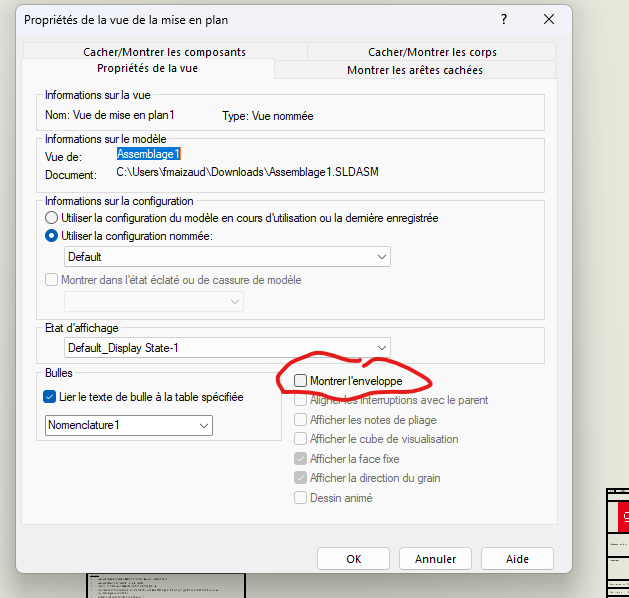
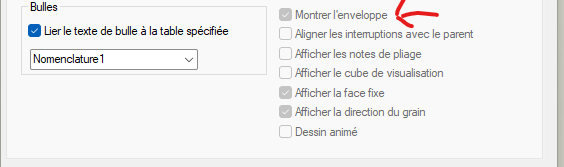
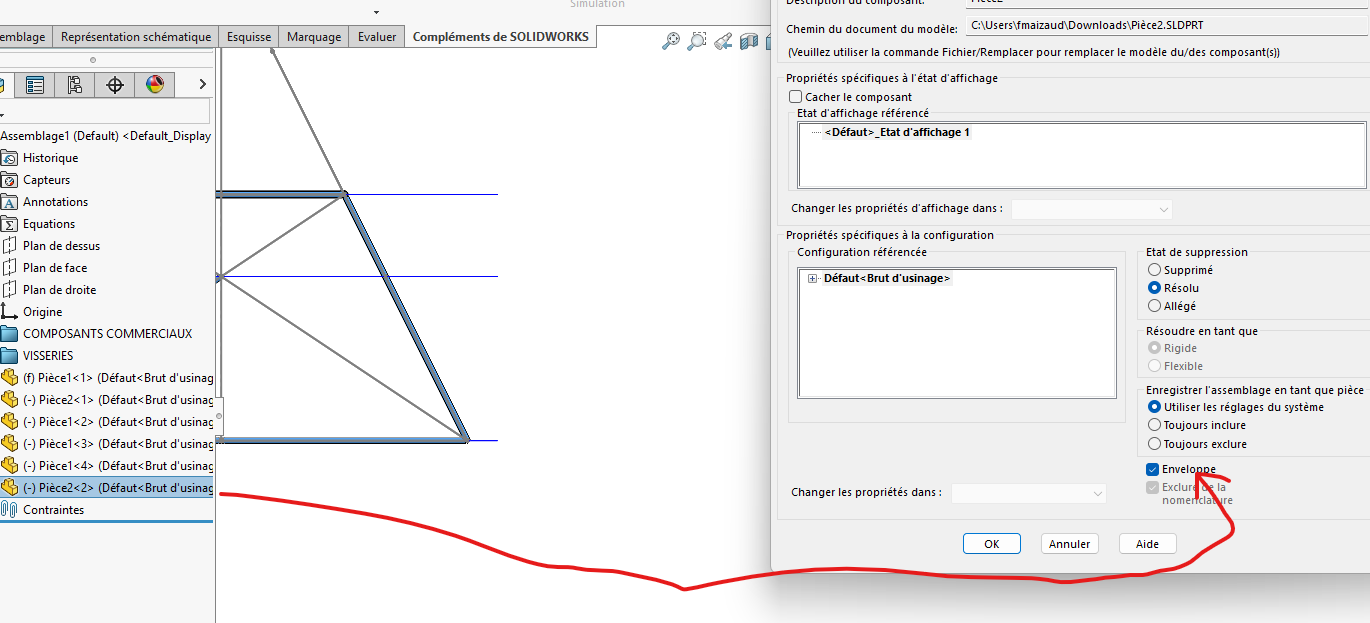
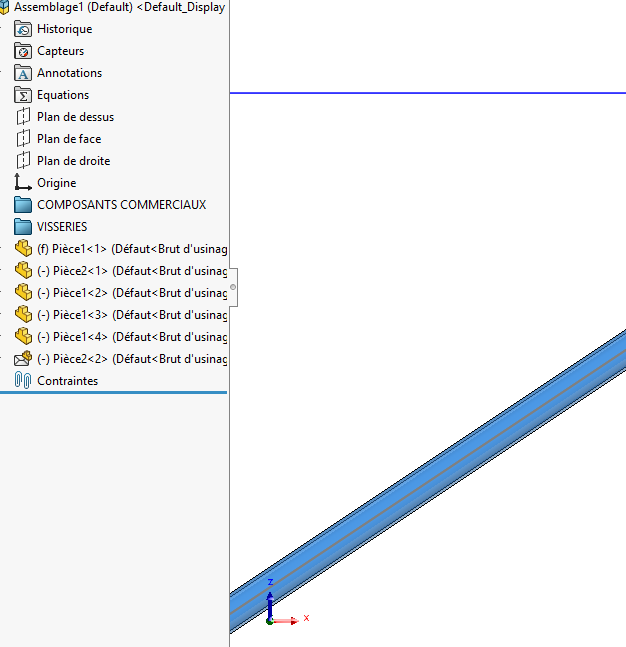
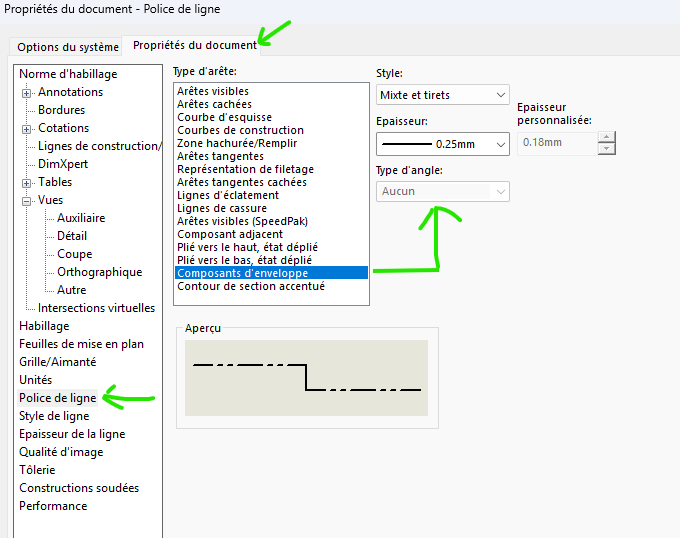
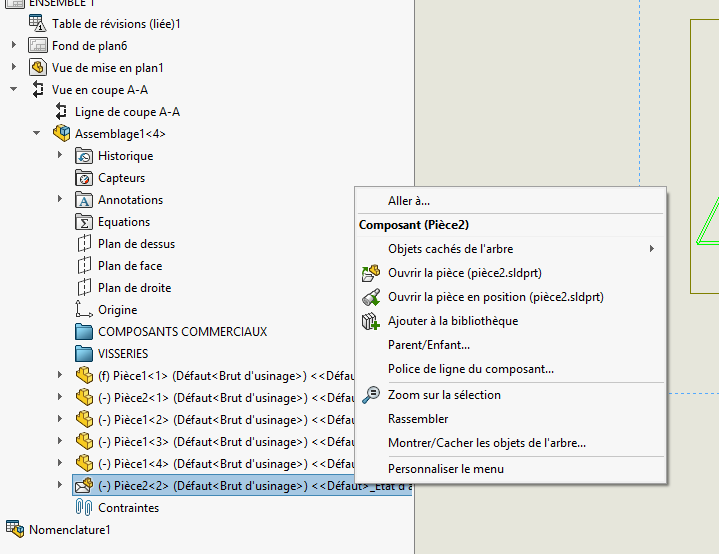
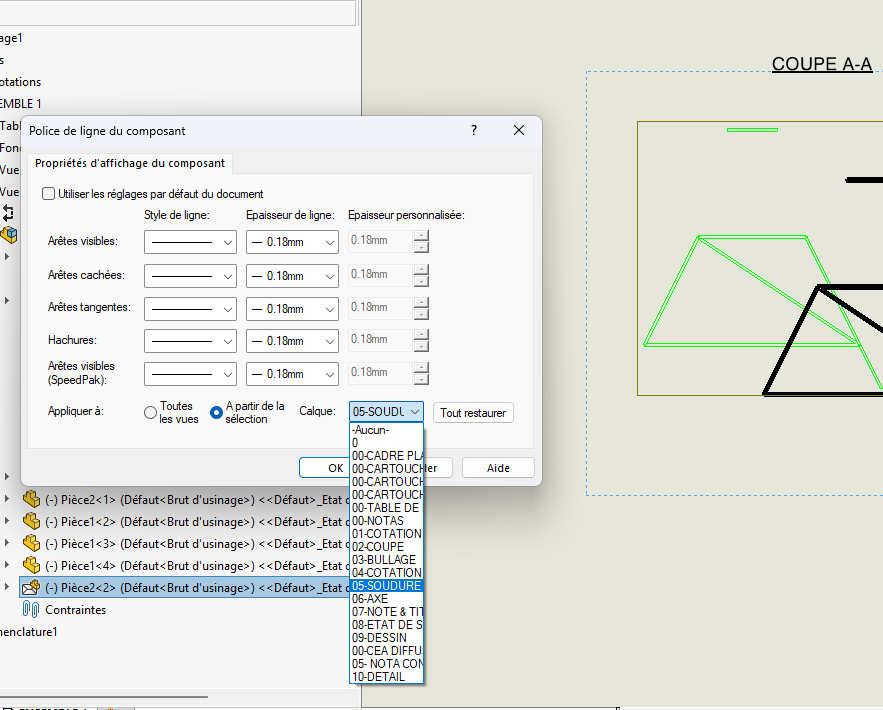
In the same way as @froussel On the other hand, I will create a model in the assembly in envelope mode that you can hide or show as you wish by clicking on the view or to allow the visibility of this envelope assembly. But I have a doubt about the possibility of showing the envelope in a section: thinking:, to be tested. But if it doesn't work a model in the desired configuration, insert and exclude from the nomenclature.
Hello; @FRED78 , why not use the " View from another position " option rather than torment envelopes and fonts? it would be simpler right? Especially if the configuration already exists...
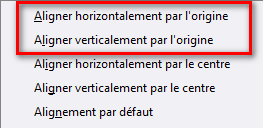
This does not work for section views but it is possible to overlay two views together with the alignment options:
Hello @Maclane It seems to me that you can do one alignment per frame and not two. And it's not martyred as long as the 3D is the reflection of the drawing. When you superimpose, it's a hack. When you have no choice, why not. Personally I work with assemblies dedicated to drawing, I don't do this kind of assembly in a study assembly. And there was a cross-sectional view.
@Theo_B we are talking about a cut, a local cut is a normal view. Indeed in this case it works
But another solution that I find hacked ++++ It's making a cut, removing it, but keeping the cut line. Install a view in place of the cut and make a local cut over the entire view. But here again the cut does not live.
Is this surely the solution you proposed @Theo_B ?