I have a macro to quickly insert annotations in a plane, I am missing the position like a drag and drop, which I can't find so I look for the X Y position like in the solidworks taskbar
Sub Note()
Dim swApp As Object
Dim Part As Object
Dim myModelView As Object
Dim myBlockDefinition As Object
Dim myAnnotation As Object
Dim URL_0 As String
Dim URL_1 As String
Dim choix As String


Set swApp = Application.SldWorks
Set Part = swApp.ActiveDoc
Set myModelView = Part.ActiveView

URL_0 = "C:\Users\xxx\"

choix = InputBox("1 : Découpe_insert_hex.SLDBLK" & vbCrLf & _
                 "2 : Gousset.sldnotestl" & vbCrLf & _
                 "3 : Soudure.SLDBLK" & vbCrLf & vbCrLf & _
                 "Entrez le numéro du bloc à insérer", "Choix du bloc")

Select Case choix
    Case "1": URL_1 = URL_0 & "Découpe_insert_hex.SLDBLK"
              Echelle = 1
    Case "2": URL_1 = URL_0 & "Gousset.sldnotestl"
              Echelle = 1
    Case "3": URL_1 = URL_0 & "Soudure.SLDBLK"
              Echelle = 0.05
    Case Else: Exit Sub
End Select

If choix = 2 Then
Set myAnnotation = Part.Extension.InsertAnnotationFavorite(URL_1, X_cd, Y_cd, 0)
Else
Set myBlockDefinition = Part.SketchManager.MakeSketchBlockFromFile(Nothing, URL_1, False, Echelle, 0)
End If

End Sub
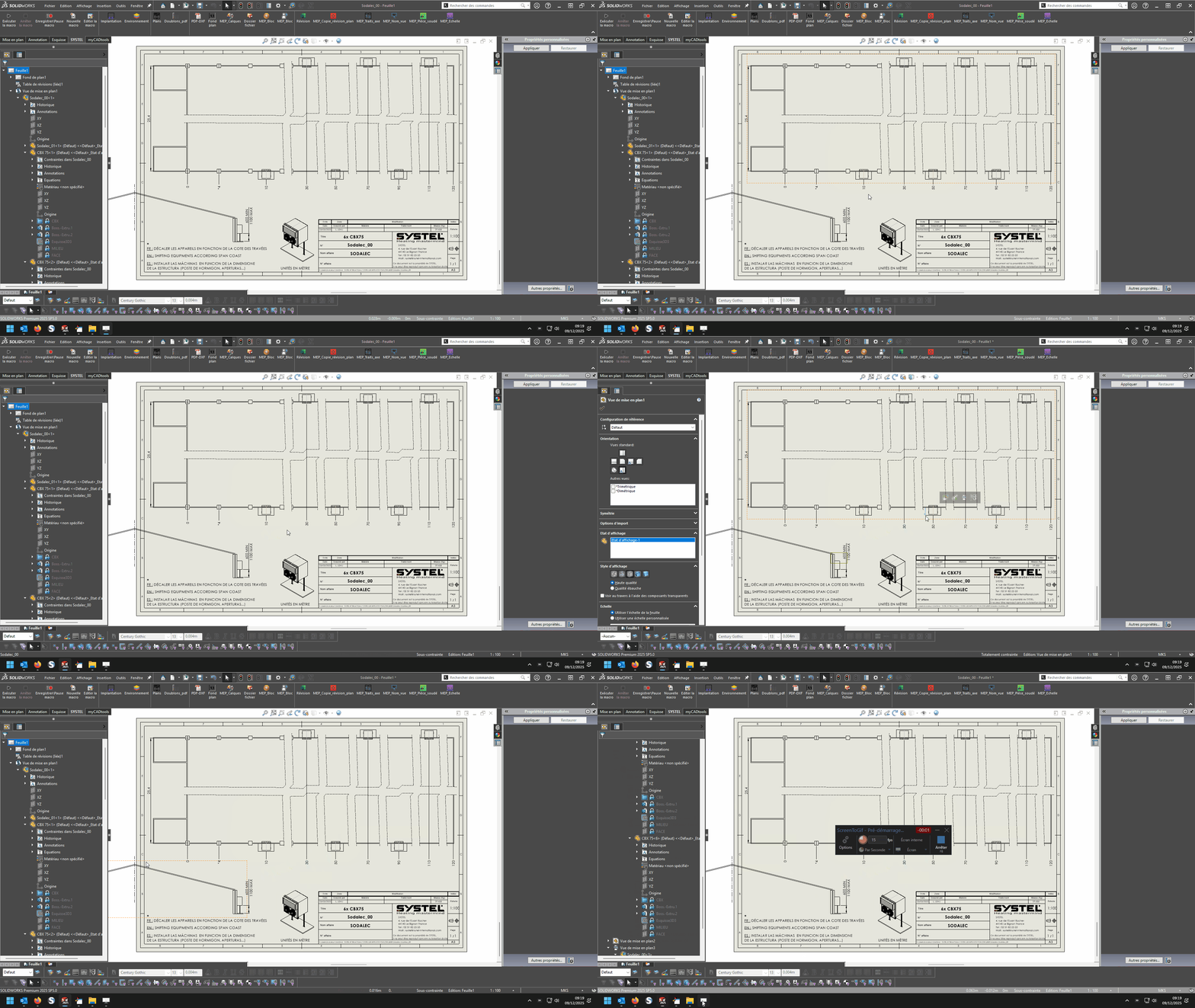
I want to capture in a plane the position of the cursor on the click
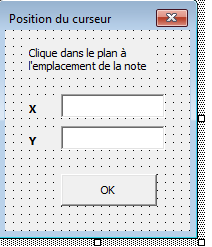
for example I have a userform2 that I thought I would use in non-modal, click on the sheet, visualize the X and Y position, validate and use the coordinates
Private Sub CommandButton1_Click()
'OK

Call Note
End Sub

Private Sub TextBox1_Change()
'X
End Sub

Private Sub TextBox2_Change()
'Y
End Sub
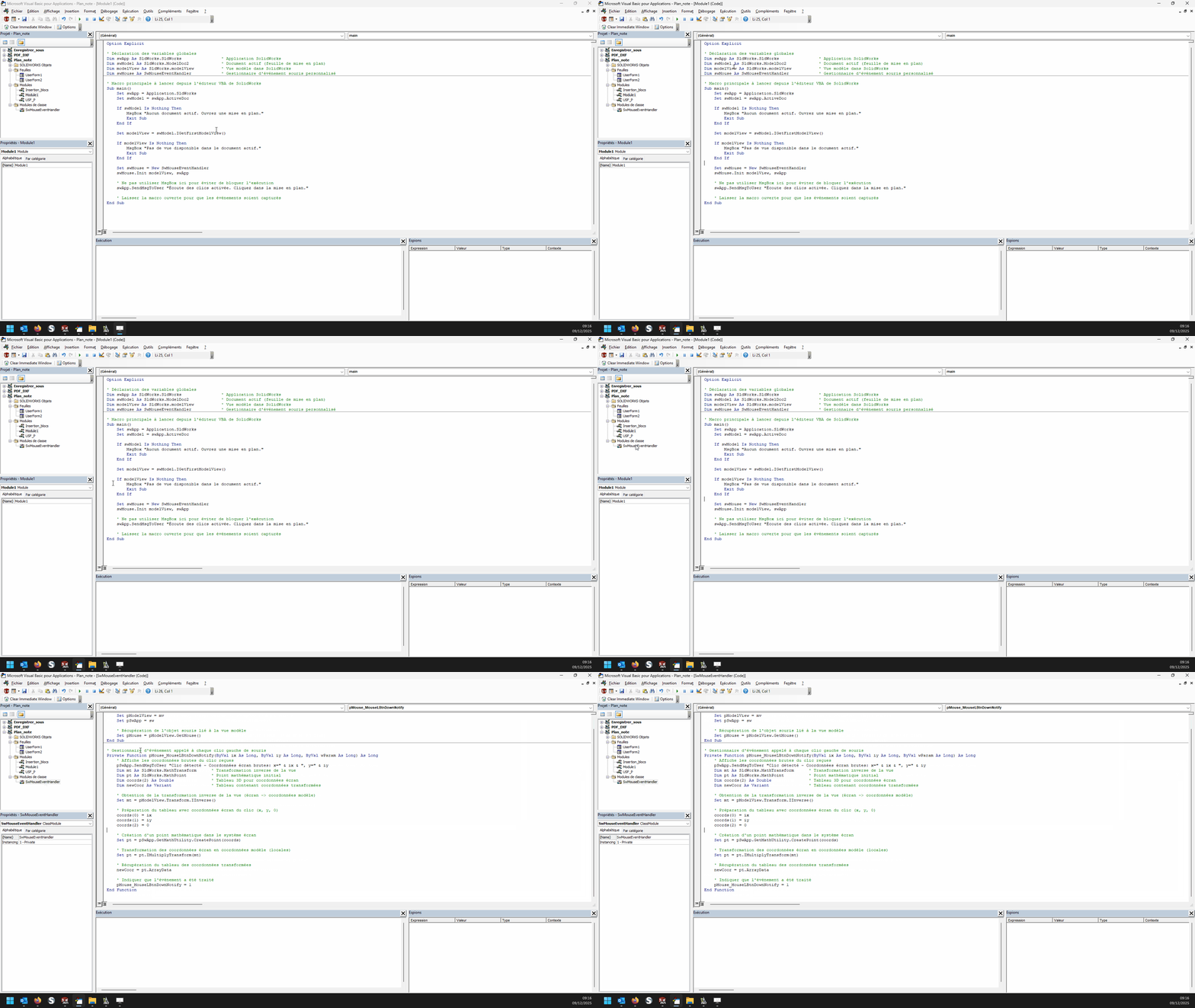
Arg, it's not that simple... but I think I'm almost there: In a module:
Option Explicit

' Déclaration des variables globales
Dim swApp As SldWorks.SldWorks                ' Application SolidWorks
Dim swModel As SldWorks.ModelDoc2             ' Document actif (feuille de mise en plan)
Dim modelView As SldWorks.modelView           ' Vue modèle dans SolidWorks
Dim swMouse As SwMouseEventHandler            ' Gestionnaire d'événement souris personnalisé

' Macro principale à lancer depuis l'éditeur VBA de SolidWorks
Sub main()
    Set swApp = Application.SldWorks
    Set swModel = swApp.ActiveDoc

    If swModel Is Nothing Then
        MsgBox "Aucun document actif. Ouvrez une mise en plan."
        Exit Sub
    End If

    Set modelView = swModel.IGetFirstModelView()

    If modelView Is Nothing Then
        MsgBox "Pas de vue disponible dans le document actif."
        Exit Sub
    End If

    Set swMouse = New SwMouseEventHandler
    swMouse.Init modelView, swApp

    ' Ne pas utiliser MsgBox ici pour éviter de bloquer l'exécution
    swApp.SendMsgToUser "Écoute des clics activée. Cliquez dans la mise en plan."

    ' Laisser la macro ouverte pour que les événements soient capturés
End Sub
and in a class module named " SwMouseEventHandler ":
' Initialisation : affecte la vue, l'application et récupère l'objet souris
Public Sub Init(mv As SldWorks.modelView, sw As SldWorks.SldWorks)
    Set pModelView = mv
    Set pSwApp = sw

    ' Récupération de l'objet souris lié à la vue modèle
    Set pMouse = pModelView.GetMouse()
End Sub

' Gestionnaire d'événement appelé à chaque clic gauche de souris
Private Function pMouse_MouseLBtnDownNotify(ByVal ix As Long, ByVal iy As Long, ByVal wParam As Long) As Long
    ' Affiche les coordonnées brutes du clic reçues
    pSwApp.SendMsgToUser "Clic détecté - Coordonnées écran brutes: x=" & ix & ", y=" & iy
    Dim mt As SldWorks.MathTransform      ' Transformation inverse de la vue
    Dim pt As SldWorks.MathPoint          ' Point mathématique initial
    Dim coords(2) As Double               ' Tableau 3D pour coordonnées écran
    Dim newCoor As Variant                ' Tableau contenant coordonnées transformées

    ' Obtention de la transformation inverse de la vue (écran -> coordonnées modèle)
    Set mt = pModelView.Transform.IInverse()

    ' Préparation du tableau avec coordonnées écran du clic (x, y, 0)
    coords(0) = ix
    coords(1) = iy
    coords(2) = 0

    ' Création d'un point mathématique dans le système écran
    Set pt = pSwApp.GetMathUtility.CreatePoint(coords)

    ' Transformation des coordonnées écran en coordonnées modèle (locales)
    Set pt = pt.IMultiplyTransform(mt)

    ' Récupération du tableau des coordonnées transformées
    newCoor = pt.ArrayData

    ' Indiquer que l'événement a été traité
    pMouse_MouseLBtnDownNotify = 1
End Function
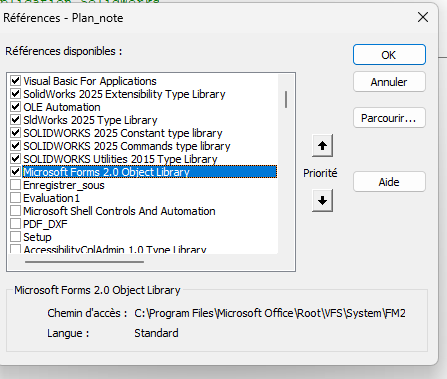
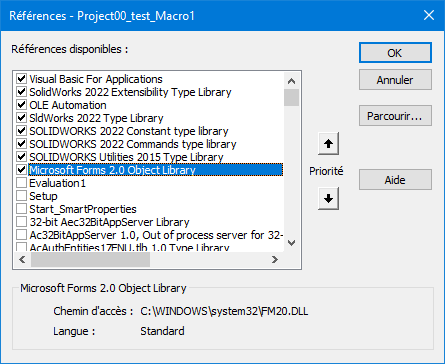
Try the macro in standalone mode, at first (without trying to associate it with your existing macros...) I attached the *.swp file in my previous post. There may be parasitic " vents " between your macro and mine, who knows.
Hello There is everything you need to do this in the Maclane examples but instead of going through MouseLBtnDownNotify you have to go through MouseSelectNotify and get the x, y and z values instead of the Ix and Iy values, it can for example look like this:
Dim swApp As SldWorks.SldWorks
Dim swModel As SldWorks.ModelDoc2
Dim swModelView As SldWorks.ModelView
Dim TheMouse As SldWorks.mouse
Dim obj As New Classe1

Sub main()
    Set swApp = Application.SldWorks
    Set swModel = swApp.ActiveDoc
    Set swModelView = swModel.GetFirstModelView
    Set TheMouse = swModelView.GetMouse

    obj.init TheMouse, swApp, swModel

    swApp.SendMsgToUser "Veuillez définir la position de la note."
End Sub
and for the class:
'Classe1
Dim WithEvents ms As SldWorks.mouse

Private cSwApp As SldWorks.SldWorks
Private cswModel As SldWorks.ModelDoc2

Private Sub Class_Initialize()
End Sub

Public Sub init(mouse As Object, sldw As SldWorks.SldWorks, slddoc As SldWorks.ModelDoc2)
    Set ms = mouse
    Set cSwApp = sldw
    Set cswModel = slddoc
End Sub

Private Function ms_MouseSelectNotify(ByVal Ix As Long, ByVal Iy As Long, ByVal x As Double, ByVal y As Double, ByVal z As Double) As Long
    Set myNote = cswModel.InsertNote("C'est ma note")
    If Not myNote Is Nothing Then
       Set myAnnotation = myNote.GetAnnotation()
       If Not myAnnotation Is Nothing Then
          boolstatus = myAnnotation.SetPosition(x, y, 0)
       End If
    End If
    cswModel.ClearSelection2 True
    cswModel.WindowRedraw

    End
End Function

Private Function ms_MouseLBtnDownNotify(ByVal x As Long, ByVal y As Long, ByVal WParam As Long) As Long

End Function
Dim swApp As SldWorks.SldWorks
Dim swModel As SldWorks.ModelDoc2
Dim swModelView As SldWorks.modelView
Dim TheMouse As SldWorks.mouse
Dim obj As New Classe1

Sub Notes_00()
Set swApp = Application.SldWorks
Set swModel = swApp.ActiveDoc
Set swModelView = swModel.GetFirstModelView
Set TheMouse = swModelView.GetMouse

obj.Init TheMouse, swApp, swModel

UserForm2.Show vbModeless
End Sub

Sub Notes_01()
Dim swApp As Object
Dim Part As Object
Dim myBlockDefinition As Object
Dim myAnnotation As Object
Dim URL As String
Dim NR As String
Dim NUM As String 'Pas byte sinon bt annulé impossible
Dim REPONSE As String

Set swApp = Application.SldWorks
Set Part = swApp.ActiveDoc

URL = "C:\Users\Notes\"

NUM = InputBox("1 : Tableau découpe insert hexagonal" & vbCrLf & _
               "2 : Gousset" & vbCrLf & _
               "3 : Soudure" & vbCrLf & vbCrLf & _
               "Entrez le numéro du bloc à insérer", "Choix de la note")

Select Case NUM
    Case "1": NR = "Découpe_insert_hex.SLDBLK": Echelle = 1: EXT = "A"
    Case "2": NR = "Gousset.sldnotestl": EXT = "B"
    Case "3": NR = "Soudure.SLDBLK": Echelle = 0.045: EXT = "A"
    Case Else: Exit Sub
End Select

REPONSE = URL & NR

If EXT = "B" Then
Set myAnnotation = Part.Extension.InsertAnnotationFavorite(REPONSE, UserForm2.TextBox1.Value, UserForm2.TextBox2.Value, 0)
Else
Set myBlockDefinition = Part.SketchManager.MakeSketchBlockFromFile(Nothing, REPONSE, False, Echelle, 0)

End If

End Sub
Class 1 Module
Dim WithEvents ms As SldWorks.mouse

Private cSwApp As SldWorks.SldWorks
Private cswModel As SldWorks.ModelDoc2


Public Sub Init(mouse As Object, sldw As SldWorks.SldWorks, slddoc As SldWorks.ModelDoc2)
Set ms = mouse
Set cSwApp = sldw
Set cswModel = slddoc
End Sub

Private Function ms_MouseSelectNotify(ByVal Ix As Long, ByVal Iy As Long, ByVal x As Double, ByVal y As Double, ByVal z As Double) As Long
UserForm2.TextBox1.Value = x
UserForm2.TextBox2.Value = y
End Function
userform2
Private Sub CommandButton1_Click()
'OK

If TextBox1.Value = "" Or TextBox2.Value = "" Then Exit Sub

Notes_01
Unload Me
End Sub
Whatever happens there is an overlay of the inputbox dialogs on usf, it's not a big deal I flipped the thing in all directions it doesn't work it's still visible even if unload with notes_01
The PB comes from here Set myBlockDefinition = Part.SketchManager.MakeSketchBlockFromFile(Nothing, ANSWER, False, Scale, 0)
which does not allow installation in the plane with coordinates
For me the problem is in the arguments of Part.SketchManager.MakeSketchBlockFromFile. What is expected: InsertPoint Filename LinkToFile Scale Angle
The fact that I put Nothing in the insertion point, I think that's what's blocking. You have to inject x,y coordinates as expected by SW For my part I have this type of code to apply a block
Sub AddBlock()
    bAddBlock = False
    swDraw.EditTemplate
    Set swMathUtil = swApp.GetMathUtility
    For j = 0 To nInstanceCount - 1
        npt(0) = dInstPoint(j * nInstanceCount)
        npt(1) = dInstPoint(j * nInstanceCount + 1)
        npt(2) = dInstPoint(j * nInstanceCount + 2)
        vInsertPoint = npt
        Set insPt = swMathUtil.CreatePoint(vInsertPoint)
        sBlockPath = cDirBlock & cBlock

        Set pBlock = skMgr.MakeSketchBlockFromFile(insPt, sBlockPath, False, 1#, 0#)
    Next j
    swDraw.EditSheet
End Sub


 .
.