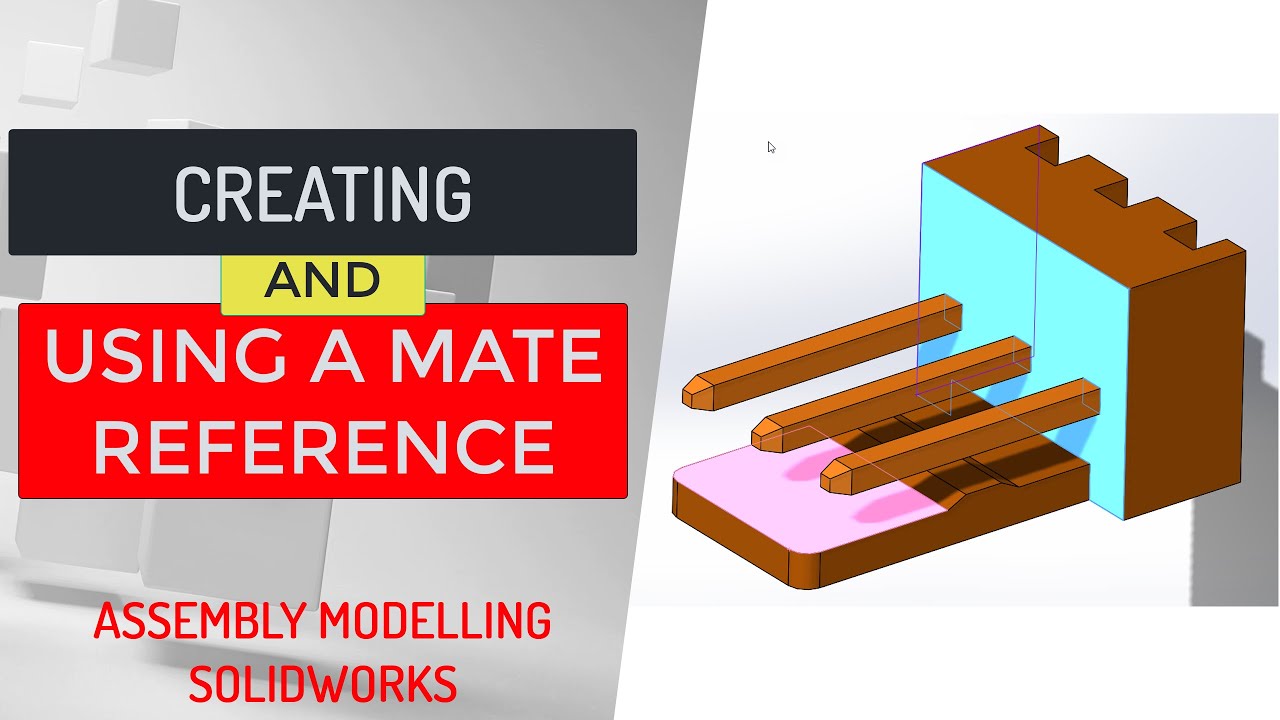
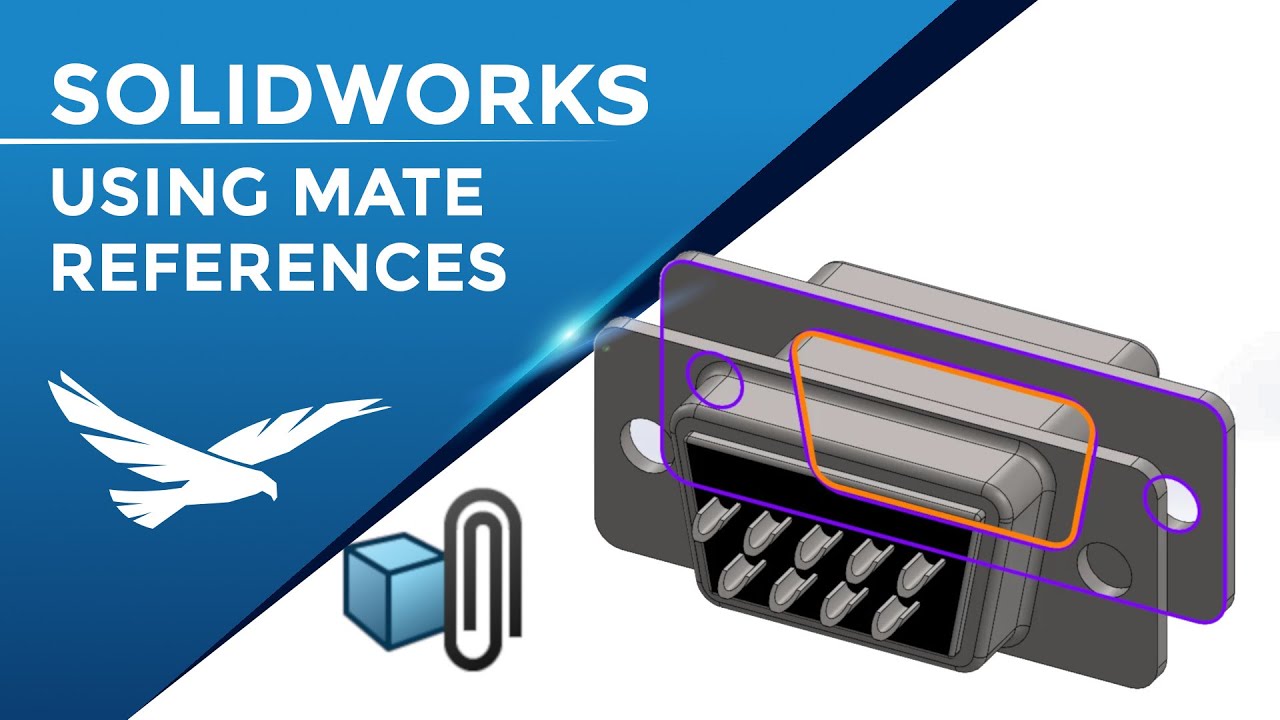
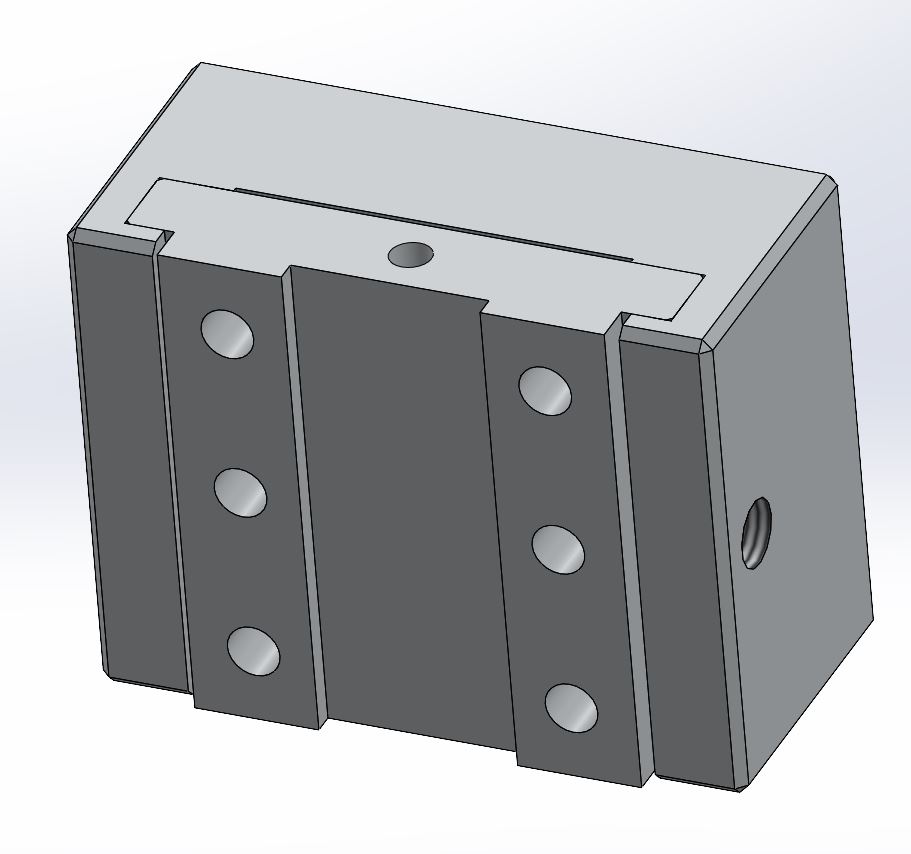
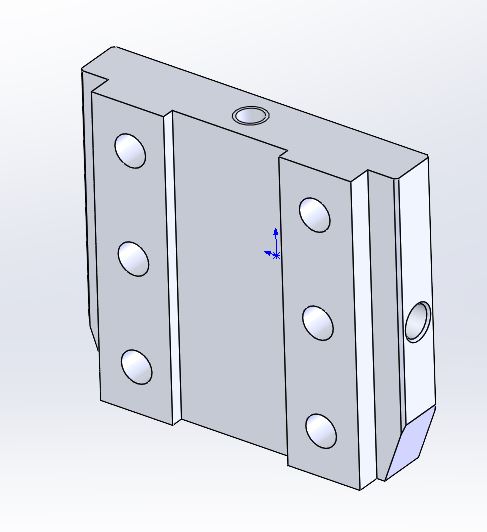
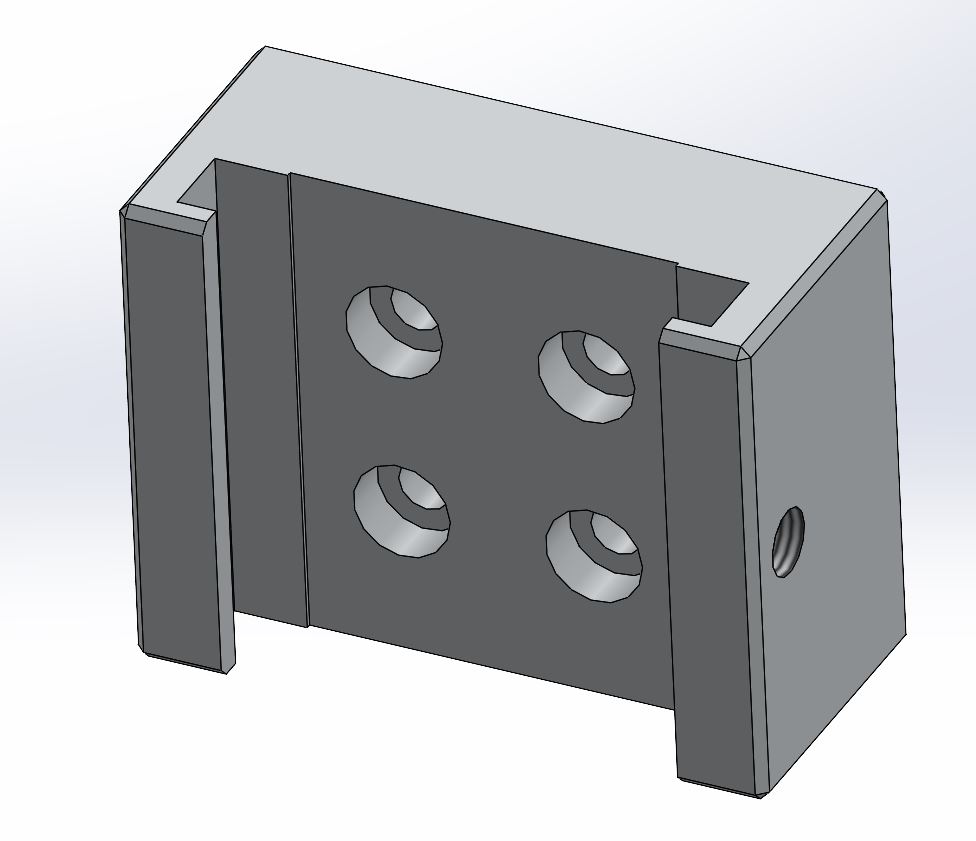
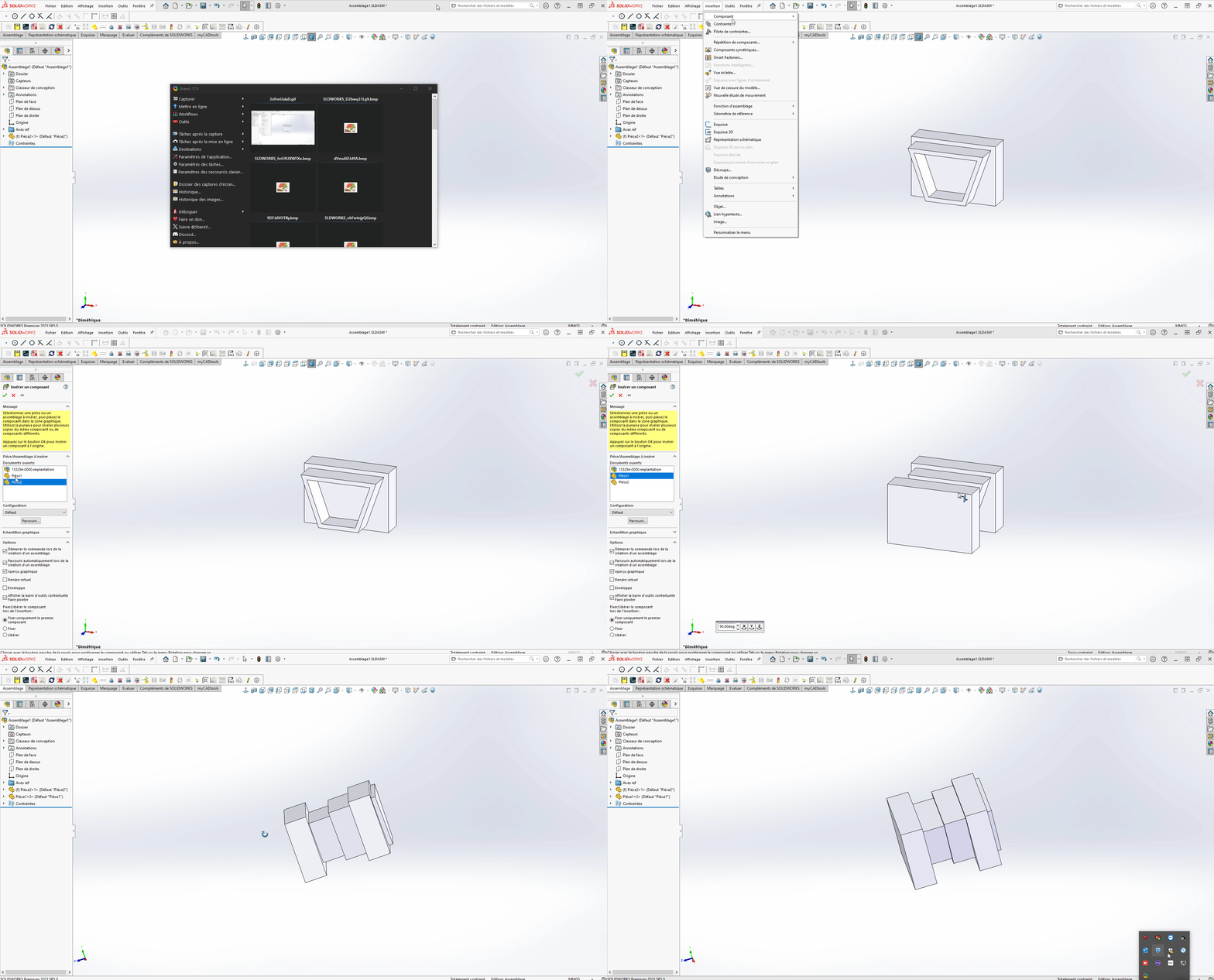
I am already happy to use the stress references for screws and revolving parts. I would like to implement this function on prismatic parts that I assemble very regularly. Example: a bit in a dovetail housing. Currently, I do this by manually adding 3 coincidence constraints between planar faces.
I've seen several videos that make me think it's doable, but so far my attempts have been unsuccessful and I've lost a few hairs in the process...
Examples:
Do you have any feedback for this function, or even any tips for correctly setting up the stress references on each part?
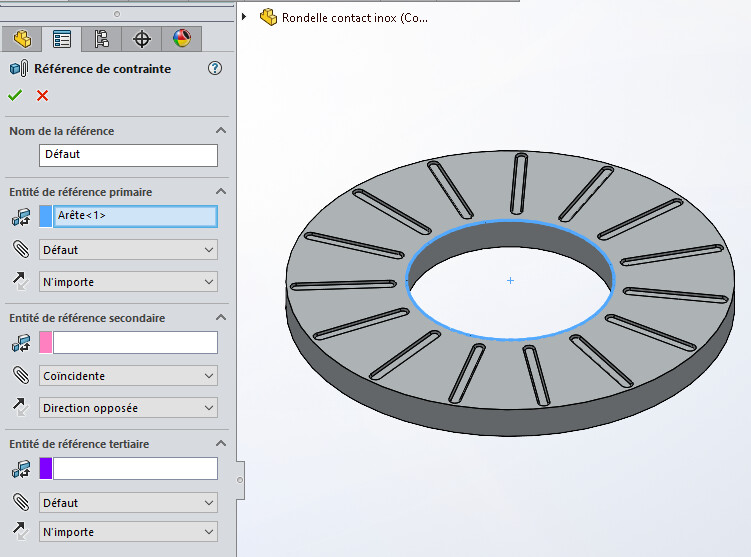
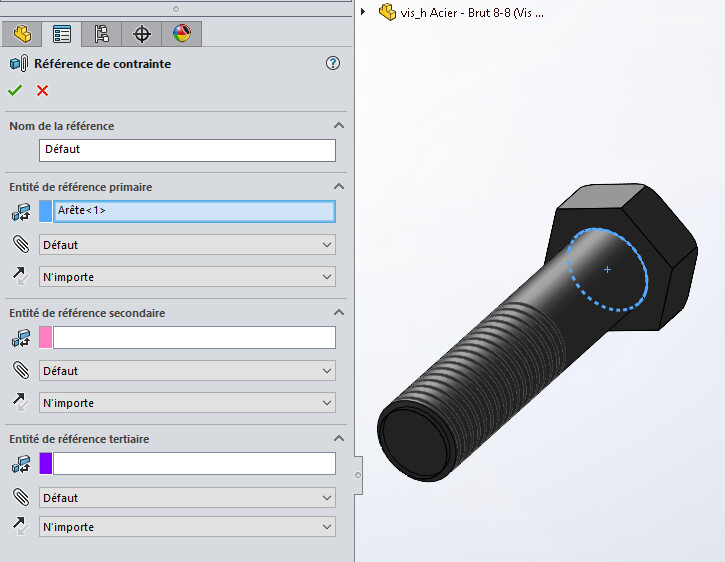
Hello; I use these stress references on my screw heads and washers, the expressive feedback I can get from them is: Don't use faces but rather edges (this has never worked with Coincidence Faces + coaxiality diameters)
In your first tutorial video, these plane/plane constraints seem to work well. I think that for this:
You have to pay attention to the orientations (choice of the smart mate to know if the planes have their opposite normal or not). If the orientation is bad on the second and/or 3rd it must quickly bug.
It is possible that it works less well if the result is not 100% constrained (in the example the 2 parts end up totally fixed together and you probably want to keep the axial translation). If your slides have theoretical play between components, it shouldn't help.
Indeed I think that the configuration plays a lot but not easy to know the influence of each parameter... In reality I just need to constrain on the 3 sides, I don't try to keep a degree of freedom. The 2 rooms have the same dimensions (the functional game is managed on the drawing).
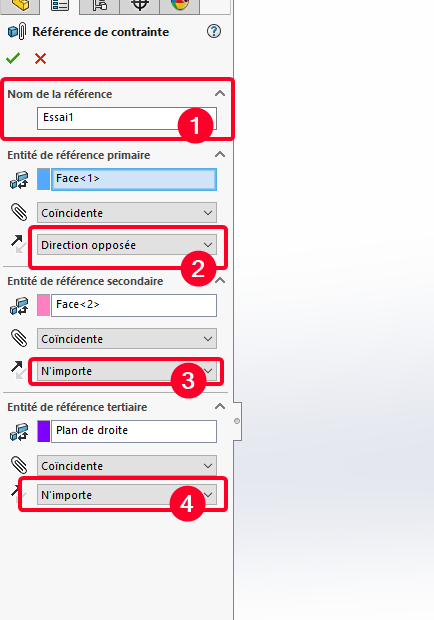
For it to work, either a simple circular edge in constraint ref like @Maclane and it clings to any drilling (circular edge) without any problem. Or constraint ref (identical) to be put in the 2 rooms with the same reference name. (1) And also put the common sense (ideally only one way as the opposite direction or the same direction (2) and for the others put N'importe.( (3) and (4))
Unfortunately... It doesn't work for me ! He tries to place constraints but it does a bit of a mess. I'm starting to think that there is a question of setting up the application options.
For me, SW2023, I had done several tests, it was much more capricious on older versions of SW and here I admit I was pleasantly surprised. But yes, this function is quite capricious and not always easy to create.
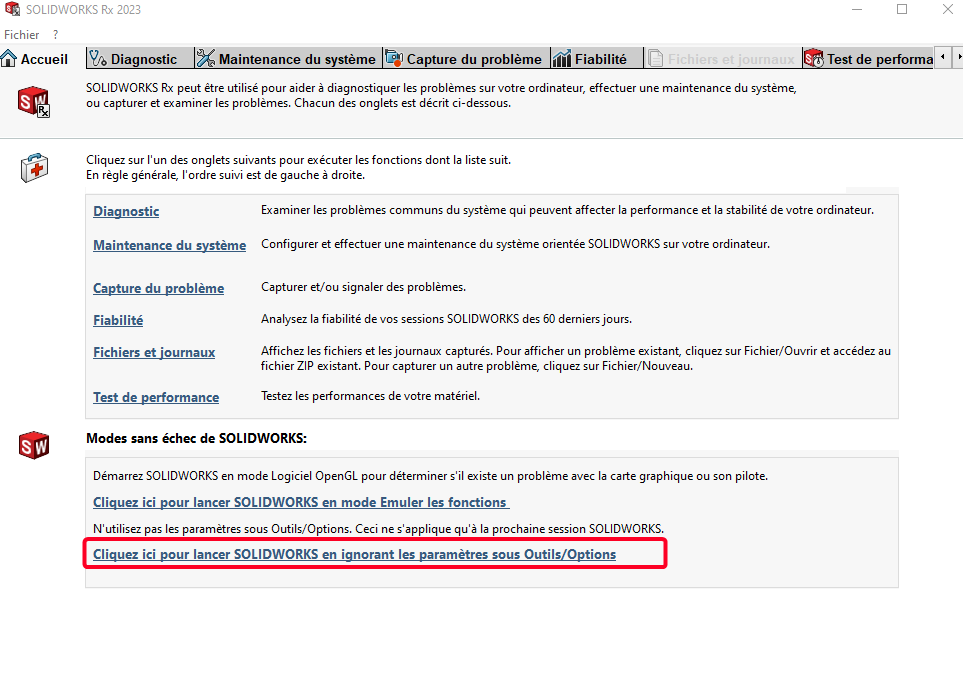
For the SW options you can try a temporary reset of the settings then you try with the 2 pieces and you will see if it comes from your SW profile. To do this you close SW, then you start SW RX then you click here to open SW with the settings as installed (for the current session only after your profile returns)
So it doesn't come from the profile, maybe variable depending on the version of SW? Attempt to remove the reference constraints and recreate it identically in SW2025.
Under Solidworks 2022, I managed to get a correct result with one coaxiality and two parallelisms (one of which is unoriented) ... It works well three or four times and then the fifth time ... Patatras ! It's incomprehensible.
Why not use " virtual " connectors in each room. The connector can be a reference, plane/plane (transparent element), or axis. Possibly a sketch as long as the element is not seen in 3D and plan.
 )
)


 !
!


 !
!

